
Invoicing and payment tracking
Create, send, and track invoices, with support for one-off, recurring, scheduled, and web invoices. Invoices stay linked to customers and revenue, and online payment is built in.

Midday is a business operations and pre-accounting tool for founders and freelancers that combines invoicing, bank sync, transaction tracking, receipt matching, time tracking, and exports in one workspace. The current site also says the product is joining Ramp and will wind down over the next three months.
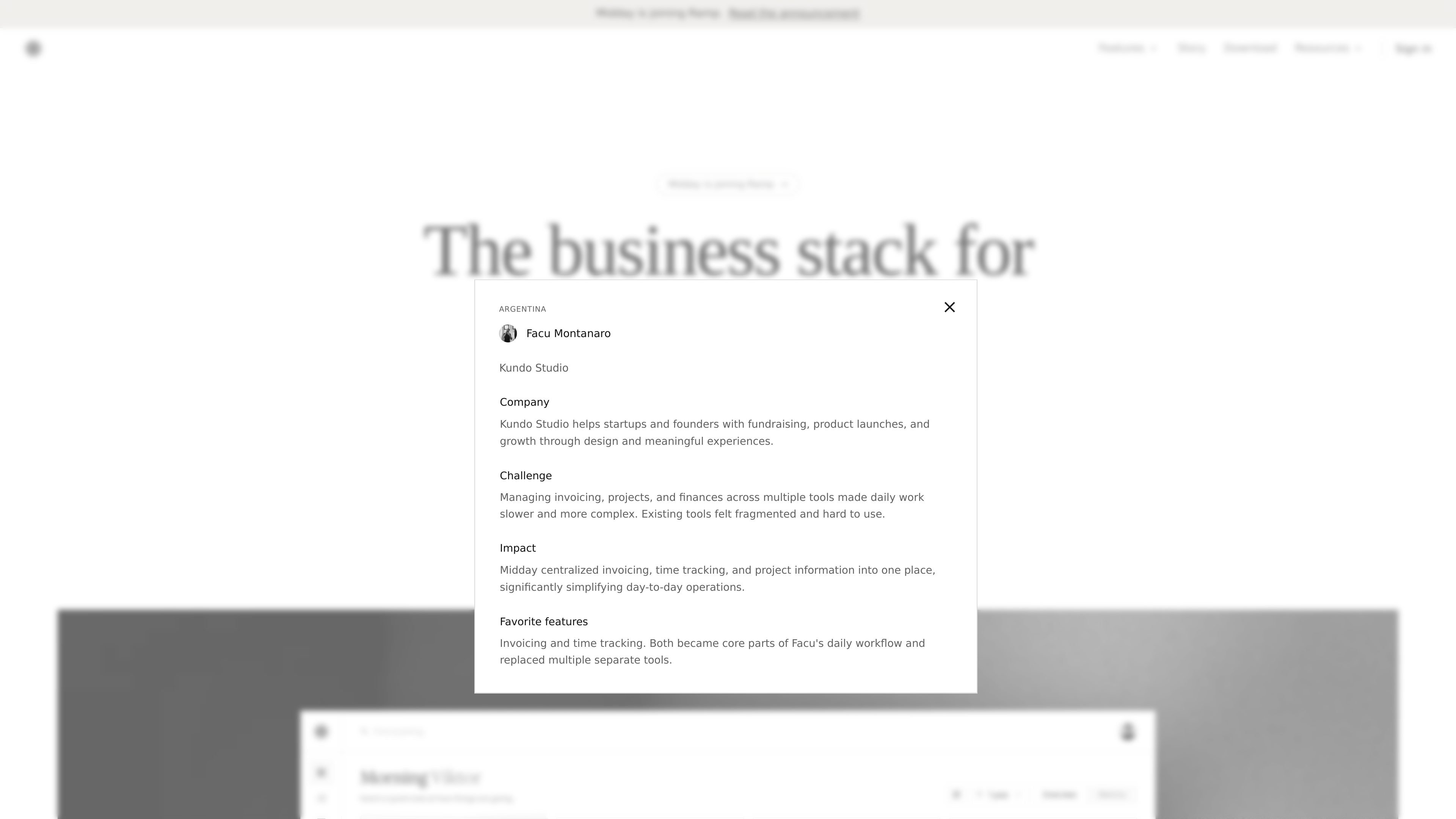
Midday is a business operations tool for founders and freelancers that brings invoicing, transactions, receipt matching, time tracking, customer records, files, and accounting exports into one connected workspace. The site describes it as “the business stack for modern founders” and positions it as a way to replace disconnected tools with a single system.
Its core workflow centers on keeping financial admin organized automatically: transactions are synced from connected accounts, receipts and invoices are matched to those transactions, and records stay export-ready for accounting. The product also supports online invoicing and payment tracking, with details carried into the broader financial overview.
Create, send, and track invoices, with support for one-off, recurring, scheduled, and web invoices. Invoices stay linked to customers and revenue, and online payment is built in.
Automatically pull in transactions from connected accounts and keep them in one unified list. The transactions page also highlights manual transactions, CSV import, filters, and search.
Match receipts, payments, and transactions so records stay organized. The homepage and transactions page both describe automatic reconciliation and bulk categorization.
Capture project hours and billable time alongside financial workflows. The homepage presents time tracking as part of the connected system for running the business.
Store files, organize customer information, and keep documents connected to the rest of the workflow. The product positions these as part of one system rather than separate tools.
Export clean records for accounting systems and work with connected tools such as QuickBooks, Xero, Fortnox, Gmail, Outlook, Slack, Stripe, and collaboration apps.
Use Midday to create invoices, send them to customers, and track whether payments are received. The invoicing page shows support for different invoice types, including recurring and scheduled billing.
Connect business bank accounts to collect transactions in one list, then categorize and reconcile them automatically. This is useful for keeping day-to-day spending organized across multiple accounts.
Import or capture receipts from email and uploads, then match them to the related transactions. The site presents this as a way to reduce manual follow-up and keep records clean for accounting.
Track billable hours and keep time data connected to your invoicing and financial overview. Midday presents time tracking as part of the same system rather than a separate tool.
Prepare clean records for an accountant or tax advisor by keeping invoices, receipts, and transactions organized and export-ready. The product explicitly describes this as pre-accounting work.
Midday combines invoicing, bank sync, transaction tracking, receipt matching, time tracking, customer records, files, and accounting exports in one place. The site also describes it as a business stack for modern founders and freelancers.
The source shows connected bank accounts and supported accounting exports, but it does not provide a complete public setup checklist. It does say you can connect banks, email, payments, and accounting software in minutes.
The pricing page says Midday is joining Ramp and that the product will wind down over the next three months. It also says customers were emailed details about refunds on annual plans, full data export, and a personalized migration path for eligible users.
Yes. The site describes invoices that customers can pay online, with payments tracked automatically, and a separate invoicing page says you can create one-off, recurring, scheduled, or web invoices.
The source mentions a 14-day free trial and 'cancel anytime' on the homepage. The pricing page itself is primarily a wind-down notice rather than a standard plan comparison.