
Visual notes and mind maps
Automatically turns meeting content into visual notes and mind maps so readers can scan topics and relationships instead of relying only on a transcript.

Meeting.ai is an AI meeting assistant that turns meetings into visual notes, summaries, and action items. It supports live meetings, recordings, and sharing or exporting notes in several formats.
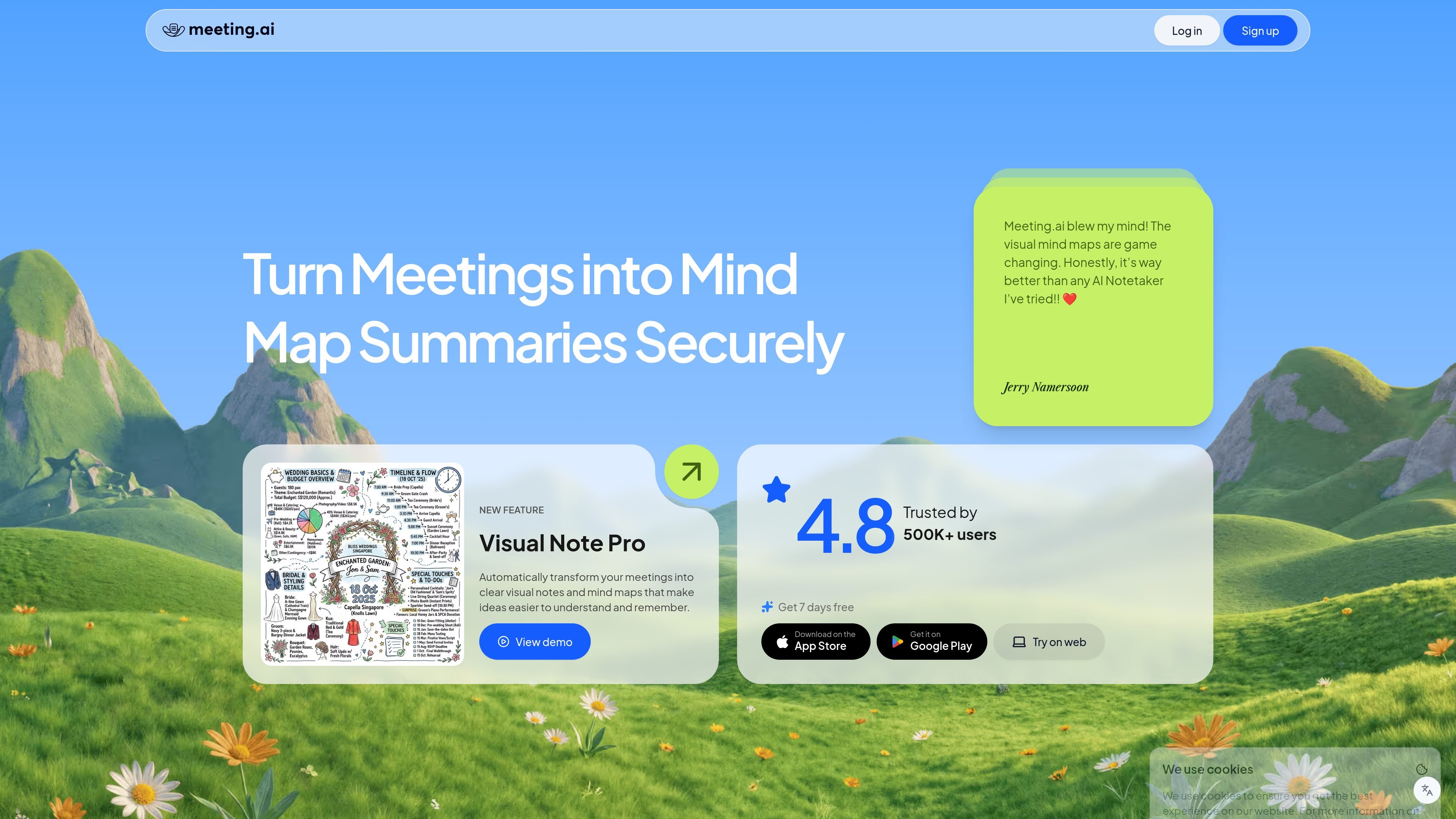
Meeting.ai is an AI note-taking assistant that turns meetings into summaries and visual notes. The product emphasizes a visual format, combining mind maps with structured meeting output rather than relying only on plain text transcripts.
The workflow shown on the site starts with selecting a language, then joining a meeting or uploading a recording. Meeting.ai then produces structured summaries, mind maps, and action items that can be shared securely by link or exported as PDF, image, or text.
Automatically turns meeting content into visual notes and mind maps so readers can scan topics and relationships instead of relying only on a transcript.
Creates concise summaries that capture key points, decisions, and action items from the meeting.
Includes transcription with automatic speaker identification so notes can be tied back to participants.
Lets you ask questions about a meeting and refine the notes with AI after the session.
Supports secure sharing by link or email and export to PDF, image, or text files.
Shows meeting statistics such as duration and who spoke the most, based on the source page.
For recurring team check-ins, Meeting.ai can capture progress updates, blockers, and priorities, then organize them into a summary that supports follow-up work.
For planning sessions, the visual note format helps turn discussion topics into a mind map that is easier to review after the meeting.
For interviews and presentations, it can record the discussion, identify speakers, and produce a concise recap with key points and action items.
For workshops or training sessions, the combination of transcript, summary, and visual notes helps preserve both the structure and details of the discussion.
Meeting.ai is an AI note-taking assistant that turns meetings into summaries and visual notes you can review and share.
It can start note-taking when you join a meeting or upload a recording, then produce structured summaries, mind maps, and action items.
The product page says it includes automatic speaker identification, but it does not provide detailed technical limits or accuracy specifications beyond user testimonials.
The source page highlights secure sharing by link or email and export options such as PDF, image, or text, but it does not publish a detailed security policy in the provided text.