
AI agents in one workspace
Build agents that can answer, route, and act across customer-facing and internal workflows, rather than staying limited to a single chat surface.

Mazaal AI is a business automation platform for building AI agents and workflows across Slack, web and email for teams.
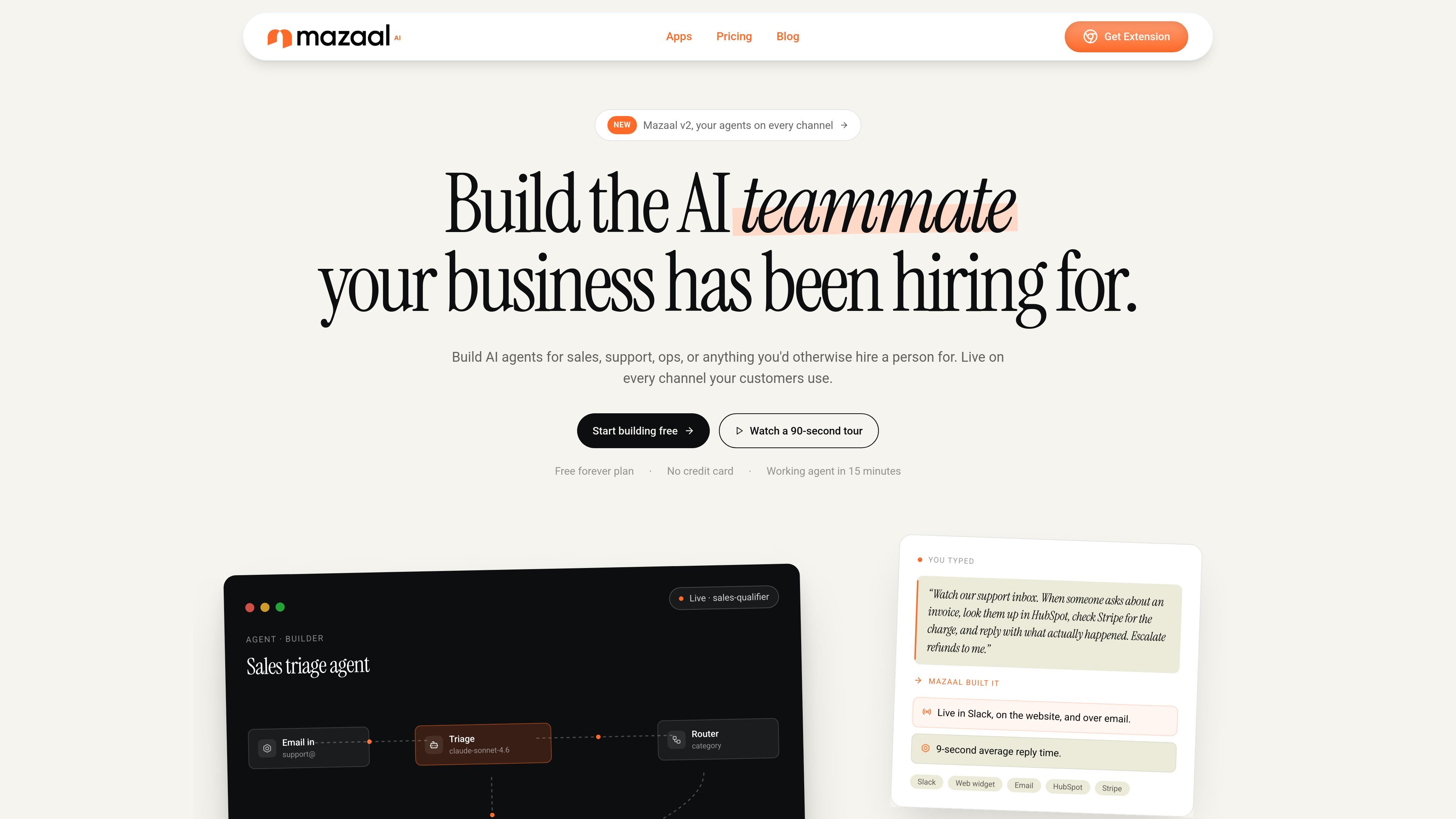
Mazaal AI is a business automation platform for building AI agents and workflows in a single workspace. The homepage positions it as a place to create agents for sales, support, operations, and other business tasks, then deploy them across channels such as Slack, web, and email.
The product combines agents, workflow automation, model access, knowledge bases, and stack integrations. Pricing pages show tiered plans with AI credits, automation credits, knowledge base limits, and Advanced Tools on higher plans, while the homepage highlights multi-channel delivery, versioning, and team-oriented controls.
Build agents that can answer, route, and act across customer-facing and internal workflows, rather than staying limited to a single chat surface.
Create multi-step automations with triggers, branches, scheduled runs, and webhooks, then inspect and replay runs from the visual builder.
Connect agents to a broad app ecosystem through app connectivity, native MCP, custom HTTP, webhooks, and scripts.
Deploy the same agent across Slack, web, email, messaging apps, social channels, SMS, and voice without rebuilding it for each surface.
Use prompts, structured JSON outputs, versioning, one-click rollback, and model routing across providers such as OpenAI, Anthropic, Google, and DeepSeek.
Store source documents in knowledge bases with citations in replies, then manage usage with credit governance, limits, and role-based org controls.
Create an agent that handles routine customer questions, checks connected systems, and escalates edge cases to a human when needed.
Automate repetitive internal processes with triggers, branches, scheduled steps, and webhooks, then review or replay runs when something needs debugging.
Deploy one agent to Slack, a website widget, and email so customers or teammates can reach the same system from different channels.
Build workflows that pull from documents or prior knowledge, use structured outputs, and keep replies grounded with citations.
Set up team-facing automation with org roles, support tiers, API access, and usage limits that scale from solo use to larger plans.
Mazaal is an AI agent platform for building workflows that can operate across channels and connect to external tools. The homepage describes it as a single workspace for agents, workflows, and stack integrations.
The pricing page shows paid plans that include agents, workflows, AI credits, automation credits, and a knowledge base allowance. A free forever plan is also mentioned with 10 AI credits, 100 Automation credits, and a 10 MB knowledge base.
Yes. The homepage says agents can live on Slack, web widget, and email, and it also lists additional channels such as Discord, Telegram, WhatsApp, Facebook, Instagram, X, LinkedIn, SMS, and voice.
The homepage says Mazaal supports 10,000+ apps through app connectivity plus native MCP, and also mentions custom HTTP, webhooks, and scripts.
The source shows plans with different user limits and support levels, including email, chat, and priority support. It also indicates team and business plans for multi-user usage.