
Artwork workflow and approval
Manage workflows for packaging artwork from content collection through proofing and approval, with task assignment, milestones, notifications, and audit logs.

ManageArtworks packaging and labeling artwork management software for FMCG, Food, CPG, and Pharma teams, with workflow, proofing, DAM, and pack copy management.
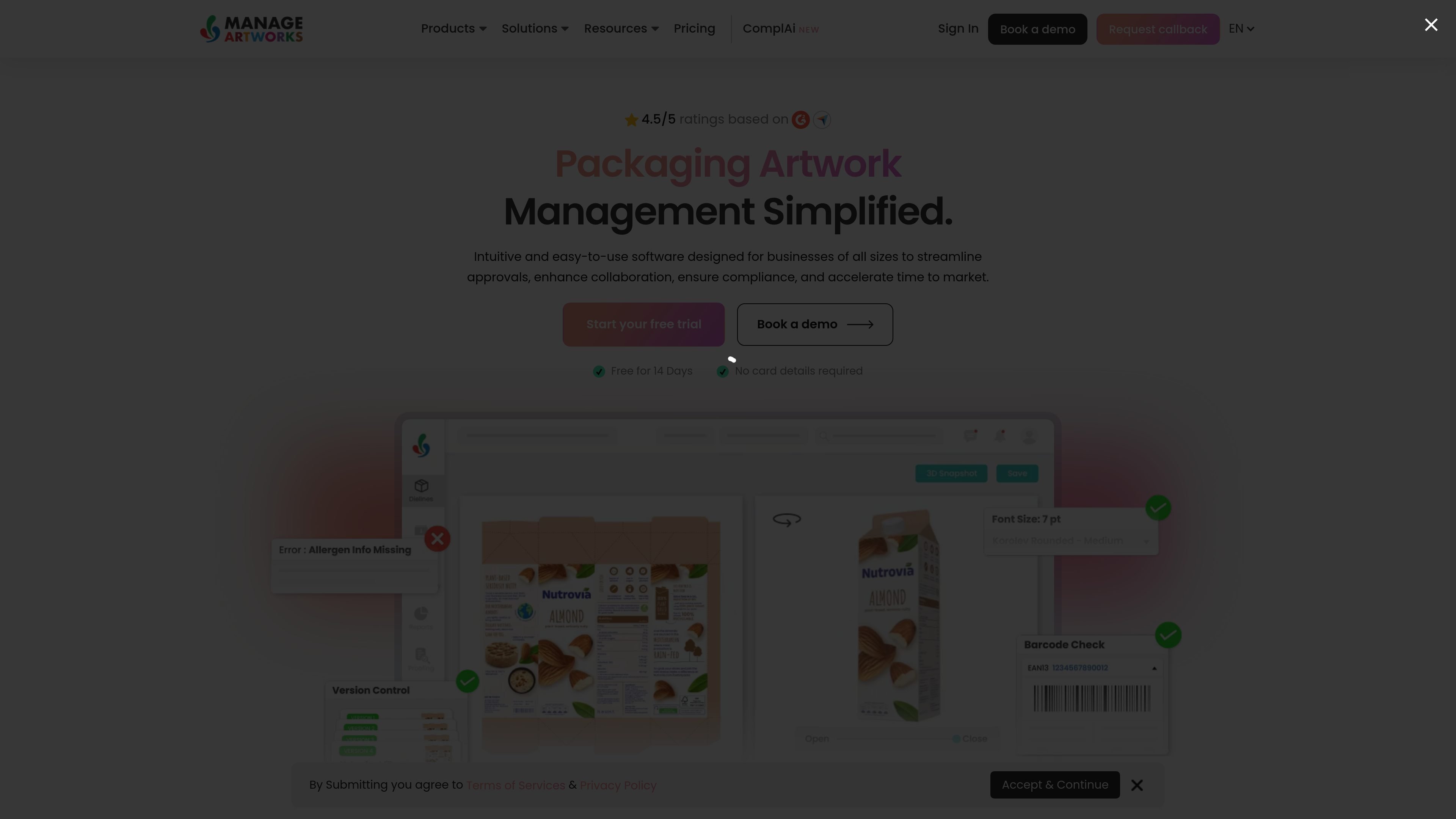
ManageArtworks is packaging and labeling artwork management software for FMCG, Food, CPG, and Pharma teams. It brings artwork workflow, proofreading, digital asset management, and pack copy management into one system so teams can handle packaging content in a connected process.
The product is built to support end-to-end packaging work, from gathering pack content and reviewing artwork to managing revisions, storing assets, and reusing approved copy. The site also describes enterprise services for implementation and account management, including onboarding, migration support, training, and post-go-live care.
Manage workflows for packaging artwork from content collection through proofing and approval, with task assignment, milestones, notifications, and audit logs.
Store packaging files in a version-controlled repository with metadata tagging, folder browsing, faceted search, and bulk file actions.
Centralize pack content, translations, and e-commerce content so teams can create, approve, store, and reuse approved copy across products.
Review artwork with checks for color separation, layer separation, font analysis, barcode and Braille checks, spell check, pixel compare, and annotation tools.
Build and manage dielines in 2D and 3D, including a dieline library, dimension changes, graphics placement, folding simulation, and 3D rotation.
Track work with standard and custom reports, dashboards, drill-down views, trend reporting, and data export, while supporting SSL, encryption, backups, disaster recovery, and SSO integration.
Coordinate packaging work across content owners, proofers, and approvers with task routing, milestones, notifications, and audit logs.
Keep packaging files organized in a searchable repository with metadata, folders, version history, and bulk file operations.
Review labels and pack artwork for issues before release using inspection tools for barcode, Braille, fonts, spelling, and pixel differences.
Manage approved pack copy, translations, and reusable content for new products or updates.
Support enterprise rollouts with implementation planning, migration of existing files and content, and post-launch account support.
ManageArtworks provides packaging artwork management software for FMCG, Food, CPG, and Pharma teams. The site positions it around artwork proofreading, digital asset management, copy management, and workflow handling.
The pricing page shows Pro, Growth, and Custom options. Pro and Growth include up to 10 named users, while the Custom plan is sold through sales and adds features such as pack copy management, dieline and 3D management, and enterprise integrations.
The implementation page describes a structured onboarding process with requirement gathering, standard templates, migration support, and a 30-day hyper care period after go-live.
The account management page says enterprise clients get a dedicated Account Manager for onboarding, training, change requests, user expansion, issue escalation, performance monitoring, and contract renewal management.
The source does not publish named third-party integrations or a detailed deployment model beyond cloud storage, SSO integration, and enterprise system integrations mentioned on the pricing page.