
AI copywriting
Generate landing page copy from a short project description. The site says the AI uses millions of converting headlines and supports more than 50 languages.

Makelanding is an AI landing page generator that turns a short project description into an editable landing page with multilingual output and plan-based publishing options.
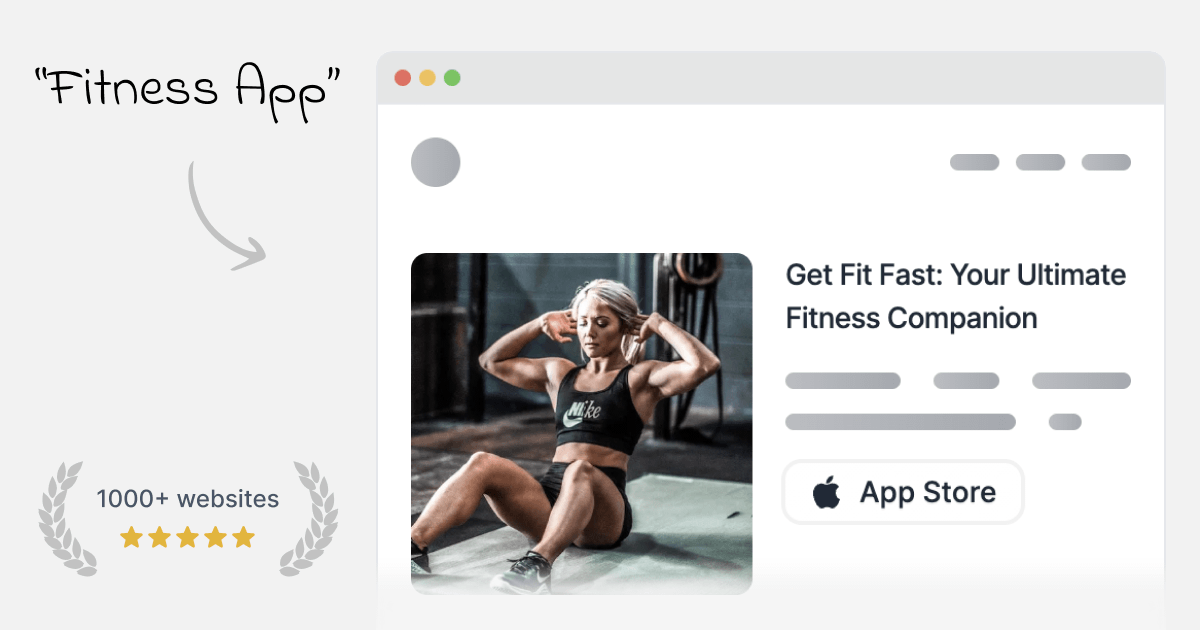
MakeLanding is an AI landing page generator that turns a short description of a project into a complete landing page. The site says it creates the page copy, logo, illustrations, icons, and buttons, then lets you customize the result in an editor before sharing it.
It is aimed at people who want to launch a product, course, podcast, campaign, or other offer without designing the page from scratch. The creation flow asks for a description, an optional page language, and an optional page type, then generates a page that can be edited and published through a shareable link or custom domain on supported plans.
Generate landing page copy from a short project description. The site says the AI uses millions of converting headlines and supports more than 50 languages.
Create logos and illustrations automatically, with options for 6 art styles and 12 color themes. The site also says it can use a library of 5M stock photos.
Choose from pre-made components and templates for use cases such as portfolios, mobile apps, SaaS products, communities, and courses.
Edit the generated page by changing copy, buttons, links, and illustrations, and add or remove sections before sharing it.
Route visitors to an external destination such as an app store link, crowdfunding campaign, charity page, course, or other call to action.
Access simple analytics on higher plans, with custom domain support on Pro and API access on Premium.
Describe a new product, app, or service and generate a sales page with copy and visuals you can refine before launch.
Create a landing page for a podcast with episode highlights and listening links to Apple Podcasts, Google Podcasts, or Spotify.
Build a waitlist or pre-launch page to collect interest before the full offer is ready.
Turn a course, book, or other educational offer into a focused page with clear calls to action and supporting sections.
Create localized landing pages by writing the prompt in one language and choosing a target language for the finished page.
It generates a landing page from a short description of your project. The output includes copy, a logo, illustrations, buttons, and editable sections.
Yes. The editor lets you change the copy, buttons, links, illustrations, and page sections, and you can upload your own pictures.
The site says generation takes up to a minute, and the homepage describes the page as site-ready in about 3 minutes.
The product supports headlines in 50+ languages, and the creation form lets you choose a page language such as Spanish, Chinese, Hindi, Arabic, French, Portuguese, Russian, Japanese, German, or Korean.
The FAQ says you can keep your landing pages after canceling, but they will not be accessible to you or anyone else once the subscription ends.