
AI note generation
Turn source material into structured notes from videos, PDFs, articles, URLs, and meeting transcripts, with support for summarization and content expansion.

LunaNotes is an AI note-taking app that turns videos, PDFs, articles, and meetings into structured notes, diagrams, flashcards, and searchable knowledge. Free and paid plans.
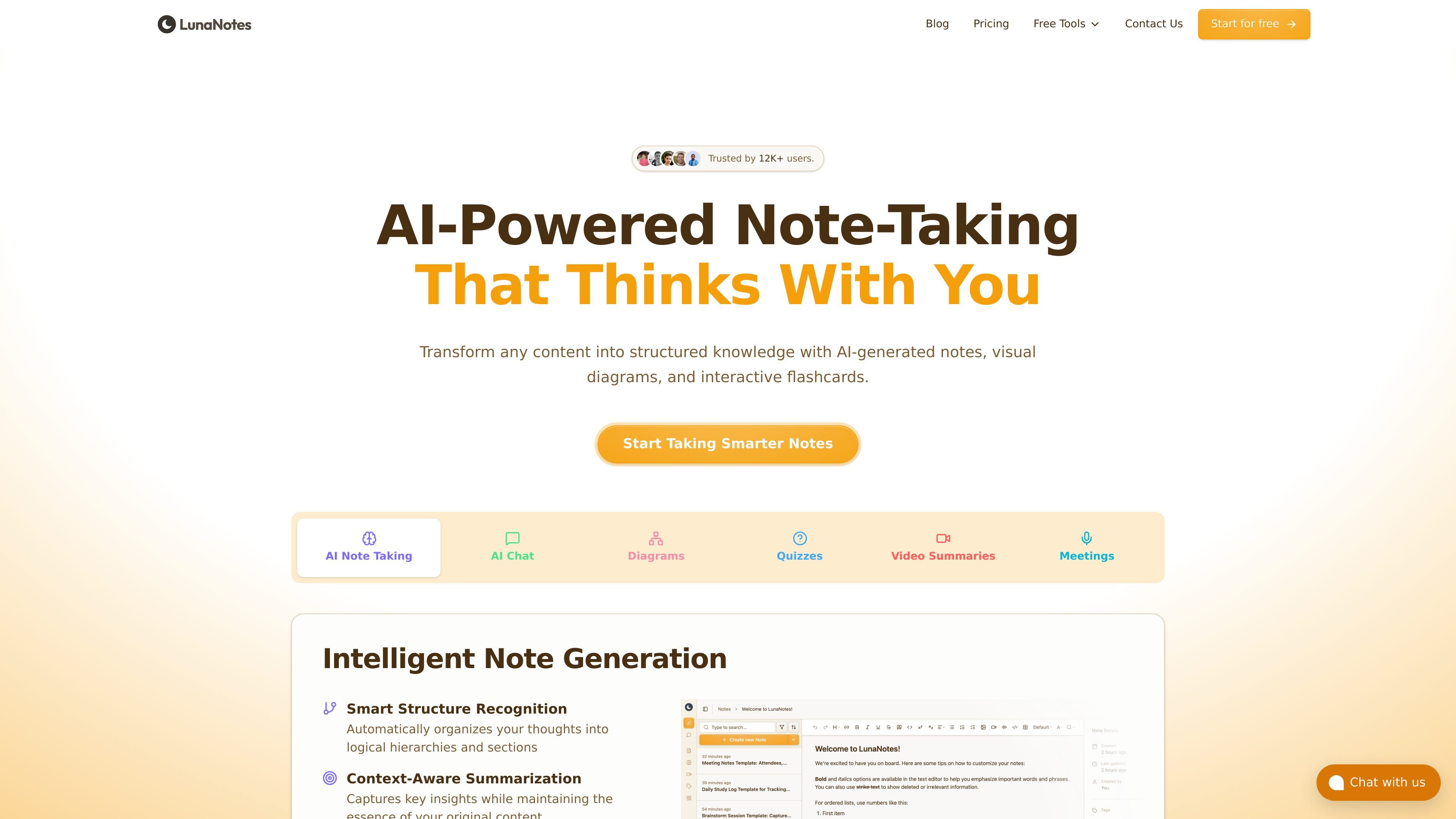
LunaNotes is an AI-powered note-taking app for turning videos, PDFs, articles, meetings, and other source material into structured notes, diagrams, flashcards, and searchable knowledge. It combines manual editing with AI actions so users can draft, refine, and reorganize notes in one workspace.
The product is positioned for learners, researchers, and teams that want to capture information faster and then reuse it for study, review, or project documentation. A free plan is available, and paid plans add more AI credits, storage, linked accounts, and integrations.
Turn source material into structured notes from videos, PDFs, articles, URLs, and meeting transcripts, with support for summarization and content expansion.
Create visual flowcharts and concept maps from notes or selected text, with diagrams generated in Mermaid.js and saved to your workspace.
Convert notes and video content into interactive flashcards and quizzes for study and review.
Use AI chat to ask questions about your notes, search across your workspace, and organize information through chat commands.
Capture meetings in Google Meet with a notetaker that records, transcribes, and produces summaries and action items.
Keep notes organized with folders, templates, rich-text editing, timestamps, sharing, and real-time sync across devices.
Import lecture videos or course material to get structured notes, concept maps, and flashcards that support exam review and self-testing.
Capture meeting discussions in Google Meet, then turn the recording into a summary, action items, and a note that can be searched later.
Build a research library from articles, ideas, and manual notes, then use AI chat and diagrams to connect related concepts across topics.
Ask questions over your notes or use AI edits to rewrite, summarize, or expand rough drafts into clearer working notes.
Connect LunaNotes through MCP-compatible clients to let external AI agents work with your notes and context.
Yes. LunaNotes has a free plan with 100 AI credits per month and no credit card required to start.
AI features such as generating notes, diagrams, flashcards, chat, and video transcription use credits. Unused credits reset at the start of each billing cycle and do not roll over.
Yes. Paid plans can be cancelled anytime, and monthly plans are non-refundable while annual plans include a 14-day money-back guarantee.
AI diagrams currently save to your workspace but are read-only, and exported diagrams are not yet available.
LunaNotes exposes an MCP server and supports use with MCP-compatible clients such as Claude, ChatGPT, Cursor, Gemini, and others.