
Prompt-to-video workflow
Describe an idea once and Lunair turns it into a script, storyboard, styled scenes, and a finished animated video.

Lunair is an AI video creation tool that turns a text prompt into a branded animated explainer video. Draft and revise videos in natural language, no manual editing.
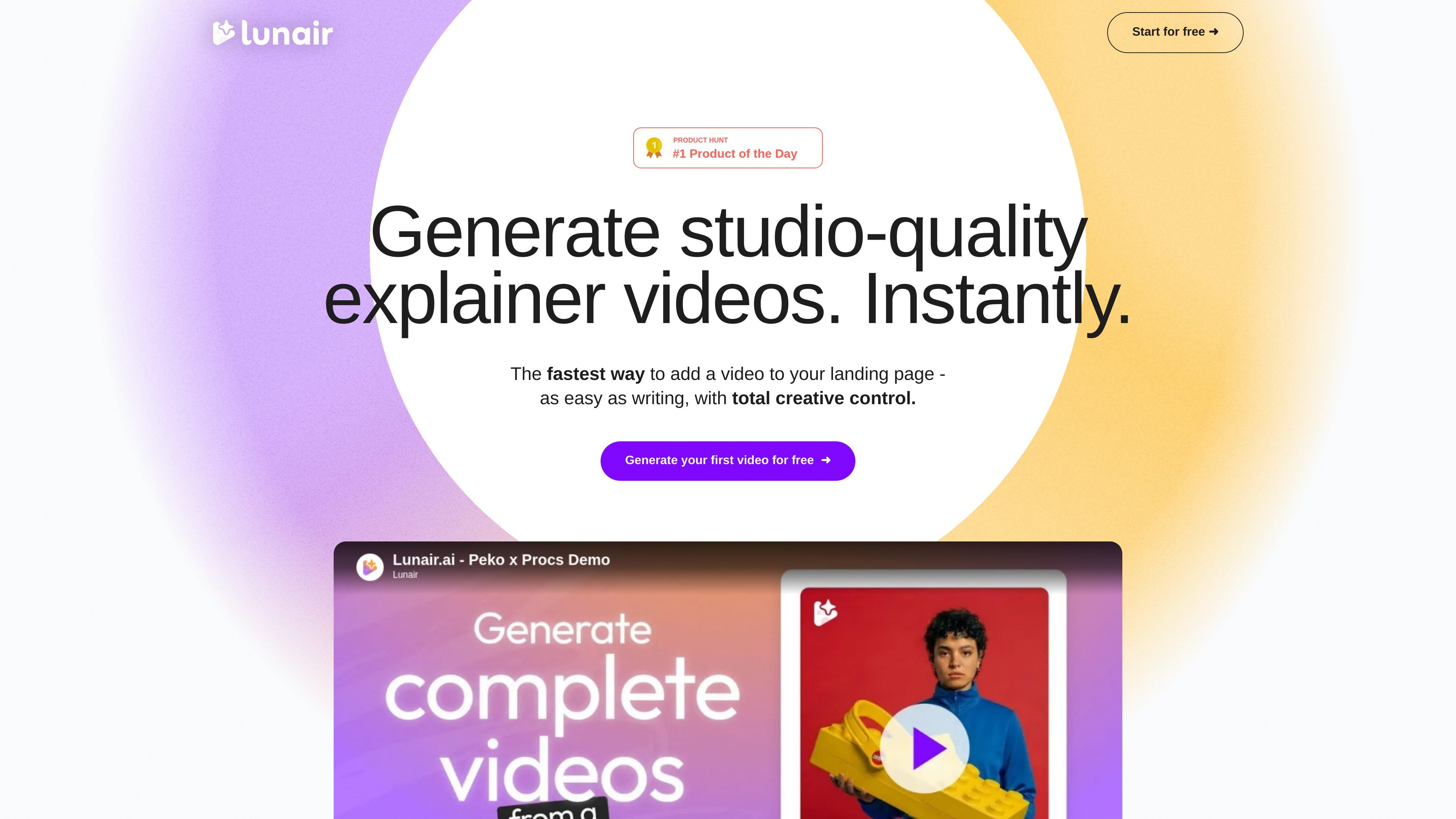
Lunair is an AI video creation tool that turns a text prompt into a branded animated explainer video. The homepage presents it as a way to generate a full video from one prompt, with no templates or manual tweaks required.
The product walks through a sequence of script generation, storyboard creation, brand styling, and animation. Users can then revise the result by typing natural-language requests, making it aimed at people who want a faster way to produce videos for landing pages, product pitches, internal explanations, or training.
The site also shows a credit-based pricing structure with a Free offer, a one-time Top-Up option, and a Monthly subscription. The privacy policy confirms account creation, uploaded assets, and payment processing through third-party providers such as Google Sign-On, PayPal, Google Cloud Storage, Vimeo, and Shotstack.
Describe an idea once and Lunair turns it into a script, storyboard, styled scenes, and a finished animated video.
The product applies brand colors and logos across scenes so the output stays visually consistent.
Users can change scenes, objects, colors, and layouts by typing requests instead of editing manually.
The generated video includes voice, music, and motion, with automatic syncing.
Users can choose a voice to match the message and brand tone.
The homepage says videos can be exported or shared, and the pricing section mentions unlimited downloads on the Monthly plan.
Create a landing-page video without building a storyboard or editing timeline from scratch. The site positions Lunair as a fast way to add video to a landing page.
Turn a product idea into a branded pitch video that follows your colors, logo, and preferred voice. The homepage specifically mentions pitching an idea and selling a product.
Produce internal explainers or training content where a simple written prompt can be converted into scenes and voiceover. The homepage mentions training staff as one of the intended uses.
Iterate on a draft by asking for scene, color, layout, or object changes in plain language. This fits teams that want to revise visuals without manual asset editing.
Generate short videos for creators who want a credit-based workflow with both one-off projects and recurring monthly usage.
Lunair is positioned as a text-to-video tool. The homepage says you can describe an idea once, then generate a branded animated explainer video and make changes using natural language.
The homepage says early users receive a free credit pack and can generate their first video for free. The pricing section also lists Free, Top-Up, and Monthly plans.
The source shows a workflow for generating a video from a prompt, editing it through chat, and exporting or sharing it. It does not list a public integrations page or API documentation.
The privacy policy says users can create public or private projects, and private videos are included in the Monthly plan while public videos are included in the Free and Top-Up offers shown on the homepage.