
One-click capture from the browser
Highlight text on a webpage, open the context menu, and send it to Liso in a single step with the Chrome extension.

Liso turns web text into natural-sounding audio so you can listen to articles, newsletters, blog posts, and pasted text with browser highlighting, offline downloads, and playback controls.
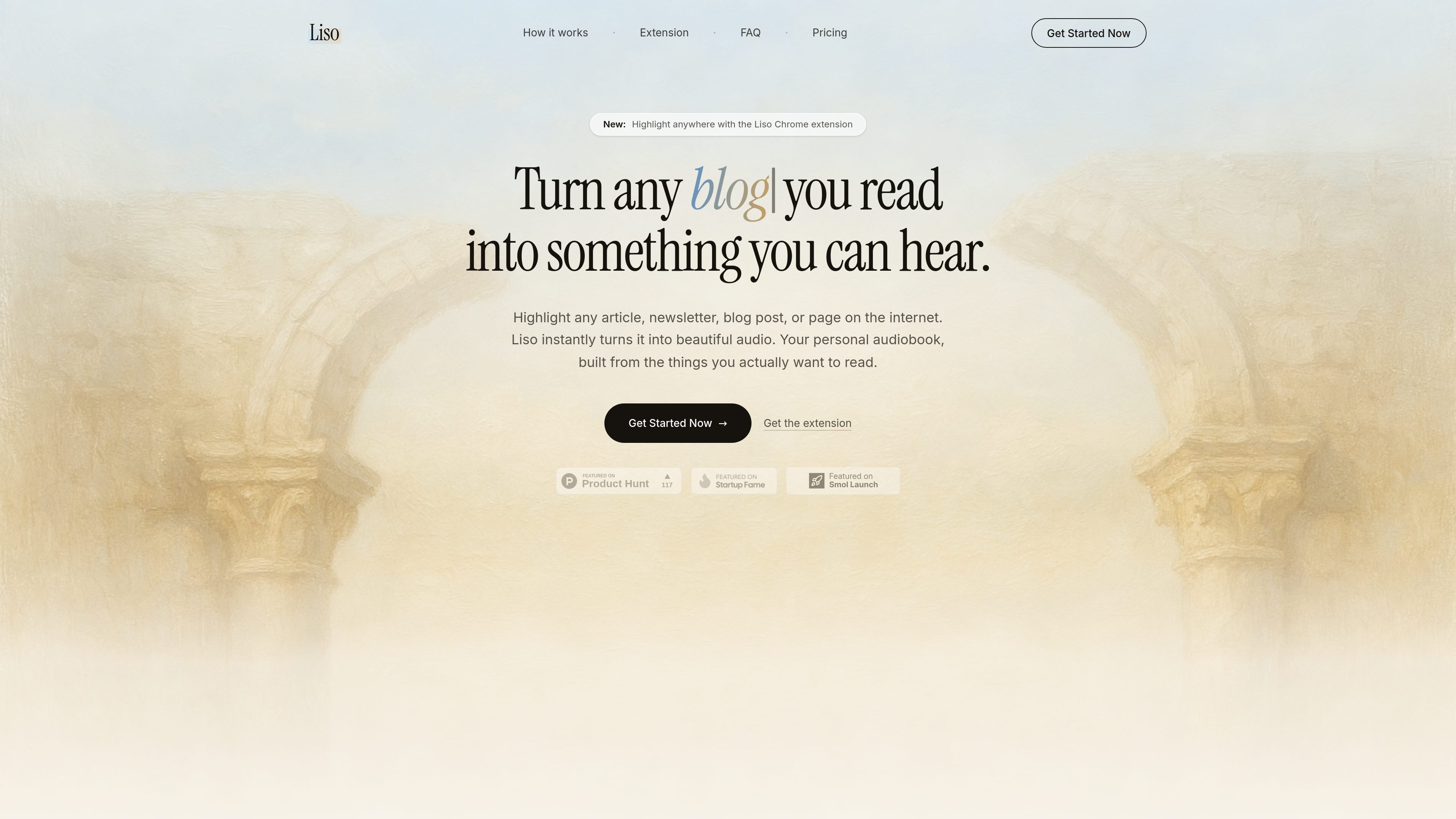
Liso is a text-to-audio app that turns written content from the web into something you can listen to. It is built around a simple workflow: highlight text in a browser or paste it into the app, then have Liso convert it into natural-sounding speech in seconds.
The product is aimed at people who want to listen to articles, newsletters, blog posts, Substacks, threads, documents, or pasted paragraphs instead of reading them on screen. The site positions Liso as an alternative to Speechify, NaturalReader, and ElevenLabs Reader, with features centered on quick capture, listening control, offline playback, and simple organization.
Highlight text on a webpage, open the context menu, and send it to Liso in a single step with the Chrome extension.
Add text directly by pasting it into the app when you are not using the extension or when the source is outside the browser flow.
Choose from multiple premium AI voices for listening to articles, newsletters, posts, and other text sources.
Adjust narration speed from 0.75x to 2x to match different reading and listening preferences.
Download listens for offline playback so you can keep listening during commutes or flights without a connection.
Resume playback across devices and keep saved listens organized with folders and tags.
Save time by converting long articles or essays into audio before a walk, commute, or workout.
Turn newsletters, Substacks, and blog posts into spoken audio so you can keep up with reading-heavy inboxes without staying at a screen.
Paste a paragraph, note, or document excerpt into the app when you want to hear a specific passage read aloud without using the browser extension.
Download listens for offline playback when you expect to be on a flight, underground commute, or any other low-connectivity situation.
Liso can turn any text-based content into audio, including articles, newsletters, Substacks, blog posts, threads, docs, or text you paste into the app.
No. You can paste text directly into the app. The Chrome extension is optional and mainly provides a one-click workflow from any website.
Yes. Liso supports offline downloads so you can listen without an internet connection.
The source does not describe team workspaces, admin controls, or collaboration features, so Liso appears positioned as an individual listening tool rather than a team product.
The page confirms a browser extension and a web paste flow, but it does not document broader platform support or device-specific behavior beyond resume playback across devices.