
Autonomous bug fixing
Finds bugs and applies fixes so code can be corrected without manual triage for every issue.

Kodezi is an AI coding and codebase operations platform for debugging, refactoring, documentation updates, and repo maintenance, with web IDE, CLI, and OS workflows.
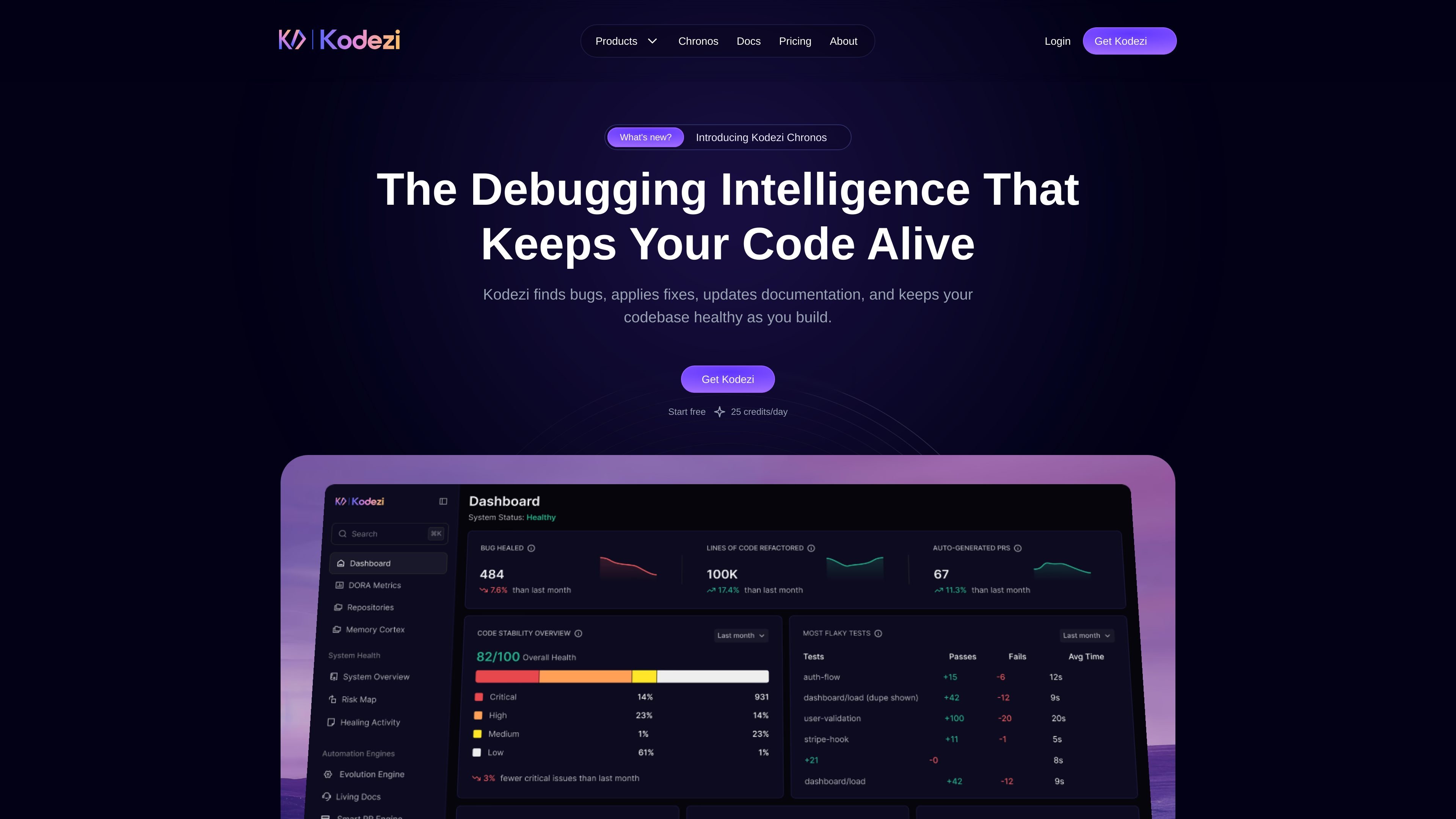
Kodezi is an AI coding and codebase operations platform positioned as an “AI CTO for Codebases.” Across the site, it is described as an autonomous operating system that maintains, evolves, and governs modern codebases while staying integrated across the development stack.
The product family spans Kodezi Code, Kodezi Pro, Kodezi Create, Kodezi CLI, and Kodezi OS. The home page emphasizes debugging and codebase maintenance, while the pricing page separates lighter web-based coding tools from the more autonomous CLI + OS offering for teams.
Finds bugs and applies fixes so code can be corrected without manual triage for every issue.
Updates documentation as part of the maintenance workflow, helping keep docs aligned with code changes.
Removes redundant code and streamlines implementations to improve readability and maintainability.
Applies best-practice guidance to code changes, with examples on the site showing clearer naming, state handling, and structured logic.
Supports web-based coding through Kodezi Create and Web IDE access, giving users a browser-based environment for building and editing.
Includes CLI and OS capabilities for development teams, with pricing materials calling out dev stack integration, a full CLI toolset, smart PRs, and auto-healing.
Use Kodezi to identify bugs, generate fixes, and keep moving while you build, instead of switching out to a separate debugging workflow for every issue.
Use the platform to clean up redundant patterns, improve naming, and apply best practices when code starts to drift or become harder to maintain.
Use the documentation update workflow to keep code comments and supporting docs closer to the implementation after changes are made.
Use Kodezi CLI and OS when you want autonomous maintenance workflows around the repo, including smart PR handling and auto-healing behavior.
Use the browser-based Kodezi Create or Web IDE access when you want to work in a web environment without relying only on local tooling.
Kodezi is presented as an AI CTO for codebases: an autonomous system that maintains, evolves, and governs modern codebases. The site also describes products for coding, debugging, and codebase maintenance across Kodezi Code, Kodezi CLI, Kodezi OS, and Kodezi Create.
The FAQ and pricing pages frame Kodezi OS as an autonomous infrastructure layer for teams, with support for dev stack integration, a full CLI toolset, smart PRs, auto-healing, and OS intelligence. It is positioned for codebase maintenance and governance rather than as a simple editor plugin.
The pricing page says Kodezi CLI + OS is the plan for autonomous developers and includes dev stack integration, a full CLI toolset, Kodezi OS, smart PRs, and auto-healing. The FAQ also asks whether the CLI can be used separately from the IDE, indicating it is a distinct workflow from Kodezi Code.
The pricing page states that Kodezi Code is free forever and includes Web IDE access and 25 credits per day. The FAQ adds that free usage includes 25 starter credits plus 25 new credits every day, usable across the Web IDE, Kodezi CLI, or Kodezi Create.
The FAQ explicitly includes a section asking whether Kodezi CLI is cross-platform and whether it can be used in CI/CD workflows, which suggests the CLI is intended for local and pipeline-based developer workflows. The page does not provide the specific platform list in the extracted text, so the safest conclusion is that cross-platform support is addressed in the docs but not fully enumerated here.