
Syncs from existing work tools
Turns work already happening in tools like Slack, Fathom, and Granola into connected memory that captures what happened, who was involved, and what changed.

Memory Store from Julep is a shared memory layer for individuals and teams using AI agents. It syncs conversations, notes, and decisions across tools like Claude, Codex, Slack, and related MCP clients.
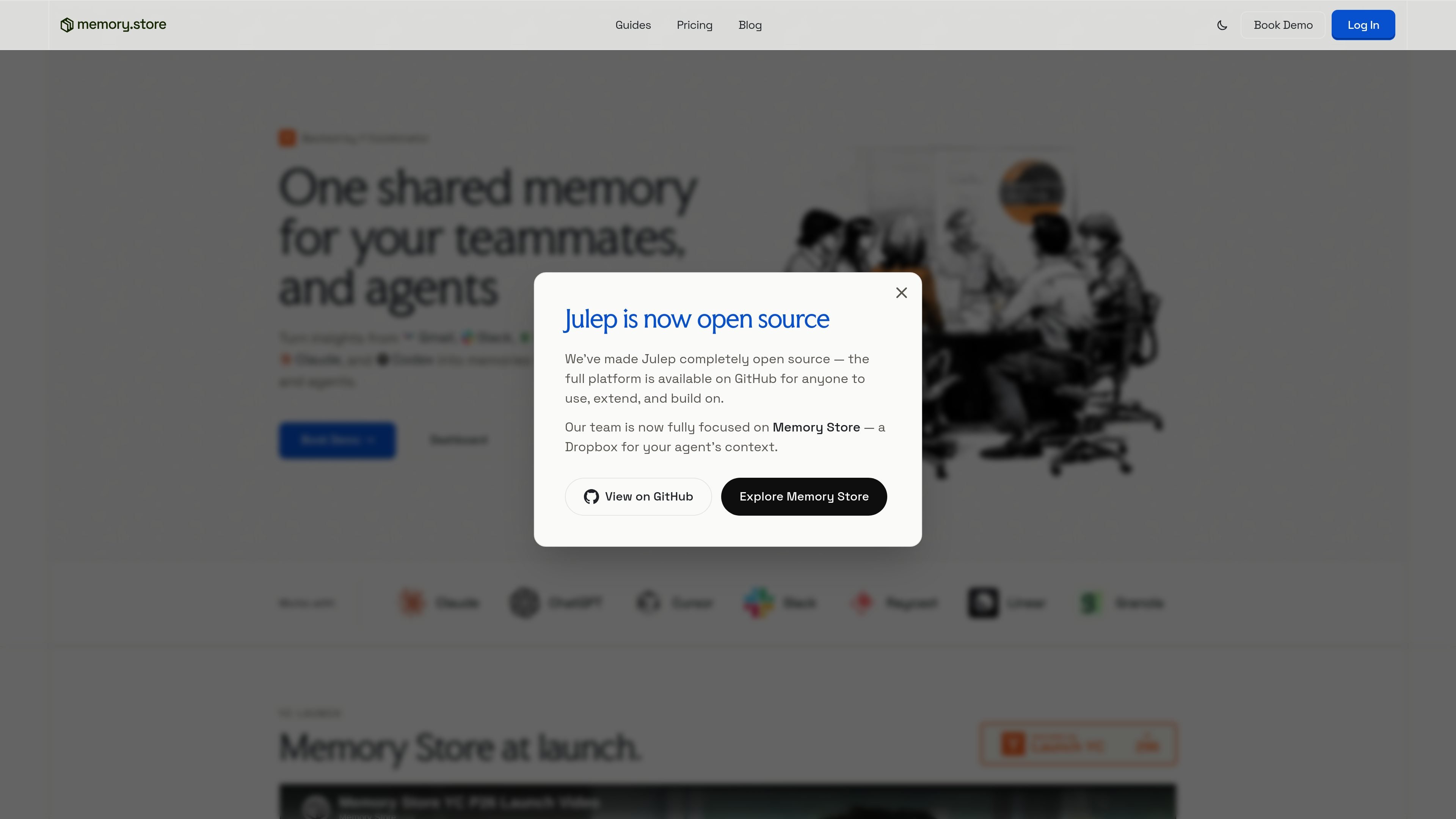
Memory Store is a shared memory product for AI tools and teammates. It turns conversations, snippets, notes, and decisions into connected memory so context is not trapped inside individual chats or apps.
The site positions the product as part of your existing workflow rather than a separate destination. It runs as an MCP inside the agents you already use, with examples across Claude, Codex, ChatGPT, Cursor, Slack, Raycast, Linear, Granola, Fathom, and OpenCode.
Turns work already happening in tools like Slack, Fathom, and Granola into connected memory that captures what happened, who was involved, and what changed.
Groups conversations by project, person, and decision in the background so teams do not need to manually file notes or threads.
Runs as an MCP inside the agents you already use, letting you record information in one agent and recall it in another.
Supports living playbooks and other reusable context that teammates can read later instead of searching through old threads.
Positions memory for both a single user and a whole team, with pages built from your own work and updated as you work.
Uses a Book Demo flow for teams and says setup can be completed in under five minutes.
An individual using Claude can keep notes, preferences, and context in one readable place that updates as they work.
A team can capture decisions from meetings and discussions, then refer back to the thread that explains why something was decided.
A user can move context from one agent to another, such as recording something in Claude and recalling it in Codex.
Teams can keep playbooks and recurring process context available for Monday reads instead of relying on old documents or forgotten threads.
Support, sales, and product work can pull answers from past calls, Slack threads, and notes when someone needs to reconstruct status or next steps.
Memory Store can be used by an individual or by a team. The page says it works for one person too, and it is also positioned for teams that want shared context across agents and conversations.
The site says Memory Store runs as an MCP inside the agents you already use today. It is shown with Claude, Codex, ChatGPT, Cursor, Slack, Raycast, Linear, Granola, Fathom, and OpenCode, and it is described as working with all MCP clients.
The pricing page says you can set up Memory Store in under five minutes. It also says the product is at launch and includes a Book Demo path for teams.
The source describes it as a shared memory that turns conversations, snippets, notes, and decisions into connected memory. It stores what happened, who was involved, and what changed, and groups conversations by project, person, and decision.
The source explicitly says it is best tested with Claude. It also says it works with all MCP clients, so the broader support is claimed at the client level rather than as a full integration list.