
Audio and live transcription
Upload audio or video and turn it into searchable text, with the homepage emphasizing fast turnaround and support for both file-based and real-time transcription.

Inkr is an AI transcription and note-taking product for turning audio and video into searchable text and structured notes. It supports uploaded and live transcription, with paid plans adding longer limits and workflow tools like edit history, sharing, and bulk downloads.
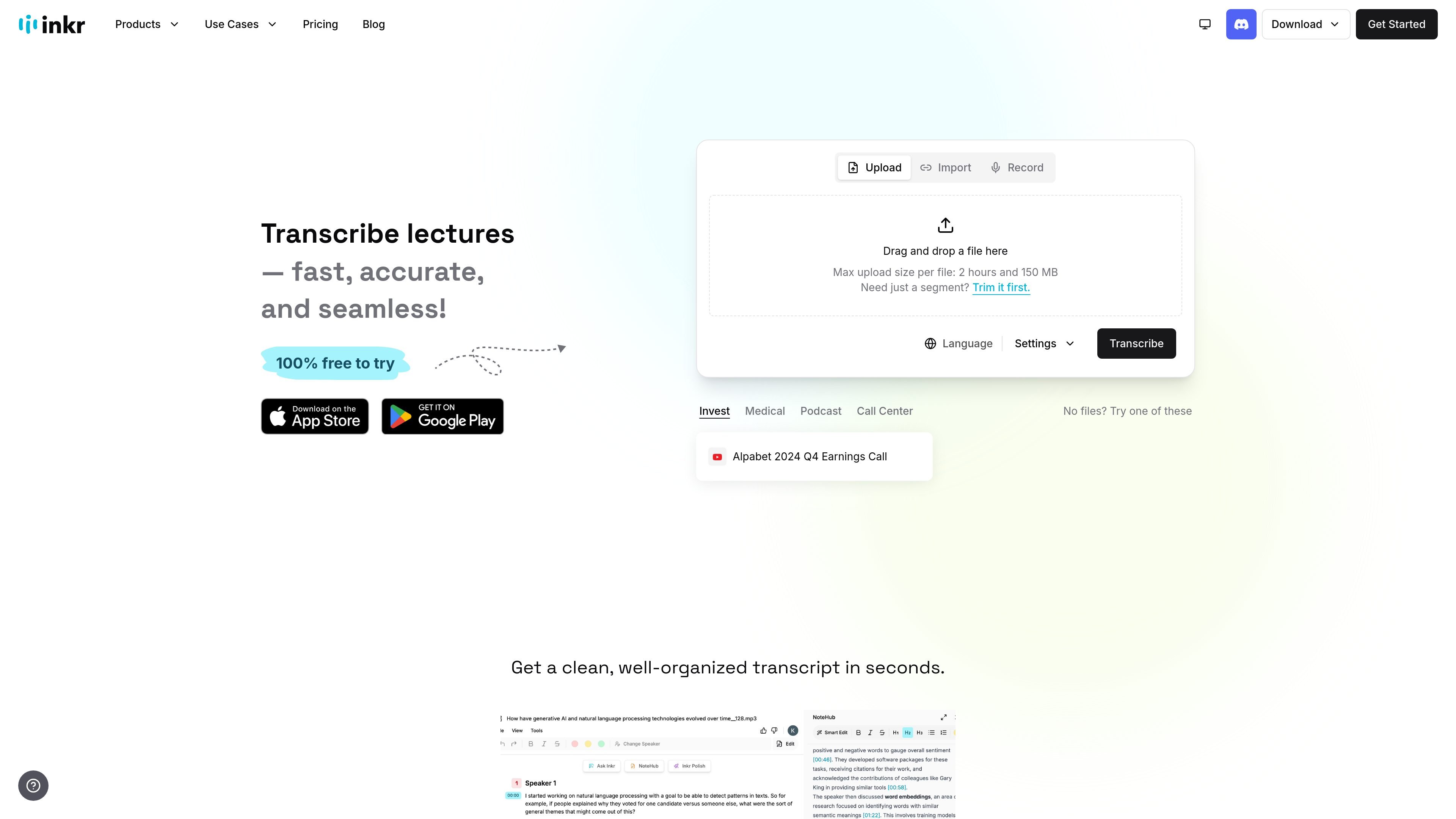
Inkr is an AI transcription and note-taking product that turns audio and video into searchable text. The homepage presents it as a tool for fast transcription, transcript search, and note creation from recorded or live content.
The product site also surfaces adjacent tools such as Inkr Note for structured notes and an online audio cutter for trimming files before transcription. Pricing is published on the site, including a Free Forever tier and paid annual plans with higher transcription limits and additional workflow features.
Upload audio or video and turn it into searchable text, with the homepage emphasizing fast turnaround and support for both file-based and real-time transcription.
The site says Inkr supports multiple popular formats for upload and export, which helps when moving between recording tools and finished transcripts.
Inkr identifies speakers automatically so multi-speaker recordings are easier to review and edit.
Ask Inkr lets you query a transcript for answers, rather than reading through the whole file manually.
Inkr Note turns transcripts into structured notes, with templates and polishing tools for meeting notes, lectures, and similar workflows.
Features listed across the site include bulk uploads and downloads, transcription sharing, review mode, translate, and full edit history on paid plans.
Upload lecture recordings and turn them into searchable transcripts, then use notes or templates to organize study material afterward.
Capture meeting audio or live discussions, then search the transcript later to find decisions, action items, or topics without replaying the entire recording.
Draft notes from interviews, brainstorming sessions, or voice memos, then polish the text while preserving the original content.
Trim a recording in the companion audio cutter before transcription when you only need a specific segment, then continue with the cleaned file.
Use bulk uploads, downloads, sharing, and review mode to manage larger sets of transcripts across recurring workflows.
Yes. The pricing page shows a Free Forever tier and paid annual plans.
The site says Inkr supports upload-and-transcribe workflows, live transcription, and transcript-based editing. The exact setup depends on whether you start from a saved file or use the live flow.
Inkr says it supports multiple popular formats and offers upload and export options, but the site does not list every supported file type on the pages provided.
Yes. The product pages show transcript editing features such as Smart Edit, Inkr Polish, Edit History, and Review Mode.
The site includes links to Privacy policy and Terms & conditions and says users agree to them at login, but the provided pages do not spell out technical security controls.