
Text-to-infographic generation
Create an infographic from a keyword, title, article, or blog post using the site’s AI workflow. The homepage says the process can begin from one keyword or article and produce an infographic in a few clicks.

Infographic Ninja is an AI infographic generator that turns keywords, articles or PDFs into branded PNG infographics. API via RapidAPI included.
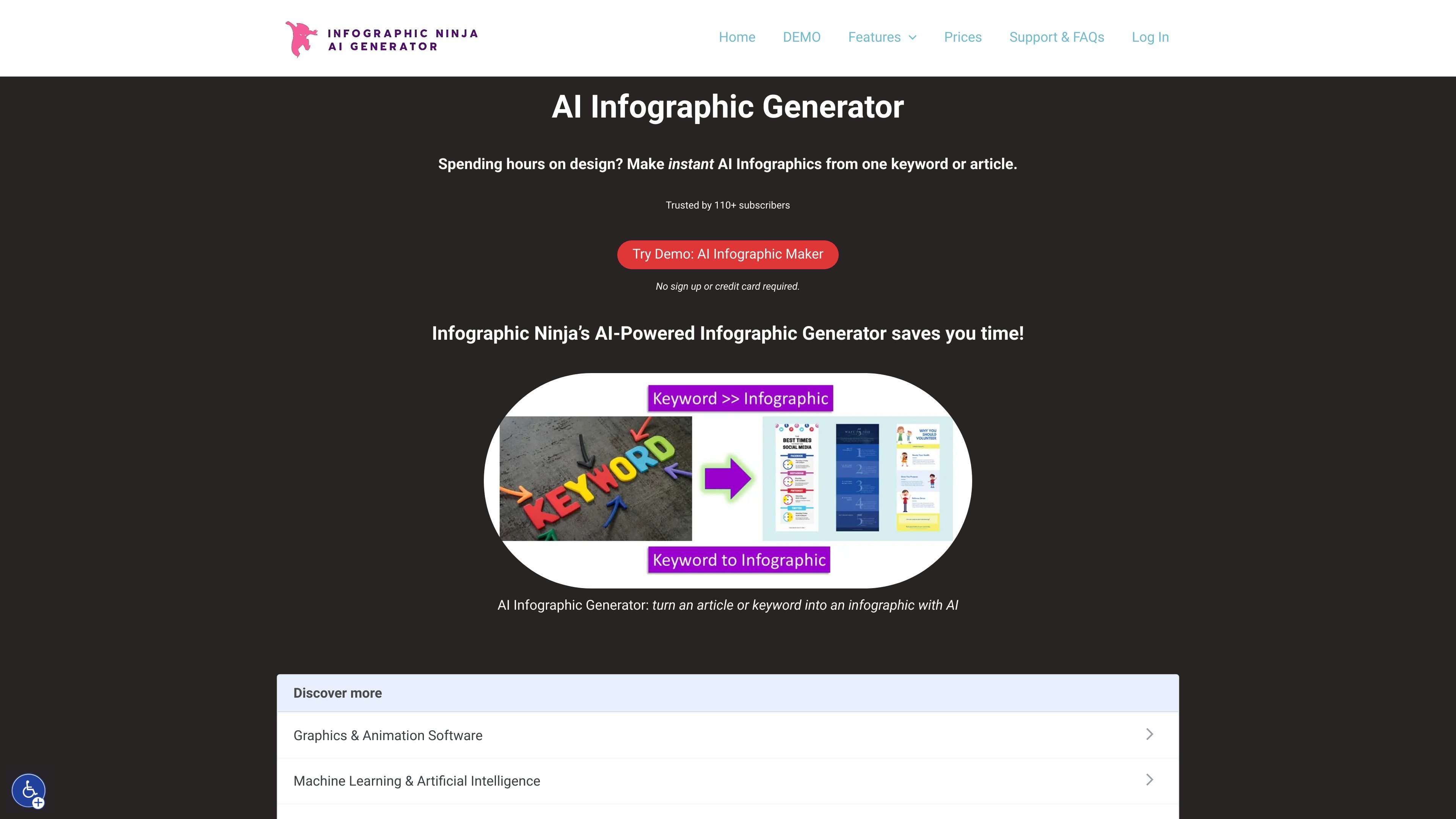
Infographic.Ninja is an AI infographic generator that turns text, keywords, articles, or PDFs into branded infographic images. The homepage positions it as a tool for creating infographics quickly from a single keyword or article, and the support content identifies it as useful for bloggers and agencies that need to speed up content production.
The product also offers an API for programmatic infographic generation through RapidAPI. According to the API page, users can generate a PNG from a title and optional text, and can include optional branding details such as a logo, company name, and footer text.
Create an infographic from a keyword, title, article, or blog post using the site’s AI workflow. The homepage says the process can begin from one keyword or article and produce an infographic in a few clicks.
Use templates, colors, fonts, and branding options to shape the output. The features page mentions many templates, 30+ fonts, logo-based branding colors, and adjustable header, footer, and background colors.
Generate and refine supporting content for the infographic, including AI-suggested questions and answers. The features page also says you can write your own questions and answers and change the number of entries from 3 to 7.
Choose visual elements with more control over icons and imagery. The features page says icons can be customized by name, color, black and white, stock photos, or gradient, and that the system automatically chooses appropriate icons.
Preview before download and export the result as a PNG image. The support page confirms the output image is kept in the archive for a limited period, and the API page says the API returns a high-quality PNG image.
Share or embed the result for distribution. The features page mentions social sharing buttons and WordPress embed code with a copy-embed option.
Turn a topic keyword or article into an infographic for a blog post, landing page, or content hub when you need a visual companion to written material.
Help SEO and content teams summarize informational content into shareable graphics that can support publishing workflows and image search visibility.
Create branded visuals for classroom materials or explanatory content when you want to present a topic more visually without manual design work.
Generate consistent infographics for a campaign or internal communication by applying brand colors, a logo, and reusable templates.
Use the RapidAPI endpoint to create infographics programmatically from other systems or writing tools.
It is designed to turn a keyword, title, article, or PDF content into an infographic, and the support page also describes it as useful for bloggers and agencies that need to speed up infographic creation.
The homepage says you can try the demo without signing up or entering a credit card, and the support page mentions a $1 trial for Outline Ninja-style access to reduce abuse.
The API page says the infographic API is available through RapidAPI and that RapidAPI provides sample code for most programming languages.
Support says the generated PNG images are deleted from the archive after 60 days.
Support says that once an infographic is generated, you cannot change the pictures, icons, or colors; you can only change the template and generate again.