
AI image upscaling
Increase image resolution while preserving natural details and textures. The homepage describes an AI system that analyzes shapes, edges, and contrast to reconstruct a sharper result.

Image Upscaler is an AI web app for enlarging images, reducing blur, and cleaning up backgrounds, with free credits, paid plans, and business API options.
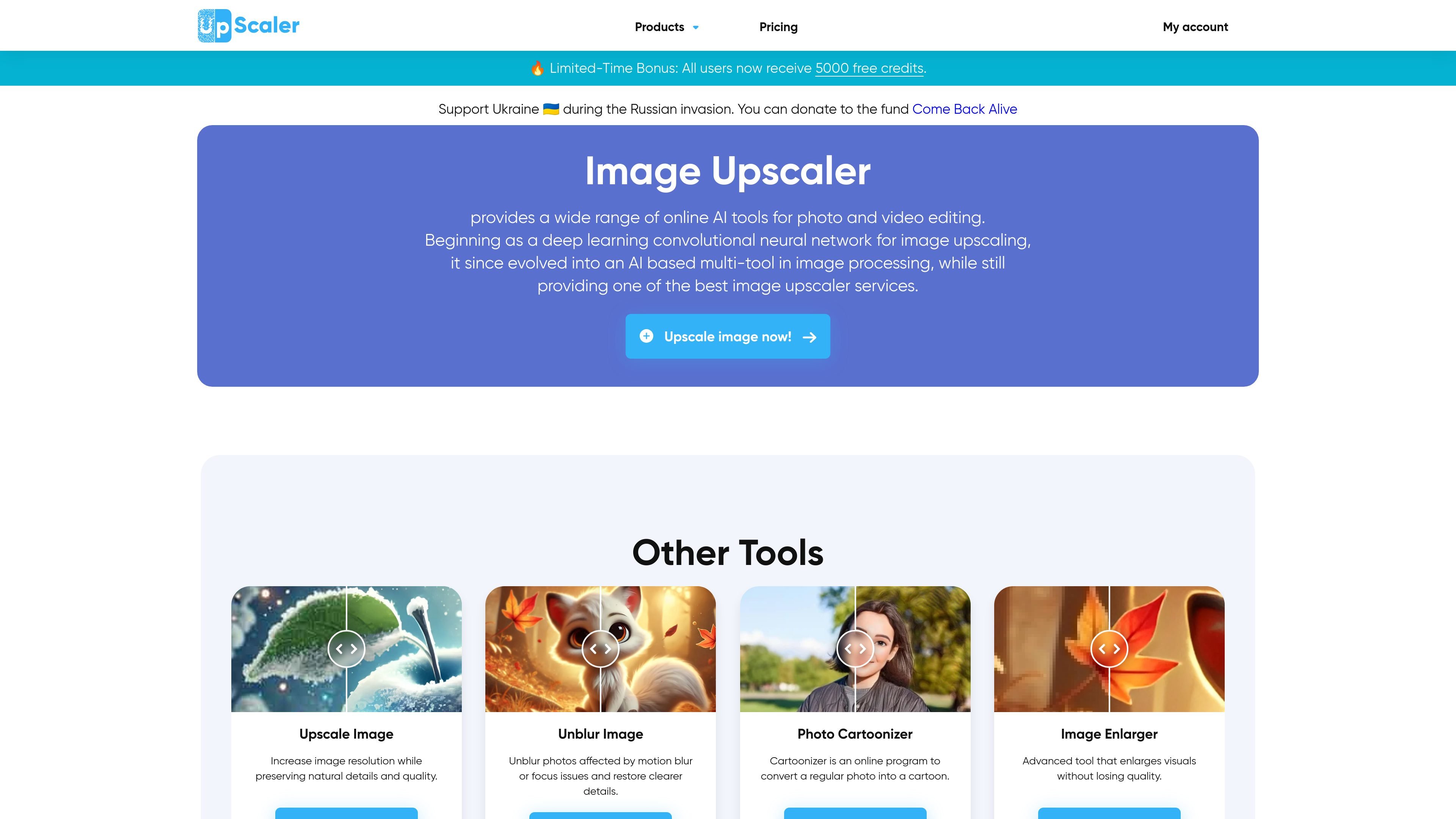
Image Upscaler is an online AI photo editing service centered on image enlargement and quality improvement. Its core upscaling tool increases image resolution while aiming to preserve natural detail, and the site extends that workflow with related tools for deblurring, background removal, image enhancement, and cartoon conversion.
The platform is browser-based and works around a simple upload-and-process flow. The homepage and tool pages describe use cases such as restoring blurry portraits, preparing product images, cleaning up visuals for listings or profiles, and enlarging photos or artwork that need higher resolution.
Increase image resolution while preserving natural details and textures. The homepage describes an AI system that analyzes shapes, edges, and contrast to reconstruct a sharper result.
Remove motion blur, focus blur, and soft details from photos. The deblurring page also highlights a FacePro mode for restoring facial detail in portraits.
Detect the main subject and separate it from the background. The background remover can also replace the background with white, black, or green.
Support multiple editing workflows beyond upscaling, including photo cartoonizer, video cartoonizer, image enlarger, inpaint, and image enhancement tools.
Use the service online in the browser without a desktop installation. The source describes upload, process, preview, and download flows directly on the site.
Handle a broad range of file types, including JPEG, PNG, WebP, HEIC, BMP, TIFF, AVIF, JFIF, and PDF on the main site, with the deblurring page also listing support for common image formats.
Increase resolution for photos that need to look sharper in final use, such as social posts, portfolio images, or prints. The upscaler is designed to preserve natural detail rather than simply stretching pixels.
Repair motion blur, focus blur, or soft portraits when a photo is otherwise usable. The FacePro option is aimed at improving facial detail in blurred face photos.
Remove backgrounds for product listings, profile photos, or marketing assets. The tool can isolate the subject and replace the background with a solid color when needed.
Process product photos that need clearer text, labels, or surface detail for e-commerce use. The deblurring page specifically calls out commercial imagery and catalog workflows.
Apply other AI cleanup or transformation tools on the same site, such as image enhancement, inpainting, cartoon conversion, or video cartoonization, when the task goes beyond simple upscaling.
Image Upscaler provides free credits to start, and its pricing page also shows paid individual and business plans. The exact free allowance can vary because the site describes a limited-time bonus and different tool pages mention different free-credit messages.
The site presents Image Upscaler as a browser-based platform. The deblurring page says users upload an image, wait for processing, and then download the result, while the home page describes one-click style tool flows for tasks like upscaling, background removal, and unblurring.
The rendered pages mention output handling such as downloading processed images and saving to AUTO, JPEG, PNG, WEBP, HEIC, BMP, or PDF on the deblurring page. The source also says the tools work in-browser, but it does not provide a single universal output-format list for every tool.
The pricing page includes business plans with API access for AI image generation, image deblurring, and 4x upscaling. The source does not provide broader integration details beyond those API mentions.
The source shows individual plans and business plans on the pricing page, but it does not describe shared-workspace features or team account controls in detail.