
Business lead extraction
Extract business contact data from Google Maps listings, including phone numbers, emails, locations, websites, and social media profiles.

Google Maps Extractor is a browser extension for collecting business data from Google Maps, including phone numbers, emails, locations, and social profiles, with CSV export.
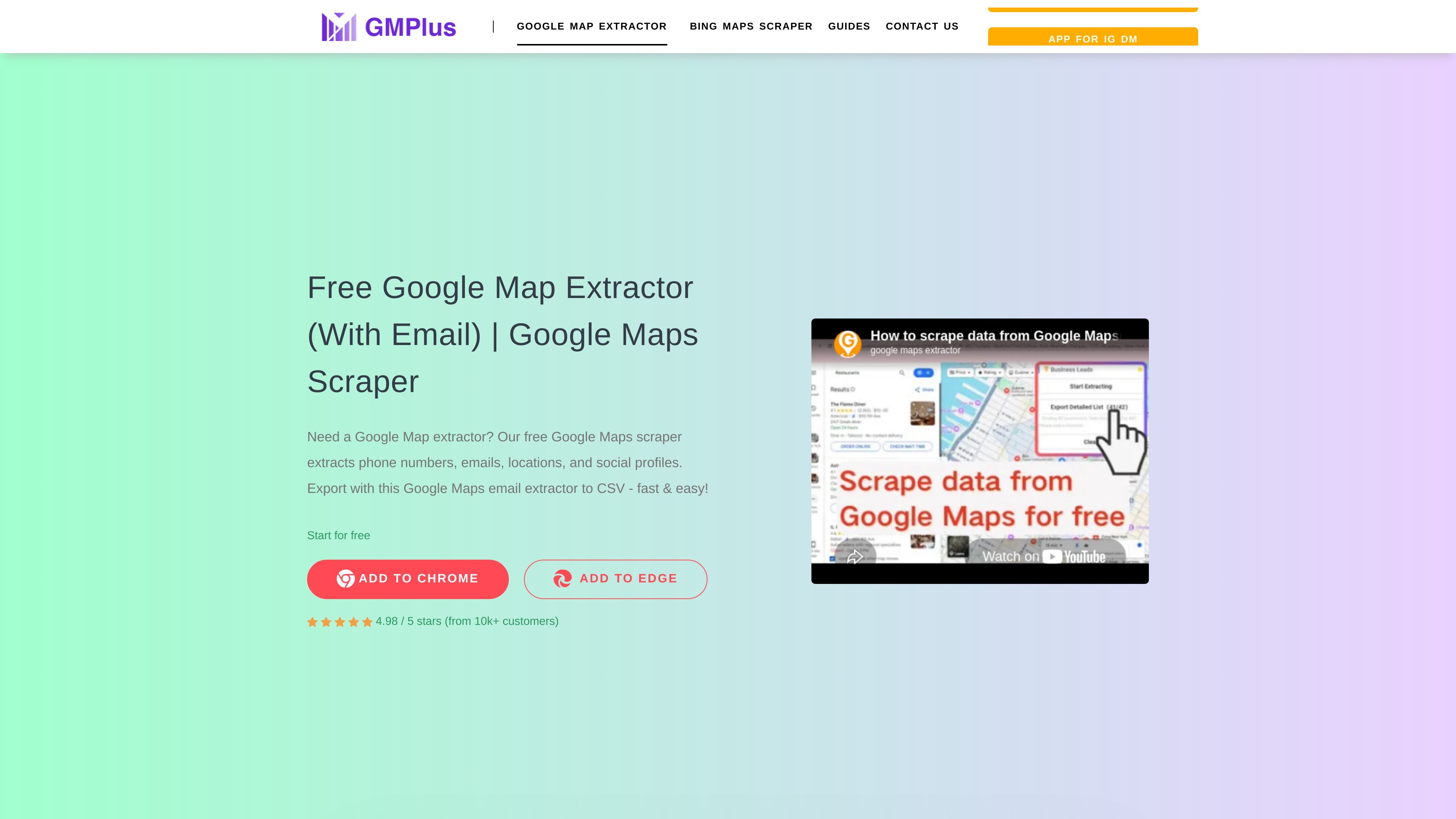
Google Maps Extractor is a browser extension for collecting business and place data from Google Maps. The site describes it as a free Google Maps scraper that can capture phone numbers, emails, locations, social media profiles, and other listing fields, then export the results to CSV.
The product is positioned for lead generation and review collection rather than general web scraping. Its documented workflows include extracting search results from Maps, running bulk keyword jobs, and scraping Google Maps reviews from place links, which makes it useful for sales research, contact enrichment, and local business data gathering.
Extract business contact data from Google Maps listings, including phone numbers, emails, locations, websites, and social media profiles.
Capture a wide set of place fields such as address, categories, description, price level, review count, rating, opening hours, and map URLs.
Export collected data to CSV, with the reviews workflow also advertising Excel and JSON export options.
Supports multiple workflows from the extension: opening Maps for a search result scrape, bulk keyword extraction, and bulk review extraction.
The install guide says Edge users can install from the Edge Add-ons Store, indicating support beyond Chrome.
Search Google Maps for a category or location, then extract business names, phones, emails, addresses, and social profiles for prospecting lists.
Run bulk keyword extraction to gather results across multiple search terms when you need a larger prospecting set than a single search provides.
Scrape review data from Google Maps place pages to analyze ratings, review text, reviewer names, and review timing for customer insight work.
Collect map listing details such as place IDs, URLs, categories, opening hours, and ratings for database enrichment or internal research.
Use the extension during manual Google Maps browsing to export search results quickly into a spreadsheet workflow.
It is a Chrome extension for Google Maps extraction. The install guide also recommends the Edge add-ons store for Microsoft Edge users.
The site says it can export extracted data to CSV, and the reviews scraper page also mentions Excel and JSON for review exports.
The extension supports opening Google Maps, running bulk keyword searches, and extracting bulk review links through separate workflows listed in the install guide.
The pricing information shown on the site includes a free plan and a lifetime plan, but the pricing page itself was unavailable, so detailed limits should be checked on the site before purchase.