
Search by image
Use your camera or a saved image to search without needing to describe the item in words.

Google Lens is Google’s visual search feature for using a camera or image to identify objects, translate text, and find related results. It helps people search when describing something in words is harder than showing it directly.
Google Lens is a visual search feature from Google that lets people identify what they are looking at by using a phone camera or an image instead of text. The source pages present it as a way to search the world around you in the Google app.
Its main purpose is to turn images into useful actions: find similar products, translate text, surface learning resources, and identify plants or animals. The product is positioned for everyday tasks where typing a query is difficult or less precise than showing the item directly.
Use your camera or a saved image to search without needing to describe the item in words.
Get similar clothing, furniture, and home decor results when you spot something you like.
Translate text in real time from more than 100 languages, or copy text from an image to paste elsewhere.
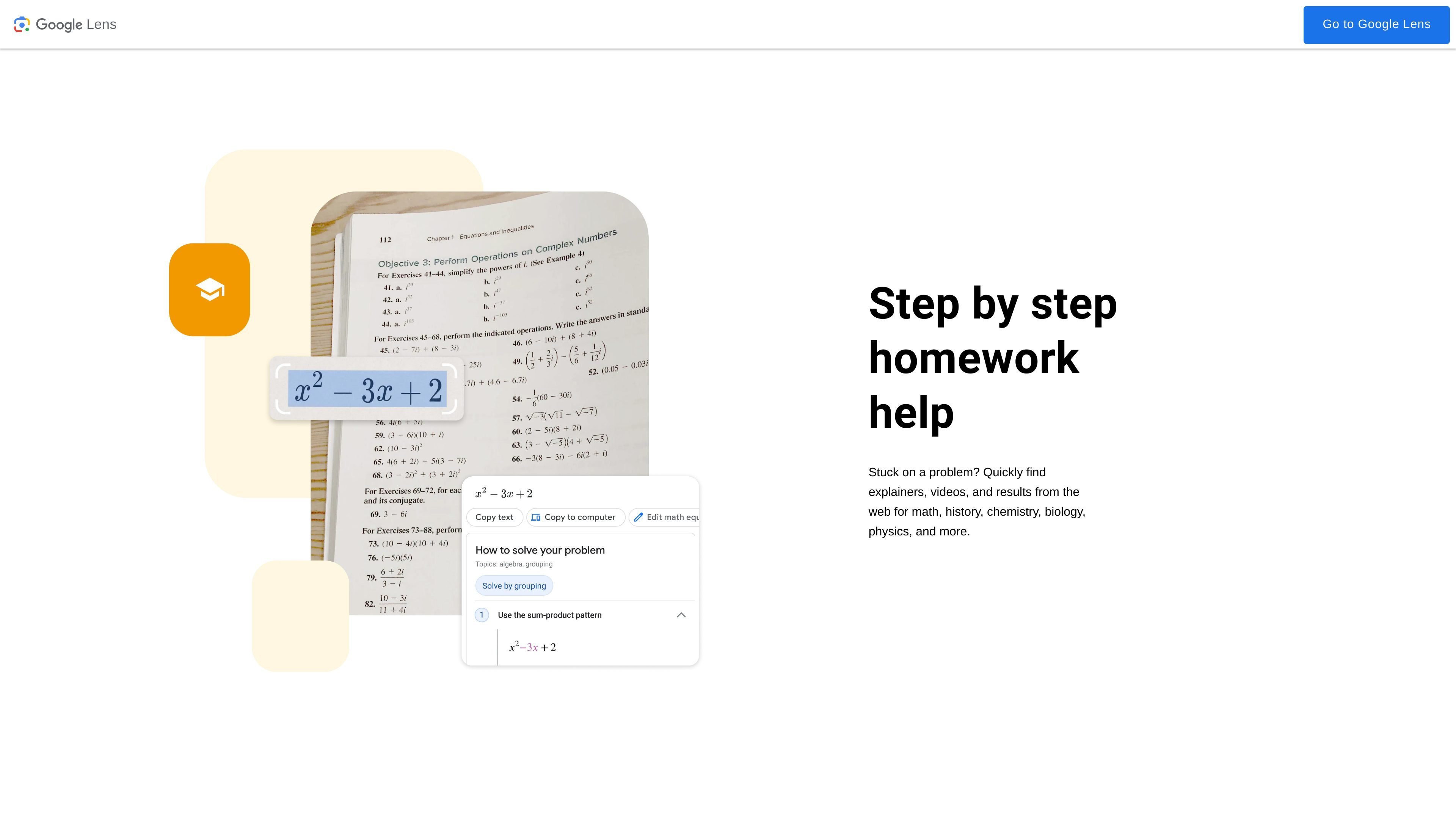
Search for explainers, videos, and web results that help with math, history, chemistry, biology, physics, and other subjects.
Identify plants and animals from a photo or camera view.
Use Lens across Google app surfaces and supported apps, including Google Images, Google Camera, Google Photos, and Chrome.
Look up an object, outfit, chair, or decor item when you can see it but do not know the name to search for it.
Translate signs, labels, or paragraphs in real time, or copy text from an image into another device or app.
Find explainers, videos, and web results when working through math, history, chemistry, biology, physics, or similar homework topics.
Use a photo to find a plant or animal you encountered in everyday settings such as a home, park, or neighborhood.
Google Lens is available in the Google app, Google Camera, Google Photos, Chrome, and Google Images, according to the source pages.
The source describes Lens as working with your camera or an image, so you can search what you see instead of typing a description.
The page highlights four common uses: finding similar clothes or home decor, translating text, getting step-by-step homework help, and identifying plants and animals.
No pricing details are shown on the provided pages, so the source does not establish whether Lens is free, paid, or tied to a plan.