
Text-to-image and editing
Generate images from text prompts and refine them with image editing tools. The site positions this as the core workflow for creating and adjusting output in one place.

Fooocus is a web-based AI image generator and editor that lets users create images from prompts, then refine them with tools like inpainting, prompt reweighting, upscaling, and face swapping. The site also shows paid plans for individuals, creators, and teams, plus a free playground entry point.
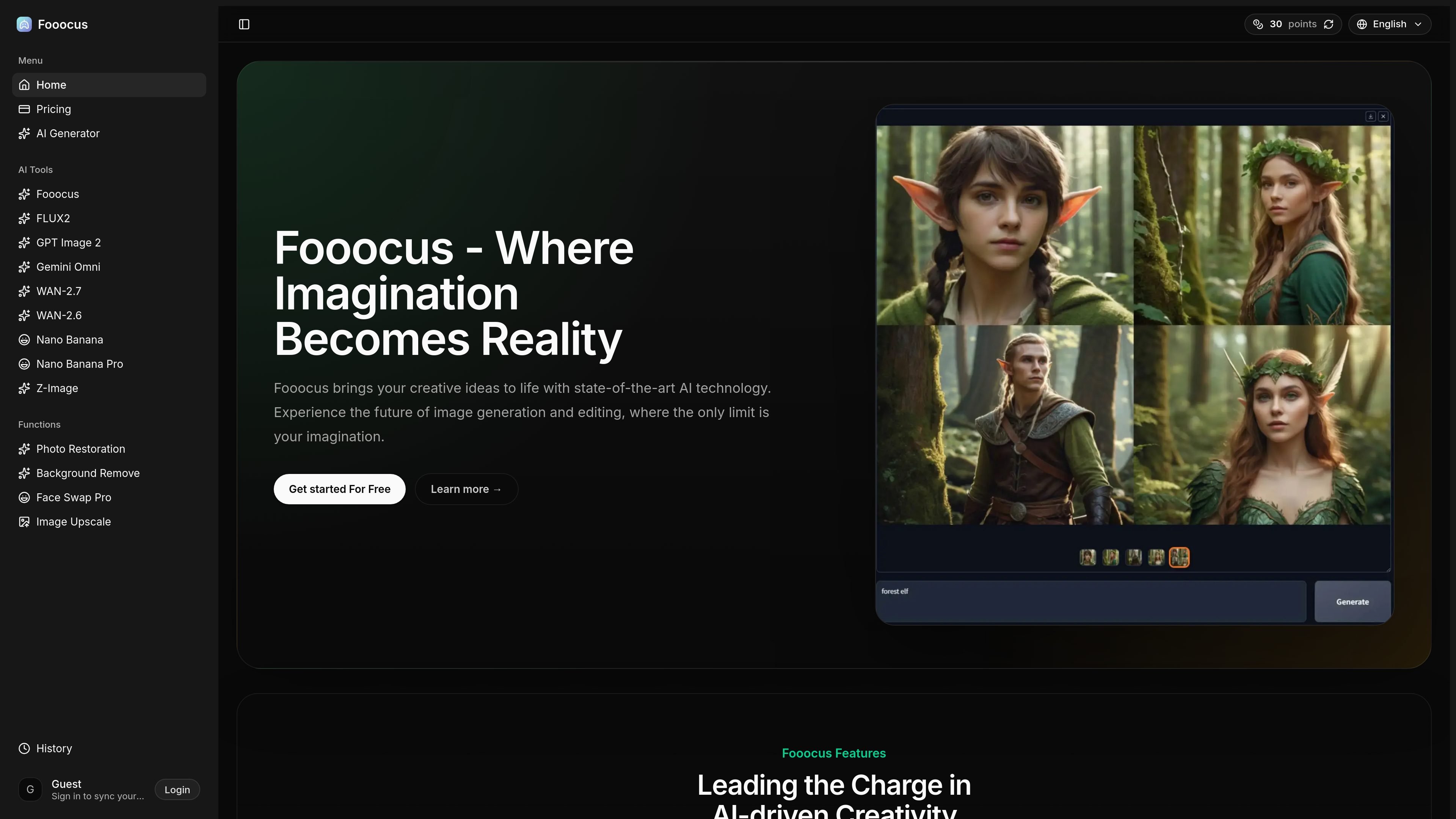
Fooocus is an AI image generation and editing product available through fooocus.one. The site presents it as a browser-based tool for creating images from prompts, refining them with editing controls, and working with multiple generation styles and model options.
The product page also shows a broader AI creative workflow that includes image editing, upscaling, face swapping, and video-generation entry points. The online service is offered with a free starting point and paid plans for individuals, creators, and teams.
Generate images from text prompts and refine them with image editing tools. The site positions this as the core workflow for creating and adjusting output in one place.
Use the inpainting algorithm to fill or repair parts of an image with more targeted results than basic edits.
Work with multiple prompts at once and adjust prompt emphasis using reweighting controls to steer the output more precisely.
Select from supported SDXL models and use style controls such as contrast, sharpness, and color adjustments for different visual outcomes.
Set custom aspect ratios for outputs so generated images better fit the intended layout or channel.
Use face swapping, image upscaling, and generation presets that the pricing and feature pages present as part of the broader product suite.
Create concept art, illustrations, or visual drafts from a text prompt, then adjust the result with style controls and prompt reweighting.
Repair or complete parts of an existing image using the inpainting workflow when a generated or uploaded image needs targeted changes.
Produce social images or layout-specific assets by choosing an aspect ratio that matches the destination format.
Swap faces, upscale images, or apply other finishing steps when a project needs personalization or higher resolution output.
Use the online playground to test the workflow before committing to a paid plan, or move to a higher tier for heavier use.
Fooocus is an AI image generation and editing product. The site describes text-to-image creation, image editing, inpainting, outpainting, image upscaling, face swapping, and related workflows.
The site shows a free entry point through the playground and mentions a premium plan for full features on the online product. The pricing page also lists paid monthly and annual plans.
Yes. The pricing page includes a Basic plan for individuals, a Plus plan for professionals and content creators, and an Enterprise plan for teams and heavy usage.
The site says users can choose a prompt, adjust settings, generate an image, then edit and refine it with inpainting and other tools.
The source does not list third-party integrations or supported external apps. It does mention product areas such as AI generator, image editor, and video-generation workflows within the site.