
Native writing assistant
Turn typed or spoken text into polished writing with a native Mac app that works across apps.

Fixkey is a native AI writing assistant for Mac that rewrites text, transcribes speech, and helps polish writing inside any macOS app. It is built for people who want faster editing and dictation without switching to a browser.
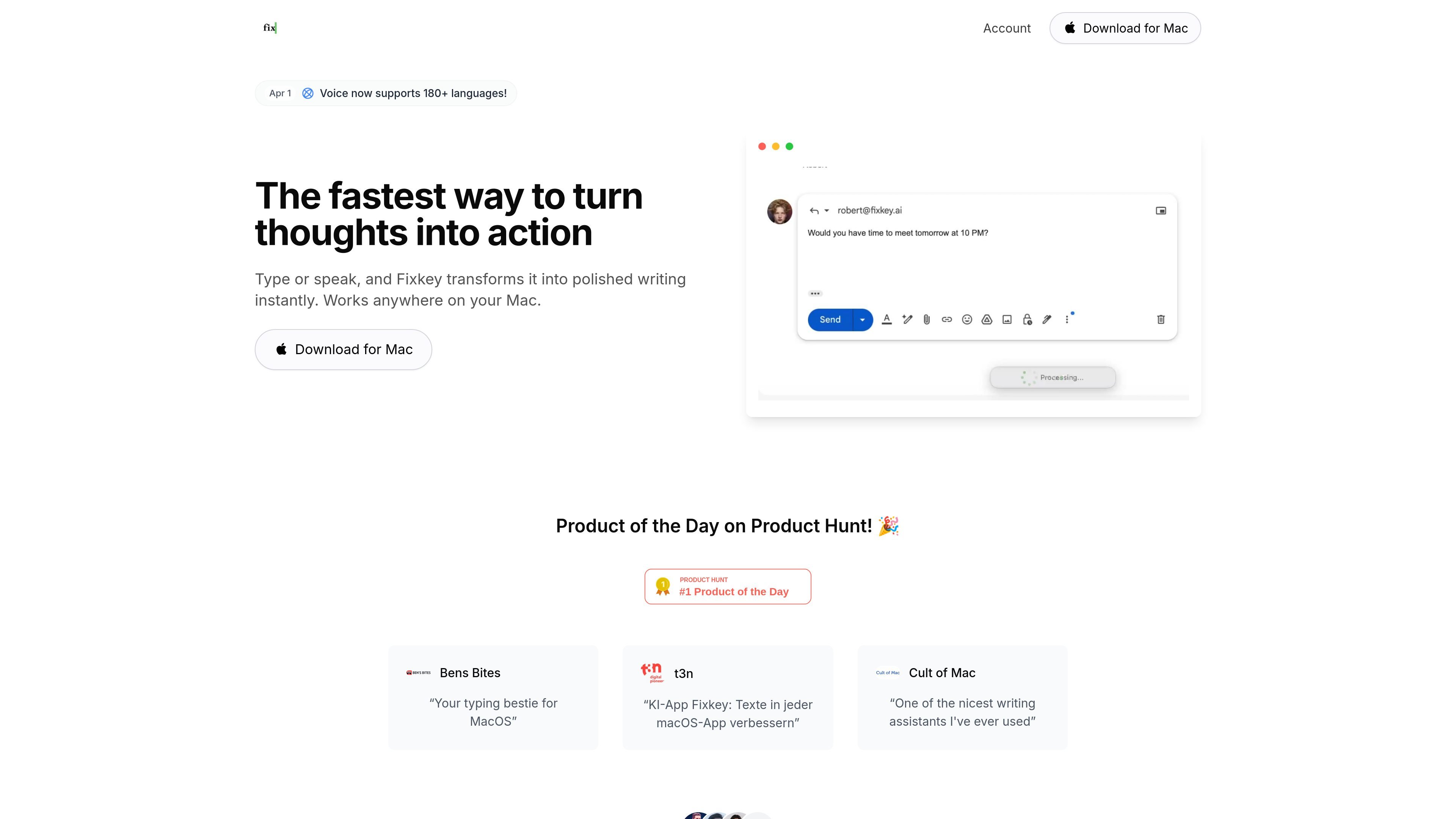
Fixkey is a native AI writing assistant for Mac that helps users rewrite, polish, and draft text directly inside macOS apps. The product is positioned around working faster without switching to a browser or copy-pasting between tools.
Its core workflow is simple: type or speak, then let Fixkey transform the input into clearer writing. The site highlights rewriting, speech-to-text in 180+ languages, custom prompts, and an app-wide experience that works anywhere on a Mac.
Turn typed or spoken text into polished writing with a native Mac app that works across apps.
Rewrite and fix text instantly, with the pricing page describing unlimited AI rewrites and the comparison pages emphasizing full-sentence or paragraph improvements.
Convert speech to text in 180+ languages, with real-time transcription, automatic punctuation, and formatting.
Use simple spoken instructions to create lists, format text, and structure responses while dictating.
Add custom words so the assistant handles names, terms, or vocabulary you use frequently.
Create custom prompts to shape output style and response format for your own workflow.
Draft and refine messages, posts, or notes without leaving the app you are already using on Mac.
Turn spoken thoughts into polished text with automatic punctuation, formatting, and voice commands for structure.
Improve support replies in Gmail and other support tools by converting rough responses into cleaner, more professional text.
Apply custom prompts and dictionary entries when you need output that matches your style or terminology.
Fixkey is designed for use on Mac, and the site repeatedly frames it as a native AI writing assistant for macOS.
The site says Fixkey can be used for writing, rewriting, speech-to-text, and improving text in support workflows, including Gmail and other support tools.
The pricing page presents a Pro plan with annual and monthly billing options, and the download flow advertises a 14-day free trial with no credit card required.
The site highlights support for 180+ languages for voice input and mentions support for 200+ languages on the ChatGPT comparison page.
The source does not describe team administration or shared-workspace features, so the public site mainly positions Fixkey as a personal productivity tool for Mac users.