
Connected databases
Model work with relational databases, custom entities, custom fields, and custom relations so different teams can connect their processes in one workspace.

Fibery is a modular work platform for teams replacing scattered tools with one connected workspace. Databases, docs, views, automations, integrations and AI for connected work.
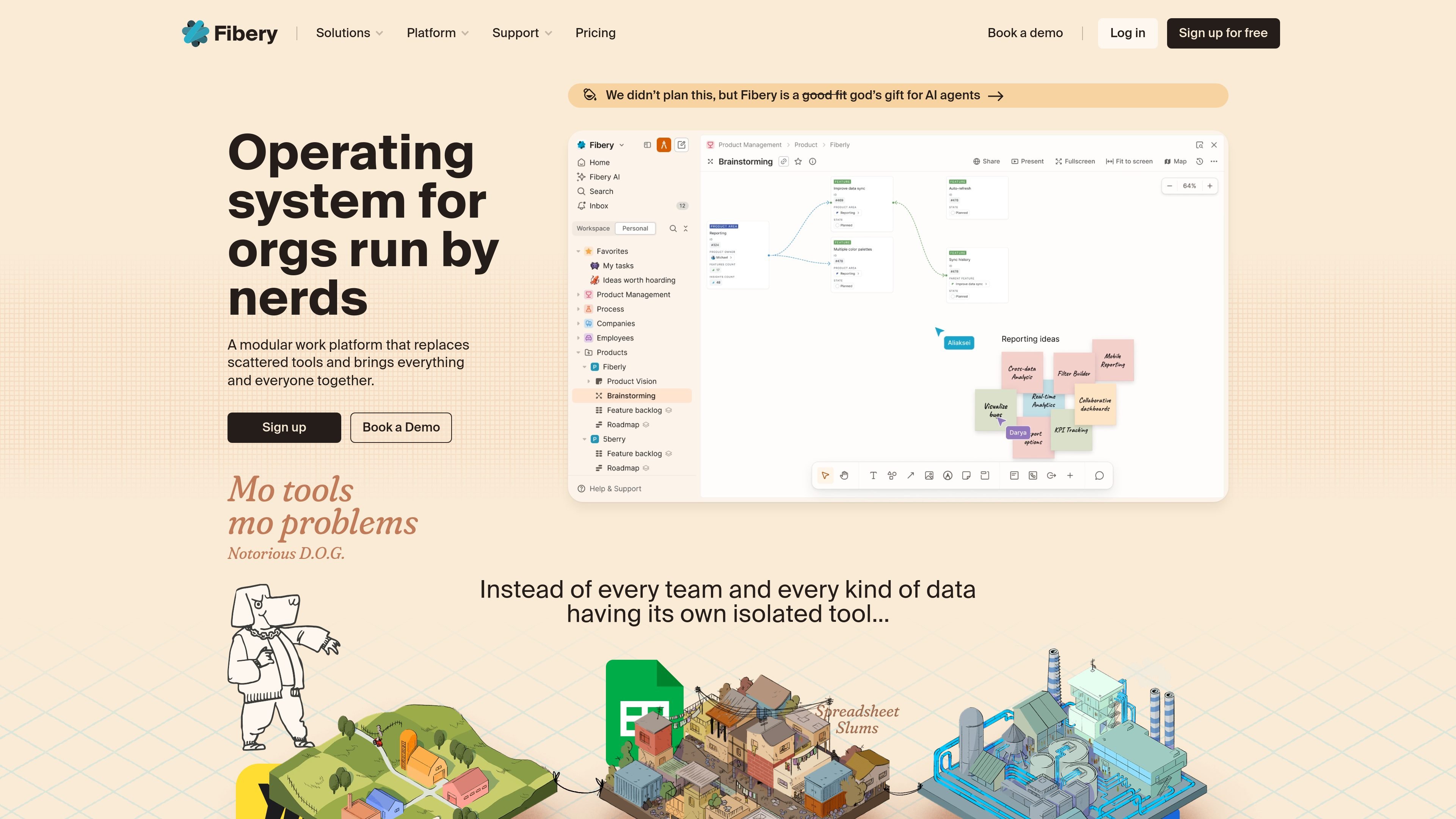
Fibery is a modular work platform for organizations that want to replace scattered tools with one connected workspace. It combines databases, documents, views, automations, reporting, and integrations so teams can model work around their own processes instead of forcing everything into a single rigid app.
The product is designed for connected work across teams, with templates for areas such as software development, product management, user research, OKR tracking, sales CRM, hiring, finance, project management, and meeting notes. The site also highlights AI support, whiteboards, dashboards, and custom workflows for teams that need more structure than a simple document tool and more flexibility than a standard project tracker.
Model work with relational databases, custom entities, custom fields, and custom relations so different teams can connect their processes in one workspace.
Switch between board, timeline, Gantt, table, list, calendar, feed, map, form, dashboard, and gallery views to match different types of work and audiences.
Work in collaborative documents, create tasks from text, mention teammates, and use whiteboards for diagrams, mind maps, and journey maps.
Automate repetitive work with automation rules, action buttons, JS automations, and automatic linking between databases.
Connect Fibery to tools such as Slack, GitHub, GitLab, Jira, Trello, Airtable, ClickUp, HubSpot, Intercom, Make, Zapier, and synced databases.
Use charts, dashboards, full-text search, bi-directional links, change history, and AI/MCP features to query data and work across connected information.
Build a shared workspace for product, engineering, and operations data when the team needs tasks, docs, and references to live in connected databases rather than separate tools.
Track research, feedback, feature ideas, and linked work items in one place, using bi-directional links and entity relations to connect insights to delivery.
Plan and manage software projects with timeline, Gantt, dependency, and automation features, while using templates to start from an established structure.
Organize processes such as hiring, finance, sales CRM, project management, or meeting notes with templates and customizable views tailored to the workflow.
Create dashboards, charts, and custom reports for teams that need to monitor metrics or compare planned versus actual work across connected data.
Fibery is a modular work platform for teams that want to replace scattered tools with one connected workspace. The source pages emphasize connected databases, customizable views, docs, whiteboards, automations, integrations, and AI-assisted workflows.
The pricing page shows a Free plan for small teams, plus Standard, Pro, and Enterprise plans. The site also says you can start with a free trial, and the feature page says the trial is 14 days with no credit card required.
Fibery is designed for teams that need to model connected processes and data, including product, research, software development, project management, sales CRM, hiring, finance, and other team workflows shown in the template gallery and homepage.
The features page lists connected databases, custom views, collaborative documents, whiteboards, charts, dashboards, forms, automations, permissions, integrations, templates, API access, and an MCP server for AI assistants.
The pricing page says Free is for up to 10 users and includes 10 databases, collaborative docs, formulas, automations, and integrations. Higher tiers add more capacity and capabilities such as AI, charts, whiteboards, advanced permissions, unlimited automations, unlimited integrations, and security or residency options.