
Notes and documents
Create full documents or quick notes in a minimal editor, with AI help available in the same workspace. The editor supports embedded links to other notes and files, plus rich linking between related content.

Fabric is an AI workspace for writing, notes, research, collaboration, and publishing. It combines a personal AI, a document editor, a canvas, search, and sharing tools for thinkers, researchers, designers, students, and teams.
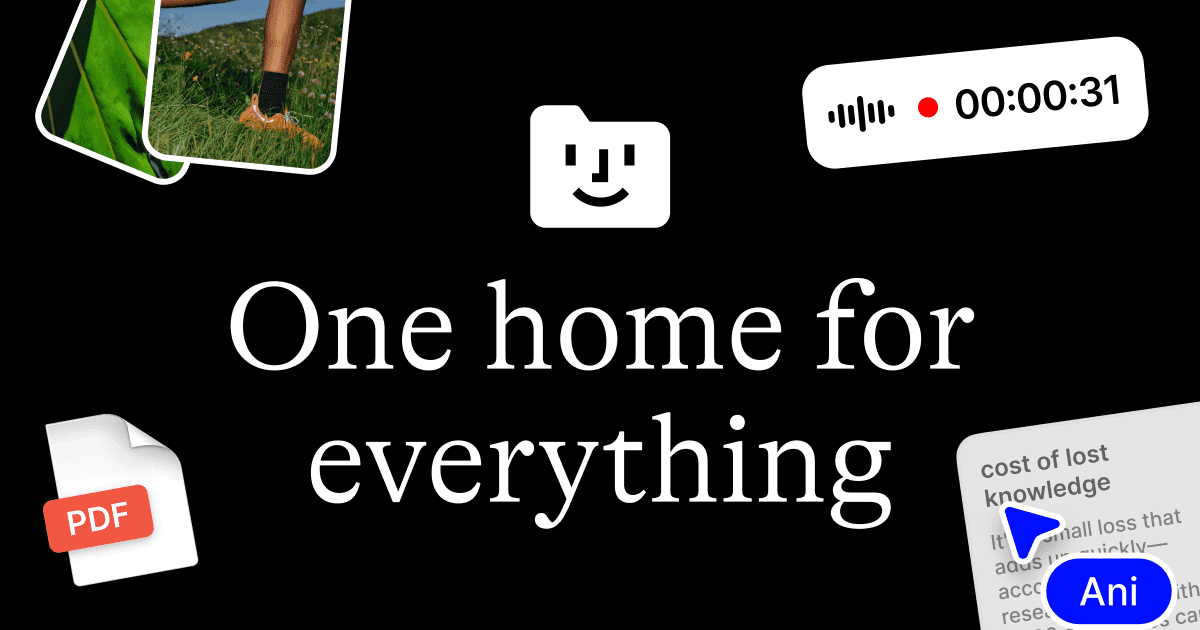
Fabric is an AI workspace for writing, notes, research, collaboration, and publishing. The site positions it as a living home for projects, ideas, files, memories, and meetings, with a personal AI that knows the content you keep in the workspace.
It combines a minimal document editor, an infinite canvas, voice and meeting notes, tasks, search, and sharing tools in one product. The AI assistant can search across your knowledge base, draft or edit documents, work with selected files and folders, and respond through an email address tied to each account.
Create full documents or quick notes in a minimal editor, with AI help available in the same workspace. The editor supports embedded links to other notes and files, plus rich linking between related content.
Use an infinite canvas to brainstorm, map ideas spatially, and bring notes, files, and links into a visual workspace. Fabric supports drawing, sticky notes, shapes, images, arrows, and live embeds.
Record or capture meeting and voice notes that turn into structured text, with the recording and notes kept together so important details are easier to review later.
Assign tasks with priorities, due dates, and reminders, and connect them to relevant files or folders. The product also includes kanban-style project tracking in the source pages.
Search across your library by meaning, file content, color, visual similarity, and even transcripted audio or video. Fabric also searches connected sources such as Google Drive, Notion, and Dropbox.
Collaborate in real time with comments, annotations, @mentions, multiplayer cursors, and editable links. The site also describes built-in publishing and link analytics for shared work.
Researchers can collect papers, notes, quotes, and related files, then search by meaning or content instead of relying on filenames and manual folder structures.
Teams can draft documentation, leave contextual comments, tag teammates with @mentions, and edit the same document together in real time.
Designers and creative teams can use the canvas to arrange references, images, sketches, and embedded previews into a spatial board for brainstorming and planning.
Students and knowledge workers can build interconnected notes, link related material, and create study guides or personal wikis that stay searchable as the library grows.
Meetings, calls, and voice notes can be captured as structured text, then tied back to the recording, tasks, and related documents for follow-up.
Fabric’s document editor syncs across devices, so you can start on a laptop and continue on a phone. The source also says documents can be edited offline and sync when you reconnect.
Yes. The source says you can share documents as view-only or editable links that work in a web browser. For editing and commenting, collaborators need a free account.
Fabric’s organization model is content-based rather than folder-only. It automatically creates connections between related documents, while still allowing manual structures if you prefer.
The source lists cloud storage, real-time synchronization, and encryption in transit (SSL) and at rest (AES-256).
The site describes Fabric as a workspace for writing, whiteboards, documents, spaces, tasks, meeting notes, search, canvas work, collaboration, and publishing. It is aimed at thinkers, researchers, designers, students, and teams.