
Import and cue-sheet preparation
Upload source video, let Studio transcribe it, identify speakers, and produce a timecoded cue sheet for review before dubbing begins.

Dubformer is a web-based AI dubbing studio for localized video voice tracks, with line-by-line control over pronunciation, emotion, and delivery for reviewable team workflows.
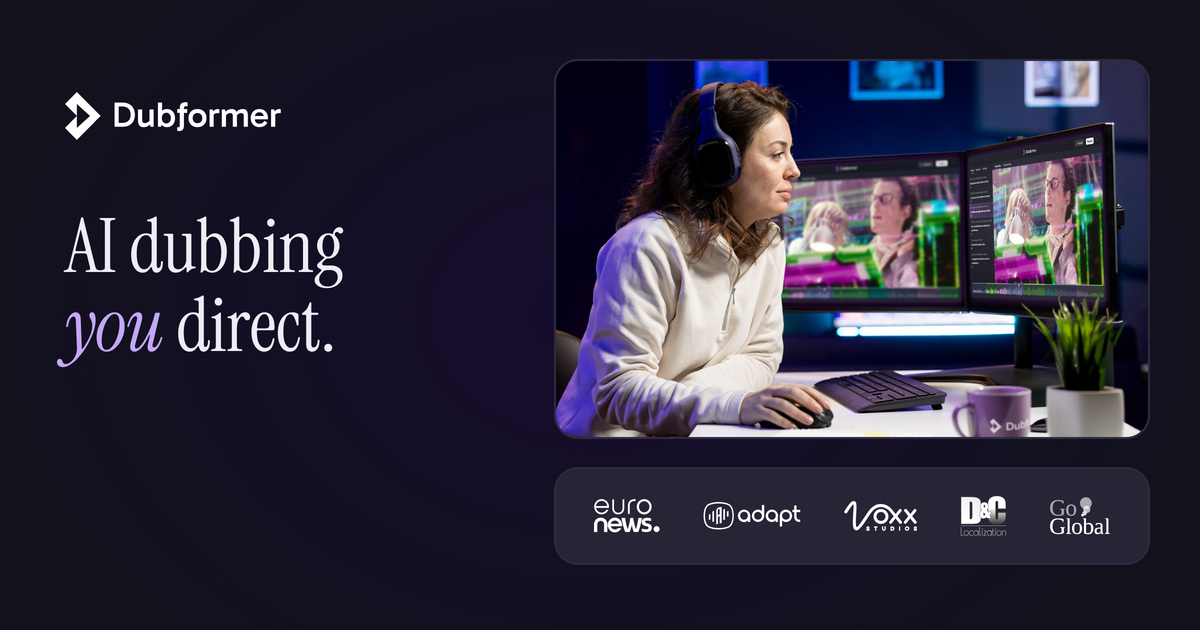
Dubformer is an AI dubbing studio for teams that need to create localized versions of video with direct control over how each line sounds. The product centers on a workflow that starts with importing source video, identifying speakers, reviewing a cue sheet, and then directing pronunciation, emotion, and delivery phrase by phrase before export.
The site positions Dubformer for production workflows where review matters before anything airs. It supports 140+ languages and offers exports for audio tracks, dubbed video, final mixes, and subtitle files, with team controls such as role-based access and Google or Microsoft single sign-on.
Upload source video, let Studio transcribe it, identify speakers, and produce a timecoded cue sheet for review before dubbing begins.
Adjust pronunciation, emotion, and delivery phrase by phrase, with multiple takes available for each directed line.
Choose a voice for each speaker and compare alternatives, with the studio recommending the closest match and scoring options for review.
Export approved languages as per-language audio tracks, dubbed MP4 video, a final mix, or subtitle files in common formats such as VTT, SRT, TTML, XLSX, and CSV.
Use role-based access, Google or Microsoft sign-in, folder-level voice access, and project permissions to manage team workflows.
Review segment-level quality with scores across six dimensions, and keep a paper trail that traces dubbed segments back to the decision that released them.
A localization team can import a source video, map speakers, direct each phrase, and export approved language versions for review before release.
Broadcast or streaming teams can use the review workflow, access controls, and export options to move dubbed content through internal approvals.
A language service provider can manage multiple voices and languages while keeping access scoped to the right project and users.
Teams with an existing media pipeline can export audio tracks, MP4 dubs, or subtitle files in several formats for downstream editing and delivery.
Organizations testing AI dubbing for the first time can run a guided pilot and review whether the workflow fits their QC and team process.
Dubformer is an AI dubbing studio where teams import source video, select target languages, direct voice delivery phrase by phrase, and export approved versions.
The source pages show the workflow starting with upload, transcription, speaker mapping, voice selection, direction, review, and export. The studio page also shows support for line-by-line control over pronunciation, emotion, and timing.
Dubformer says it supports 140+ languages.
The studio page shows exports for per-language audio tracks at 44.1kHz, a final mix with dubbed dialogue over the original M&E, M&E tracks, dubbed video as MP4, and subtitle exports in VTT, SRT, TTML, XLSX, and CSV.
The site shows team-oriented controls such as role-based access, SSO with Google or Microsoft, folder-level voice access, and project permissions. It is presented as a browser-based studio rather than a desktop app.