
Automatic code documentation
Connect a repository and generate a hierarchical documentation tree from source code instead of starting from blank pages or MDX files.

DocuWriter is an AI code documentation tool that generates code docs, API docs, and UML diagrams from a connected repository, keeping docs aligned as code changes.
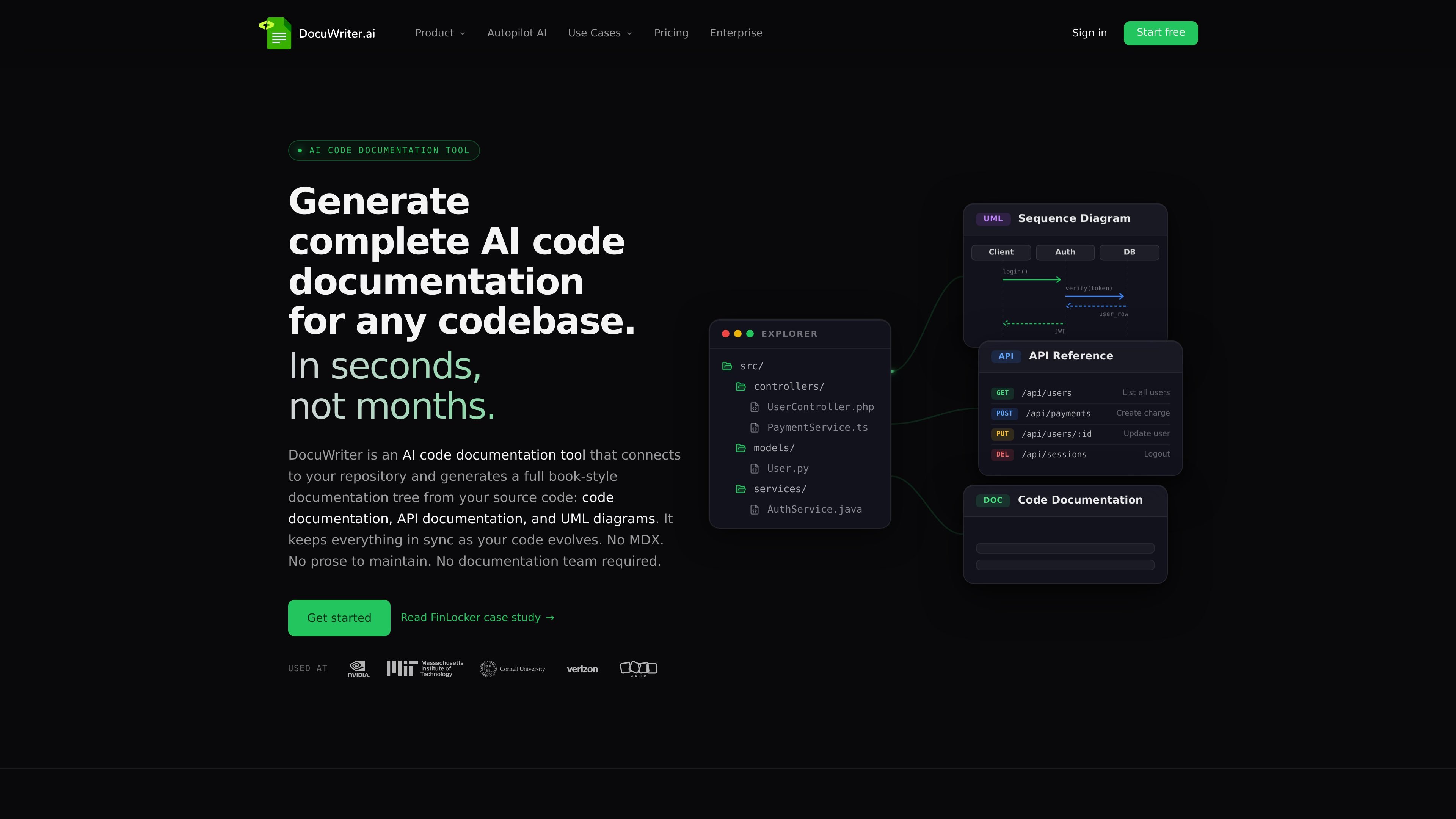
DocuWriter is an AI code documentation tool that connects to a repository and generates documentation from the source code. The product focuses on three outputs: code documentation, API documentation, and UML diagrams, with the goal of turning an existing codebase into a structured documentation set without manual authoring from scratch.
The source describes a workflow in which DocuWriter reads the codebase with AST parsing and a code-aware retrieval pipeline, then keeps documentation synchronized as the repository changes. It supports GitHub, GitLab, Bitbucket, and Azure DevOps, and includes reviewable update suggestions through its Autopilot agent.
Connect a repository and generate a hierarchical documentation tree from source code instead of starting from blank pages or MDX files.
Generate Swagger/OpenAPI-style API docs from API code, including references for endpoints and request patterns.
Create class, sequence, and component diagrams from the codebase, with Mermaid and PlantUML mentioned in the source.
Watch connected repositories for changes and open reviewable update suggestions when code evolves, so docs stay aligned with the code.
Publish documentation to a private team space or a public-facing site, and export to Markdown, Word, PDF, Confluence, or Git.
Use spaces for documentation management and connect to ChatGPT, Claude, or Cursor through MCP, with n8n integration also mentioned on the features page.
Document a large or inherited codebase when the team has little or no existing documentation and needs a structured starting point from source.
Keep reference material current when frequent commits or pull requests make manual documentation hard to maintain.
Help new engineers find architecture, API, and module information without relying on tribal knowledge or repeated Slack questions.
Produce code, API, and UML documentation for audits, due diligence, or partner reviews that need organized technical material.
Generate and export handoff packets for migrations, acquisitions, client deliveries, or internal transfers between teams.
DocuWriter connects to a repository, analyzes the codebase, and generates documentation artifacts from the source. The source describes a three-step flow: connect your repo, let DocuWriter read the code, then review, publish, and keep the documentation fresh.
The source says DocuWriter produces code documentation, API documentation, and UML diagrams. The features page also describes Swagger/OpenAPI output and UML class, sequence, and component diagrams.
DocuWriter supports GitHub, GitLab, Bitbucket, and Azure DevOps. The source mentions GitLab self-hosted support and connection via OAuth or personal access token.
The pricing page lists paid plans and states that pricing is per generation rather than per seat. It also mentions a Starter plan, yearly billing with four free months, and a Custom plan for SSO, self-hosted runtime, or custom volume.
The source says output can be published to a private team space or a public-facing site, and docs can be exported to Markdown, Word, PDF, Confluence, or Git. It also says each space publishes as an MCP server.