
Layout-preserving translation
Translate decks while keeping layout, fonts, animations, charts, SmartArt, and tables in place. The product also supports Keynote round-trip output and automatic spacing adjustments for translated text.

DeckFlow is an AI presentation workspace for translating, generating, and revamping decks while preserving layouts, formulas, charts, and brand styling. It helps consultants, researchers, founders, and teams work across 30+ languages without extensive manual reformatting.
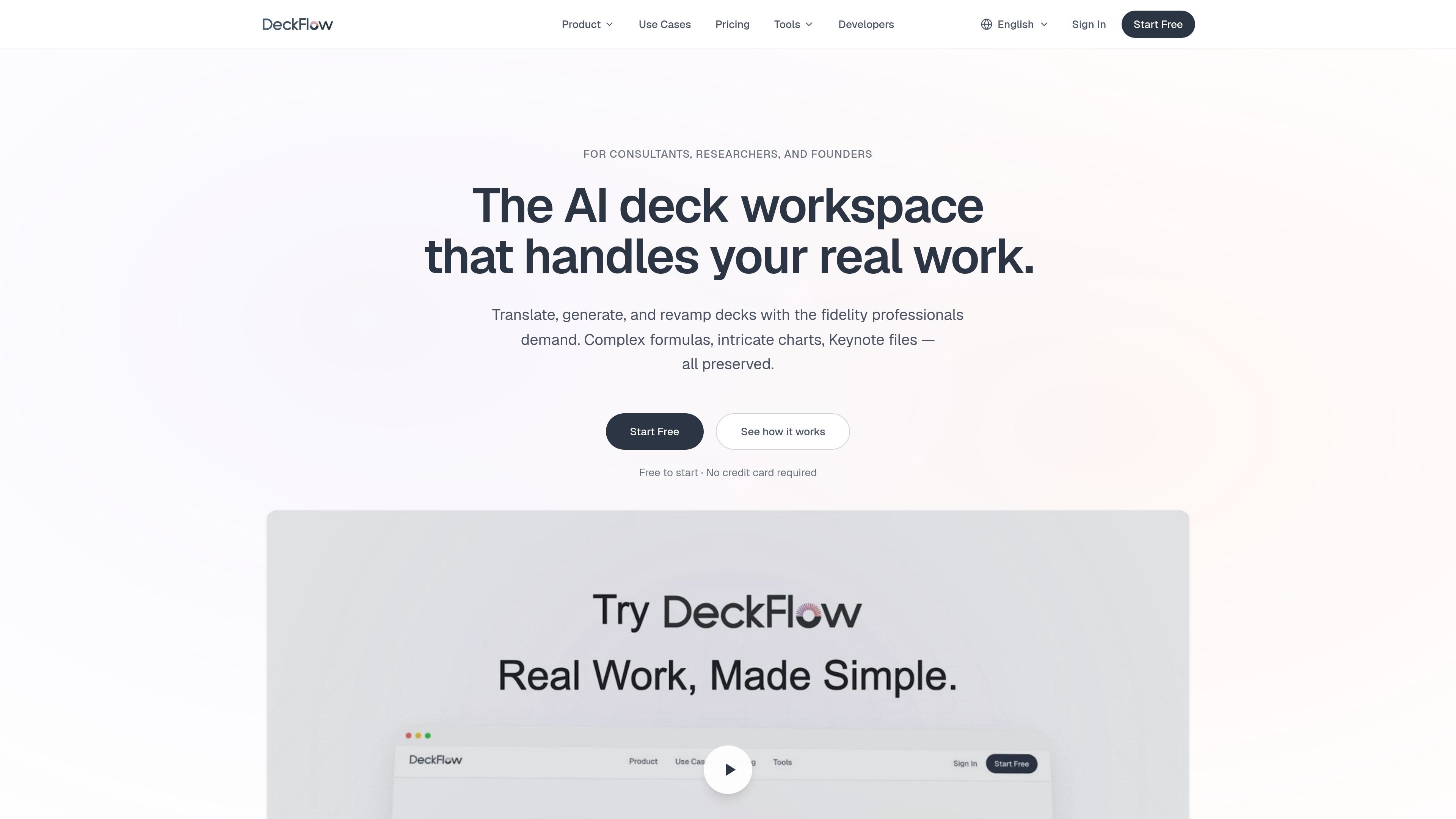
DeckFlow is an AI presentation workspace for translating, generating, and revamping slide decks while preserving the structure that professional work depends on. The product is aimed at consultants, researchers, founders, and teams that need slide content to stay usable after automation, rather than requiring manual cleanup.
The site emphasizes fidelity across real-world presentation materials: PPTX, Keynote, PDF, Word, and Excel files can be handled in translation workflows, while generation workflows support source inputs such as PDF, Word, Markdown, URLs, and plain text. DeckFlow also uses Brand DNA to carry colors, fonts, logos, and layout rules across decks, and it offers revamp options for updating older slides without rebuilding their content.
Translate decks while keeping layout, fonts, animations, charts, SmartArt, and tables in place. The product also supports Keynote round-trip output and automatic spacing adjustments for translated text.
Generate decks from PDFs, Word files, Markdown, URLs, or plain text. DeckFlow says it preserves formulas, charts, diagrams, and embedded images at the structural level instead of flattening them.
Apply saved colors, fonts, logos, and layout rules across new decks, translations, and revamps. Brand DNA can be personal or shared across a team.
Modernize older decks without rebuilding them from scratch. Users can choose a professional template or apply Brand DNA while keeping the original content intact.
Export output in the format needed for delivery, including PPTX, PDF, HTML, and Image from generation workflows. Translation workflows return the same deck format where supported.
Use team-oriented and advanced plan features such as custom glossaries, priority processing, API and MCP support, and larger file uploads. The pricing page also lists credits and sparks as the usage model.
Translate investor decks, sales pitches, and client presentations into another language while keeping charts, layouts, and Keynote files intact.
Turn research papers, technical reports, and long-form documents into a presentation that keeps formulas, charts, and images structurally intact.
Refresh older decks by applying a professional template or Brand DNA so the content stays the same while the visual design changes.
Keep proposals, reports, and recurring client decks visually consistent by applying saved brand settings across every new output.
Translate and update work in environments that depend on custom terminology, using glossaries to keep key terms consistent across runs.
Yes. DeckFlow can translate PPTX, Keynote, PDF, Word, and Excel files, and the translated file is returned in the same format where applicable. The product pages specifically call out full round-trip support for Keynote files.
DeckFlow says its translation workflow preserves fonts, sizes, colors, animations, charts, tables, SmartArt, and layout elements. It also adjusts font size and spacing automatically so translated text fits without manual reformatting.
DeckFlow supports over 30 languages, with deeper accuracy called out for English↔Chinese, English↔Japanese, English↔Spanish, and English↔German.
The pricing page says free credits are available for newly registered users, and the subscription model includes both translation and generation capabilities. It also lists API and MCP support for advanced plan users.
Yes. Uploaded files are encrypted with AES-256 and deleted after processing, and the pages state that source material is not used to train models.