Crun icon

Crun

Crun is a unified AI API platform for accessing video, image, audio, and text models through one interface. It helps developers integrate multiple model providers with API keys, usage monitoring, and credit-based pricing.

Crun

Unified API for top AI models

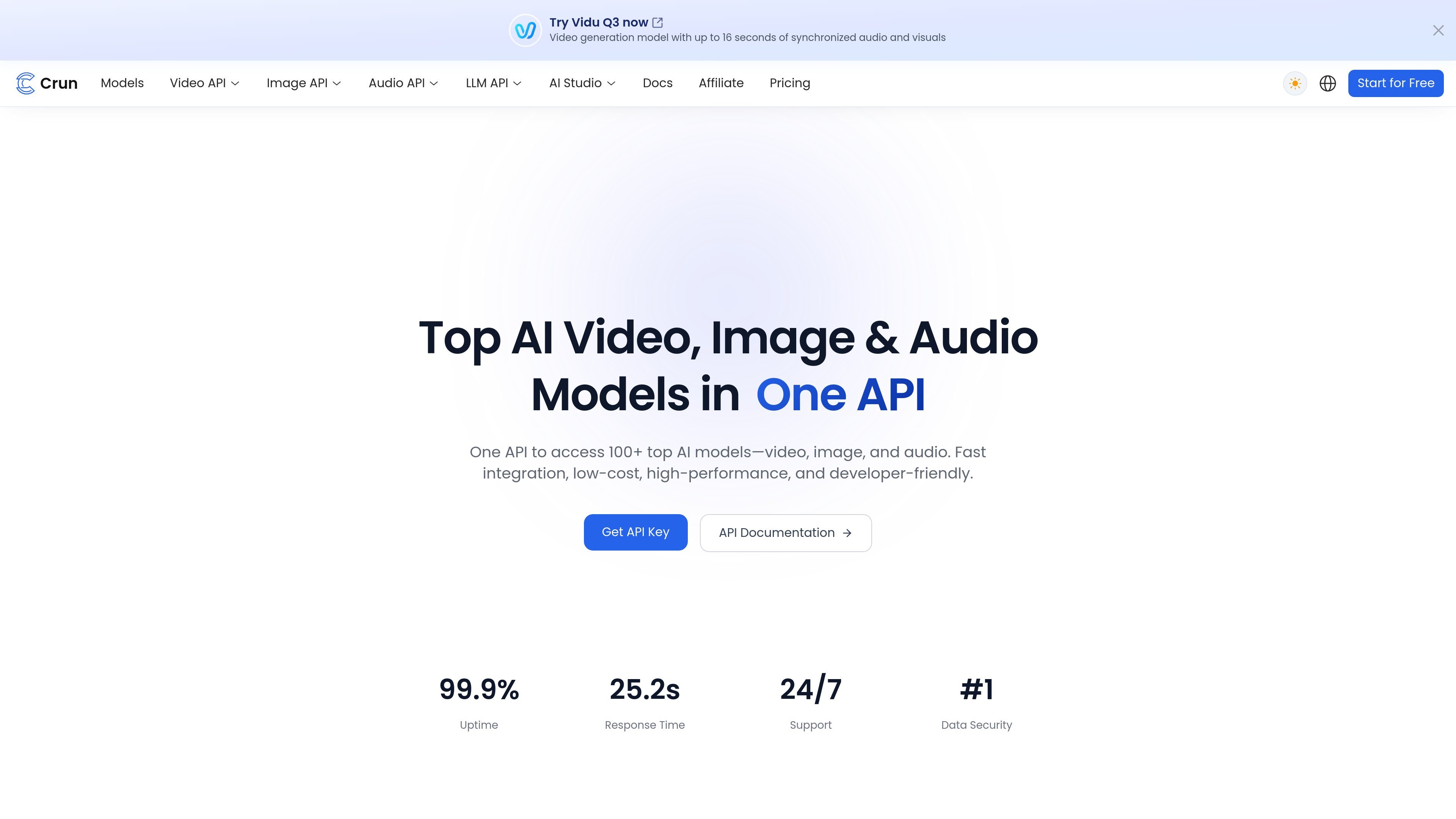
Crun is a unified AI API platform for developers and businesses that want to access top video, image, audio, and text models through a single interface. The site positions it as a way to simplify integration while still exposing a wide model catalog, including models for video generation, image generation, audio generation, and large language model tasks.

The product emphasizes developer workflow: create an API key, choose a model, send a request, and retrieve results from the same API. Crun also highlights OpenAI compatibility, usage monitoring, logs, and transparent credit-based pricing so teams can integrate models without managing separate providers individually.

Core features

Unified multi-model API

Access video, image, audio, and text models through one API instead of integrating each provider separately. The site highlights support for 100+ top AI models and lists providers such as OpenAI, Anthropic, Google, Alibaba, ByteDance, Kling, Runway, and Suno.

Large cross-modal model catalog

The platform includes a broad model catalog with video generation, image generation, audio generation, and LLM options. Example models shown on the site include Veo 3.1, Wan 2.6, Seedream 5.0 Lite, Vidu Q3, GPT Image 2, and Claude models.

OpenAI-compatible request flow

Crun presents itself as OpenAI-compatible and describes the API as a drop-in replacement with one-line migration support. The home page also shows a sample request flow using an API key and a CreateTask endpoint.

Transparent credit pricing

The pricing page shows transparent per-request pricing, credit-based plans, and higher-tier discounts. It also compares Crun’s prices with platform rates from official providers, FAL, and OpenRouter for some models.

Usage monitoring and account controls

The site advertises real-time usage and log monitoring, with a dedicated API Usage page and controls for tracking credit consumption. The API key page also shows IP whitelist, model limits, and safe-spend limits.

Developer-focused operations

The home page highlights 99.9% uptime, smart routing, global infrastructure, and developer docs with interactive examples. It also states that support is available 24/7.

Common use cases

  • Centralize multi-model integration

    Teams building products that need to switch between image, video, audio, or LLM models can use Crun to keep integration work in one place instead of wiring multiple providers separately.

  • Migrate an existing API workflow

    Developers migrating from an OpenAI-style workflow can use the platform’s compatibility positioning and sample request flow to adapt existing code with less rewrite effort.

  • Compare model costs and usage levels

    Product teams can compare model costs on the pricing page and use the credit plans to evaluate usage patterns before selecting a higher-volume tier.

  • Track usage and control spend

    Applications that need to monitor spend and request activity can use the usage page, logs, and safe-spend controls to watch consumption over time.

  • Prototype with cross-modal models

    Builders experimenting with media generation models can use the model catalog and API key workflow to test video, image, and audio outputs in a single platform.

Pros and Cons

Pros

  • Consolidates multiple media and text model providers behind one API.
  • Supports a broad catalog across video, image, audio, and LLM use cases.
  • Shows OpenAI-compatible positioning for easier migration.
  • Includes usage monitoring, logs, and account controls such as IP whitelisting and spend limits.
  • Publishes transparent pricing information and plan-based discounts on the pricing page.

Cons

  • The public evidence is light on concrete integration details such as SDK support, deployment steps, or supported programming environments beyond Python, JavaScript, and cURL examples.
  • Pricing is credit-based and model-specific, so comparing costs still requires checking the model table rather than relying on a single flat rate.

FAQ

What does Crun do and how does it work?

Crun provides a unified API for accessing image, video, audio, and text models. The site says users sign up, create an API key, choose a model, send requests, and then receive results through the same workflow.

Does Crun offer a free trial?

Yes. The site states that Crun offers a free trial so new users can explore the APIs before choosing a paid plan.

How does Crun pricing work?

Crun describes its pricing as a point-based, pay-as-you-go model with transparent per-request pricing and volume discounts. The pricing page also says higher-tier credit plans unlock lower model costs.

What account and usage controls are available?

The site lists API keys, billing, API usage, logs, and API updates in its navigation, and the API key page shows controls for IP whitelisting, model limits, and safe-spend limits.

What documentation or developer help does Crun provide?

Crun says it provides documentation, an interactive playground, and Python, JavaScript, and cURL examples to help with integration.

Quick Facts

Category
Developer tool
Primary use
Unified access to AI models for video, image, audio, and text
Website
crun.ai
Pricing model
Credit-based, pay-as-you-go
Docs
API documentation, examples, and playground mentioned on site
Account controls
API keys, IP whitelist, model limits, safe-spend limits

Alternatives à Crun

DDS Hub icon

DDS Hub

DDS Hub is an AI API platform for Claude and OpenAI-family model workflows, with token-based pricing, model selection, and Claude Code setup guidance. It is aimed at developers who want API access, usage-based billing, and basic troubleshooting in one place.

NavtoAI API icon

NavtoAI API

NavtoAI API is a unified AI API gateway that lets developers and teams route requests across 200+ models through one account and one API shape. The collected pages also show API key usage lookup, routing controls, and centralized management for keys, quota, billing, users, and observability.

EvoLink icon

EvoLink

EvoLink is an AI model API platform that gives developers one OpenAI-compatible endpoint for accessing text, image, video, and music models from multiple providers. It is positioned for production apps, agents, and workflows that need model comparison, routing, and usage-based access.

ZenMux icon

ZenMux

ZenMux is an enterprise LLM platform with a unified API for multiple model providers, automatic prompt-based routing, and usage-based or subscription pricing. It is aimed at developers and teams building AI applications that need multi-model access, cost visibility, and compensation for certain model failures.

Kie.ai icon

Kie.ai

Kie.ai is a developer-focused AI API platform for accessing chat, image, video, and music models through one interface. It combines model browsing, API keys, billing, usage logs, and per-model pricing for integration-focused workflows.

OpenAI icon

OpenAI

OpenAI is an AI research and deployment company centered on ChatGPT, the API, Platform tools, and Codex. The site helps individuals, developers, and businesses explore conversational AI, build with models, and follow product and research updates.