
Image-Based Generation
Upload a product photo, logo, screenshot, rough creative, or other basic image and use it as the base for new visuals.

Creativio AI turns basic images into polished product visuals for ecommerce, marketing, and social campaigns—fast, with less manual editing.
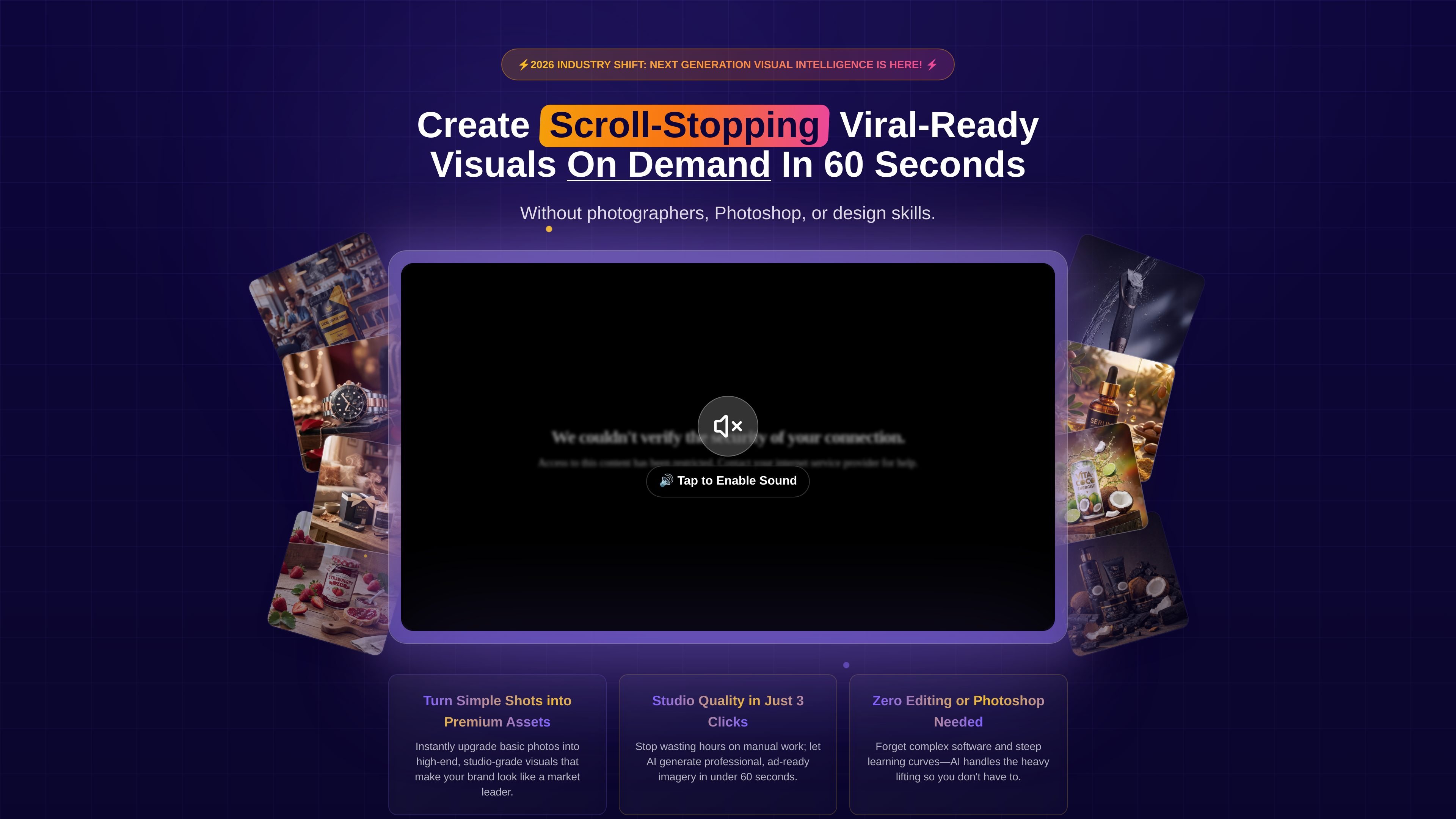
Creativio AI is an AI-powered product photography tool that turns simple source images into more polished marketing visuals. The homepage positions it as a way to create professional-looking product imagery without photographers, Photoshop, or design skills.
The product’s core workflow is straightforward: upload an image, choose a style, generate variations, and download the result for use in ads, websites, marketplaces, and social posts. The site also shows example use cases for products, food, logos, and virtual try-on style imagery.
Upload a product photo, logo, screenshot, rough creative, or other basic image and use it as the base for new visuals.
Choose from looks such as clean, premium, lifestyle, promo, bold, minimal, and cinematic, then generate multiple variations.
Remove messy backgrounds automatically so the subject becomes the focus of the image.
Generate contextual scenes that place products in photorealistic or lifestyle settings.
Enhance product images for sharper, higher-impact presentation, with the site describing ultra-HD and 4K visuals.
Download visuals for use across ads, websites, marketplaces, and social platforms, with platform sizes mentioned for Instagram, TikTok, and Facebook.
Upgrade plain product photos into more polished visuals for online stores and promotional campaigns.
Create menu or dish imagery that is better suited to restaurants, delivery apps, and marketing materials.
Turn logos and simple brand assets into branded mockups for apparel, merchandise, or large-format placements.
Generate model-style or lifestyle presentation shots from simple product images when a photoshoot is not available.
Create ad-ready visuals for social posts, launch assets, and campaign creatives without manual editing work.
The site shows a three-step workflow: upload an image, choose a style, then download the result. It does not describe a separate desktop app or complex setup process.
The homepage says you can start from a product photo, logo, screenshot, rough creative, or any basic image, then generate multiple visual variations.
The homepage describes output for ads, websites, marketplaces, and social platforms, and mentions ready-to-use sizes for Instagram, TikTok, and Facebook.
The source does not list supported integrations or export destinations beyond downloading and using the visuals across common channels.