
No installation required
Convert images in the browser without installing desktop software.

ConvertFiles.ai is a browser-based image converter for PNG, JPG, JPEG, WEBP and HEIC, with free use, high-resolution downloads, and paid plans.
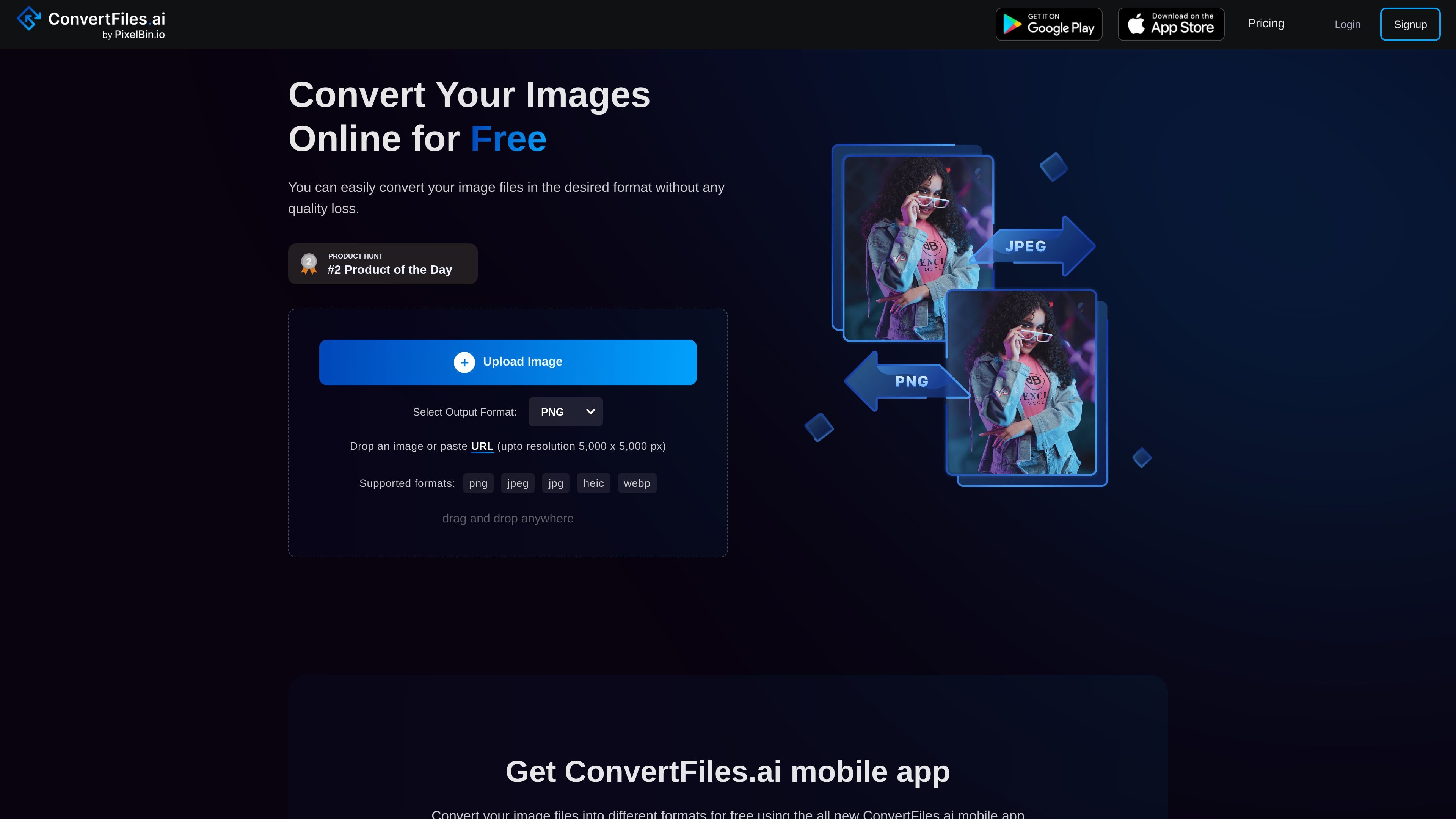
ConvertFiles.ai is an online image file converter for changing image formats in the browser. The homepage positions it as a free tool for converting files such as PNG, JPEG, WEBP, and HEIC, with an interface that supports drag-and-drop uploads or pasted URLs.
The site says users can download images in high resolution and use the service for personal or e-commerce work. The pricing page adds that there is a free sign-up option with credits, plus paid plans for more regular or bulk usage.
Convert images in the browser without installing desktop software.
Upload an image or paste a URL, then choose an output format from the converter interface.
The site lists PNG, JPG, JPEG, WEBP, and HEIC among the supported formats.
The homepage says conversions are designed to preserve quality and avoid visible quality loss.
The product page highlights quick processing for image format changes.
The pricing page says plans include access to add-on credits, free image downloads, and support.
Convert common image files between supported formats when you need a browser-based tool for quick format changes.
Prepare image assets for storefronts or listings, where the site explicitly mentions e-commerce use and high-resolution downloads.
Use the upload or URL-based workflow for one-off conversions without installing software on a device.
Try the product with free credits or limited daily usage before deciding whether a paid plan fits recurring work.
Move toward paid or PixelBin-based workflows when you need bulk transformations or commercial usage support.
ConvertFiles.ai is an online image file converter that lets you change image formats in the browser. The site also describes it as an AI-powered tool and references related image workflows on the PixelBin platform.
Yes. The homepage and pricing page describe a free option. The site says you can sign up to receive free credits, and it also notes that you can transform 10 images daily without sign-up for one-time use.
The site lists PNG, JPG, JPEG, WEBP, and HEIC as supported image types. It also shows an upload area that accepts drag-and-drop or a pasted URL.
The homepage states that the maximum output resolution is 5,000 x 5,000 px, and the FAQ on the page also lists a 25 MB maximum file size.
For bulk image transformations or commercial use, the pricing page points users to PixelBin.io and notes that the platform includes API integration, add-on credits, and support options.