
Multi-model AI chats
Use the desktop apps to chat with multiple open-source and closed-source models in the same conversation, including models such as GPT-4, Claude 2, Mixtral 8x7B, and Capybara 7B mentioned in the FAQ text.
Code Snippets AI is a developer tool for chatting with AI in codebase context and a secure snippets library to build features, fix bugs, and share reusable snippets.
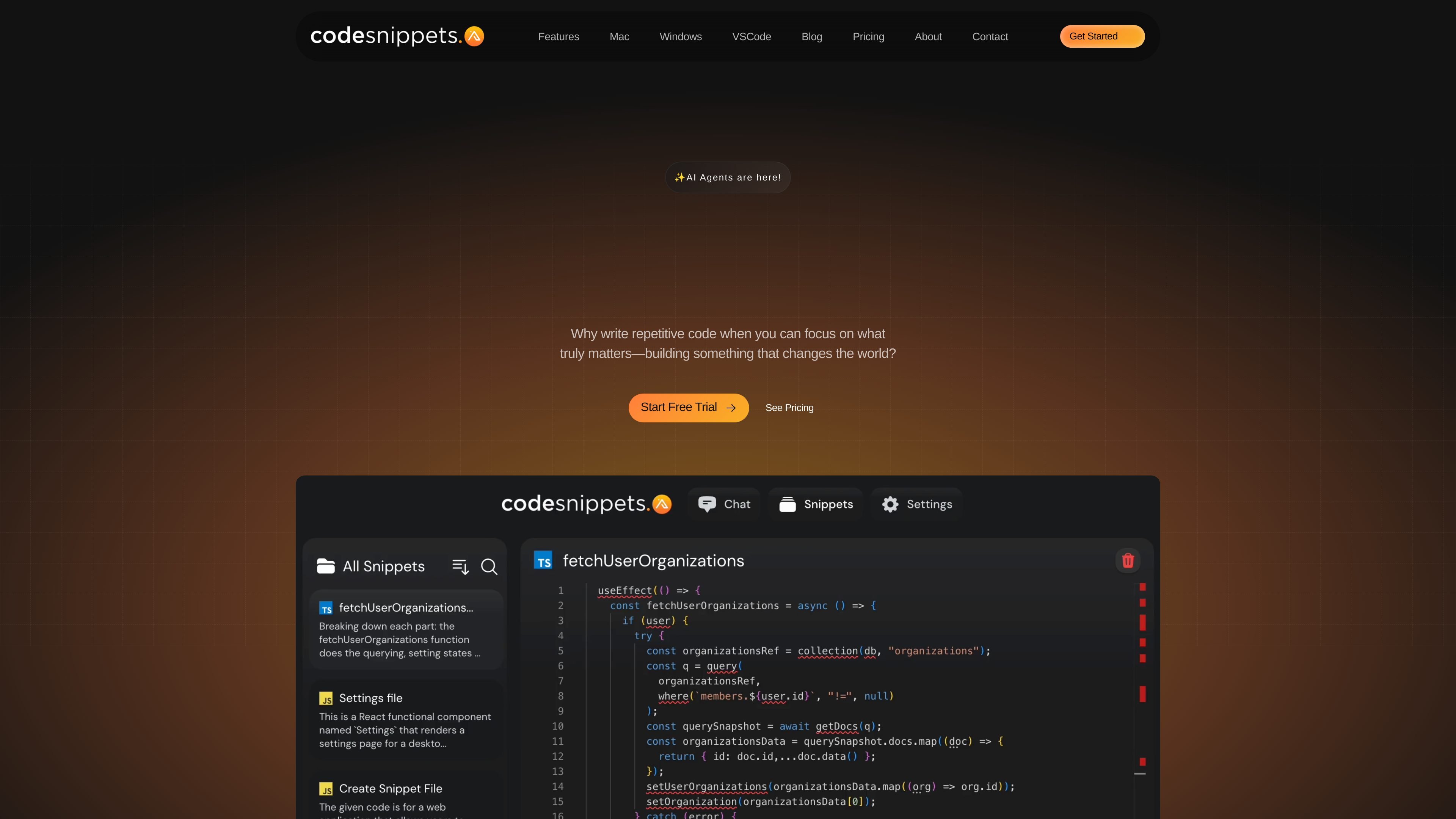
Code Snippets AI is a developer tool for managing code snippets and chatting with AI in the context of a codebase. The homepage describes it as a secure snippets library with contextually rich AI chats that help users build new features, fix bugs, add comments, and understand code.
The product centers on desktop apps and codebase indexing, so the conversation can use snippets, embeddings, and saved context rather than isolated prompts. Pricing information shows a free Basic plan, a Pro tier with team and browser features, and an Enterprise tier with security and administrative controls.
Use the desktop apps to chat with multiple open-source and closed-source models in the same conversation, including models such as GPT-4, Claude 2, Mixtral 8x7B, and Capybara 7B mentioned in the FAQ text.
Index and vectorize codebases so conversations can draw on repository context and snippet content instead of relying only on manual prompt text.
Save, optimize, and share snippets with teammates through a secure library and collaboration workflow.
Track usage and manage organization members, including roles shown in the homepage UI such as owner, admin, and member.
Use desktop apps on Mac and Windows, with pricing-page access to a web application and AI Chrome Extension on Pro and above.
Connect with local and online model options, including OpenRouter, OpenAI, and Ollama references in the pricing and FAQ text.
Use the desktop app to ask questions about a repository, follow code context across files, and reduce the need to restate background in every prompt.
Generate or refine implementation ideas while working with saved snippets and model context, then reuse the same library across sessions and teammates.
Index a codebase, pull in embeddings-based context, and use AI to help investigate bugs or reason about existing behavior before changing code.
Share approved snippets with teammates, manage organization members, and review usage from the organization view when coordinating on a shared code library.
Use the paid desktop apps and AI agents to get language- or framework-specific help with documentation links and task-oriented guidance.
Code Snippets AI combines an enhanced desktop chat interface with codebase indexing and vectorization, so chats can use context from a snippets library and connected codebase rather than starting from an empty prompt.
The source text points to desktop apps on Mac and Windows, and the pricing page also lists a web application and AI Chrome Extension on higher plans. Those platform details indicate the product is available across desktop and browser-based workflows, but the desktop app is the core experience described in the FAQ and blog.
The pricing page offers a Free Basic plan, a Pro plan with a 14-day free trial, and an Enterprise plan that also includes a 14-day free trial. The homepage also promotes starting free and a 14-day trial.
The blog says AI Agents are available to paid plans in Version 1.0 of the desktop apps, and that users should update to the latest desktop app version to use them.
The source materials do not list full language coverage. The product does state that agents are tailored to specific languages and frameworks, and the FAQ section suggests language support exists but does not enumerate it in the captured text.