
Multiple search modes in one system
Combine dense vectors, sparse vectors, lexical retrieval, regex matching, and metadata filters in a single query interface. Chroma positions this as one platform for hybrid search workflows.

Chroma is open-source AI search infrastructure with vector, full-text, regex, and metadata search for local, cloud, and bring-your-own-cloud setups.
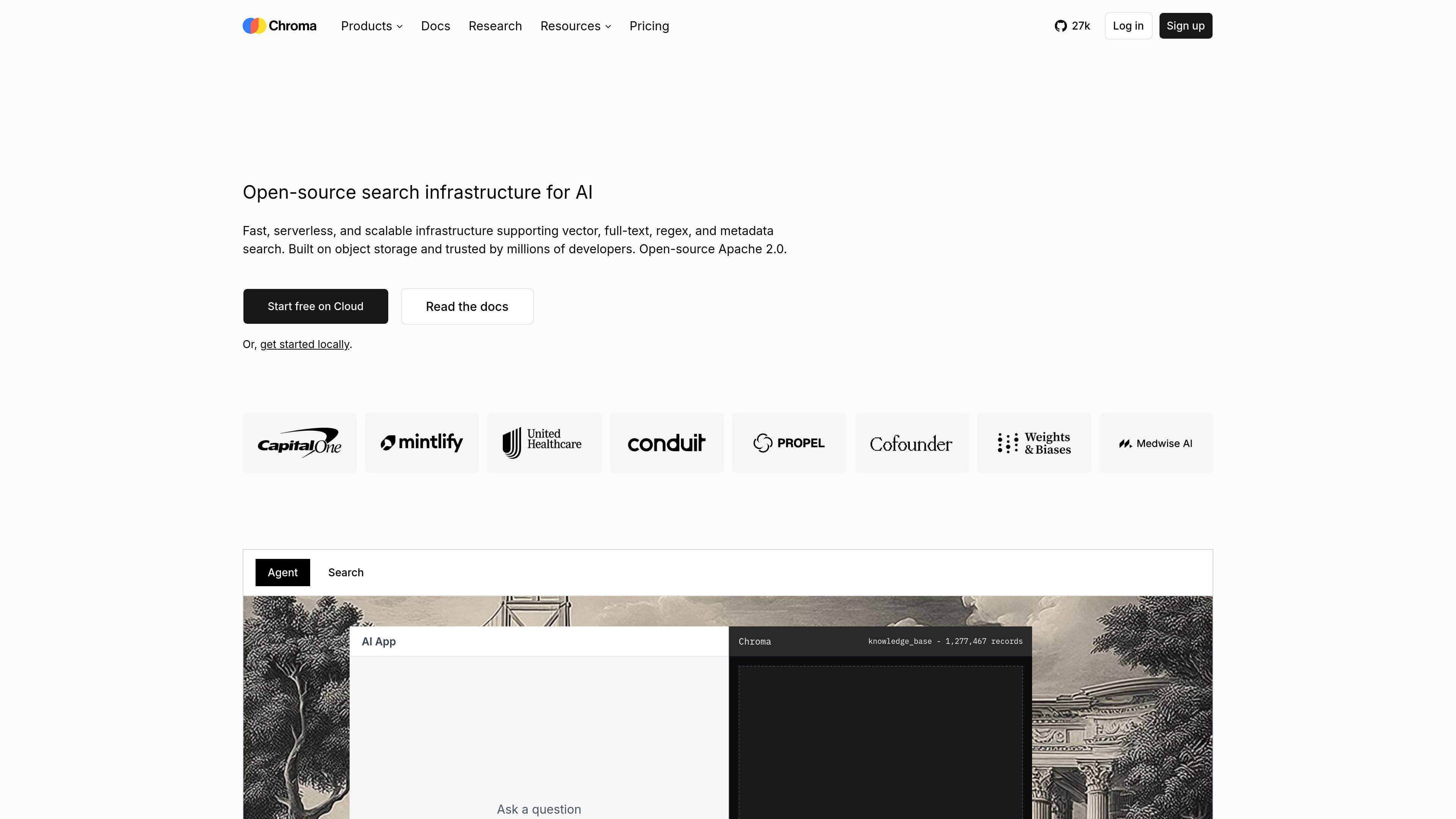
Chroma is open-source search infrastructure for AI. It combines vector search, sparse retrieval, full-text search, regex matching, and metadata filtering so teams can search and retrieve from one system instead of stitching together separate tools.
The site presents three deployment paths: a local single-node option, Chroma Cloud for fully managed serverless use, and bring-your-own-cloud deployments in a customer VPC. Chroma Cloud is built on object storage and automatic tiering, while Chroma Sync adds managed ingestion from sources such as S3, GitHub, and websites.
The product is aimed at developers and teams building AI applications, retrieval systems, and context-engineering workflows. The site also frames it as useful for production search at scale, with support for hybrid search, dataset versioning, and enterprise deployment controls.
Combine dense vectors, sparse vectors, lexical retrieval, regex matching, and metadata filters in a single query interface. Chroma positions this as one platform for hybrid search workflows.
Run locally with pip, npm, or Docker, or use the managed cloud service. The same codebase underpins the open-source database and Chroma Cloud.
Chroma Cloud runs without provisioning or manual tuning and is built on object storage with automatic query-aware data tiering and caching. The site emphasizes serverless operation and automatic scaling with usage.
The architecture stores vectors, metadata, and indexes on object storage with hot and warm caches above it. Chroma states this approach is designed for low-latency search at large scale.
Chroma Sync connects S3 buckets, GitHub repositories, and websites, then parses, chunks, and embeds incoming content before it reaches the database.
The product includes dataset forking, A/B testing, roll-outs, and CLI tooling for development. The site also highlights support for TypeScript, Python, and Rust clients.
Build retrieval for AI applications that need semantic matching, exact-text lookup, and filtering in one query path. Chroma is positioned for teams that want to combine vector and lexical methods without managing separate search back ends.
Store and query collections in a local environment during development, then move to managed cloud or BYOC deployment later. The site specifically calls out single-node use with pip, npm, or Docker.
Ingest content from S3 buckets, GitHub repositories, or web pages and prepare it for search with parsing, chunking, and embedding. This fits teams that need a managed pipeline from raw source to searchable data.
Run production search at larger scale with object-storage-backed indexing, tiered caches, and serverless operation. The site highlights low-latency search over multi-tenant indexes and automatic scaling with usage.
Use dataset forking, A/B testing, and roll-outs to compare retrieval changes before broad release. This is relevant for teams iterating on ranking, embeddings, or schema changes.
Chroma Cloud is the managed option for teams that want serverless search infrastructure without running their own clusters. The site also describes a single-node open-source option that runs locally with pip, npm, or Docker, plus a bring-your-own-cloud deployment model in your own VPC.
The product combines dense vector search, sparse vector search, full-text search, regex matching, and metadata filtering in one query interface. The site also shows hybrid search and dataset versioning features such as forking for A/B testing and roll-outs.
The pricing page shows a Starter plan, a Team plan, and an Enterprise offering. Starter and Team are usage-based with included credits, while Enterprise uses custom pricing and adds options such as unlimited databases, unlimited team members, dedicated support, single-tenant clusters, and BYOC clusters.
Chroma Cloud is described as supporting S3 buckets, GitHub repositories, and websites through Chroma Sync. Sync handles parsing, chunking, and embedding so data can be prepared for search.
The site says enterprise deployments can use BYOC in your VPC, multi-region replication, and point-in-time recovery. Chroma Cloud security pages also state that the platform has undergone SOC 2 Type II examination.