
AI lesson planning
Generate curriculum-aligned lesson slides from a topic, year group, and curriculum choice. Chalkie can create objectives, vocabulary, activities, imagery, and optional videos, then let you edit the lesson in its built-in editor.

Chalkie is an AI lesson generator for teachers. Create editable lessons, worksheets, and lesson sequences aligned to your curriculum, and export to common classroom formats.
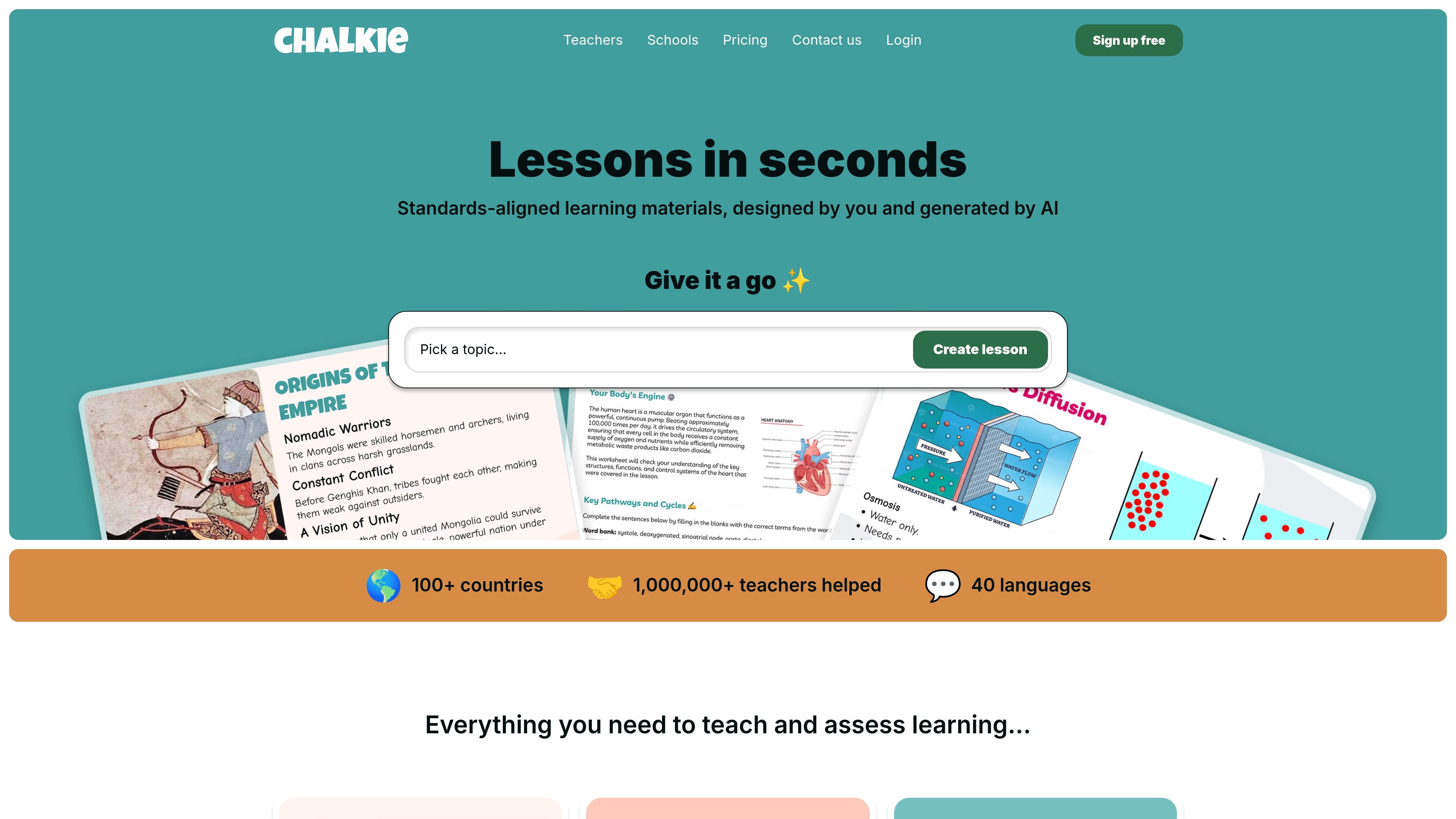
Chalkie is an AI lesson generator for teachers that creates classroom-ready lessons, worksheets, and lesson sequences from a topic, lesson plan, file, or URL. The product is built to help teachers produce editable teaching materials faster while keeping them aligned to a chosen curriculum or standards set.
The site positions Chalkie around three main workflows: planning a single lesson, building a series or unit of lessons, and generating printable activity sheets. Generated materials can be edited in Chalkie and exported to common classroom formats such as Google Slides, PowerPoint, PDF, Google Docs, or Word depending on the tool.
Generate curriculum-aligned lesson slides from a topic, year group, and curriculum choice. Chalkie can create objectives, vocabulary, activities, imagery, and optional videos, then let you edit the lesson in its built-in editor.
Turn a topic into an ordered sequence of lessons for a week, half-term, or term. The unit planner creates an outline first, then generates editable lessons with progression and supporting activities.
Create worksheets and activity sheets for quizzes, recap work, homework, gap fills, and differentiated tasks. The worksheet generator supports multiple question types and can be based on an existing lesson or a fresh topic.
Edit generated material inside Chalkie with AI tools or manual changes. The site says you can add slides, change difficulty, differentiate for learners, and remix content without starting over.
Export lessons and worksheets into the formats teachers already use. Depending on the tool and plan, Chalkie supports Google Slides, PowerPoint, PDF, Google Docs, and Word exports.
Choose standards and curriculum alignment while building. Chalkie supports UK, Australian, and US standards, including Common Core and NGSS, and the lesson planner can also use state-level alignment where available.
Build a single lesson on a topic such as the Water Cycle or Character Development, then edit the slides, objectives, vocabulary, and activities before exporting or teaching from Chalkie.
Create a lesson series or unit when you need multiple lessons across a topic or term. Chalkie generates an outline and then produces the full sequence with progression and supporting activities.
Generate starter quizzes, recap sheets, homework tasks, or gap-fill activities to reinforce learning and differentiate for different students.
Use Chalkie to prepare structured materials when you are new to a subject, teaching outside your specialty, or working under time pressure.
Standardize lesson content across a department or grade level with aligned objectives, editable templates, and shared workflows for schools and leadership teams.
Yes. Chalkie’s lesson planner, unit planner, and worksheet generator all support editing after generation, and lessons can also be exported to Google Slides, PowerPoint, or PDF.
Yes. The source states that Chalkie supports UK, Australian, and US curriculum standards, including Common Core and NGSS, depending on the tool you are using.
Yes. The pricing page says free, Pro, Max, and Schools options are available, and the Schools plan includes custom lessons, linked teacher accounts, admin controls and tracking, and centralized billing.
Chalkie’s output can include lessons, lesson series, activity sheets, worksheets, and unit plans. The feature pages also mention optional worksheets, quizzes, vocabulary, objectives, and activities.
The source does not list every supported file format or integration in detail, but it does show export options to Google Slides, PowerPoint, PDF, Google Docs, and Word depending on the tool.