
Fresh sandboxed desktop
Bytebot starts a fresh, sandboxed computer for each task, which lets it work in an isolated desktop environment rather than inside a single browser tab or API-only workflow.

Bytebot is an open-source AI desktop agent that automates tasks inside a full Linux desktop using the screen, mouse, and keyboard. It is designed for workflows that need browser access, local apps, file handling, and human-in-the-loop control.
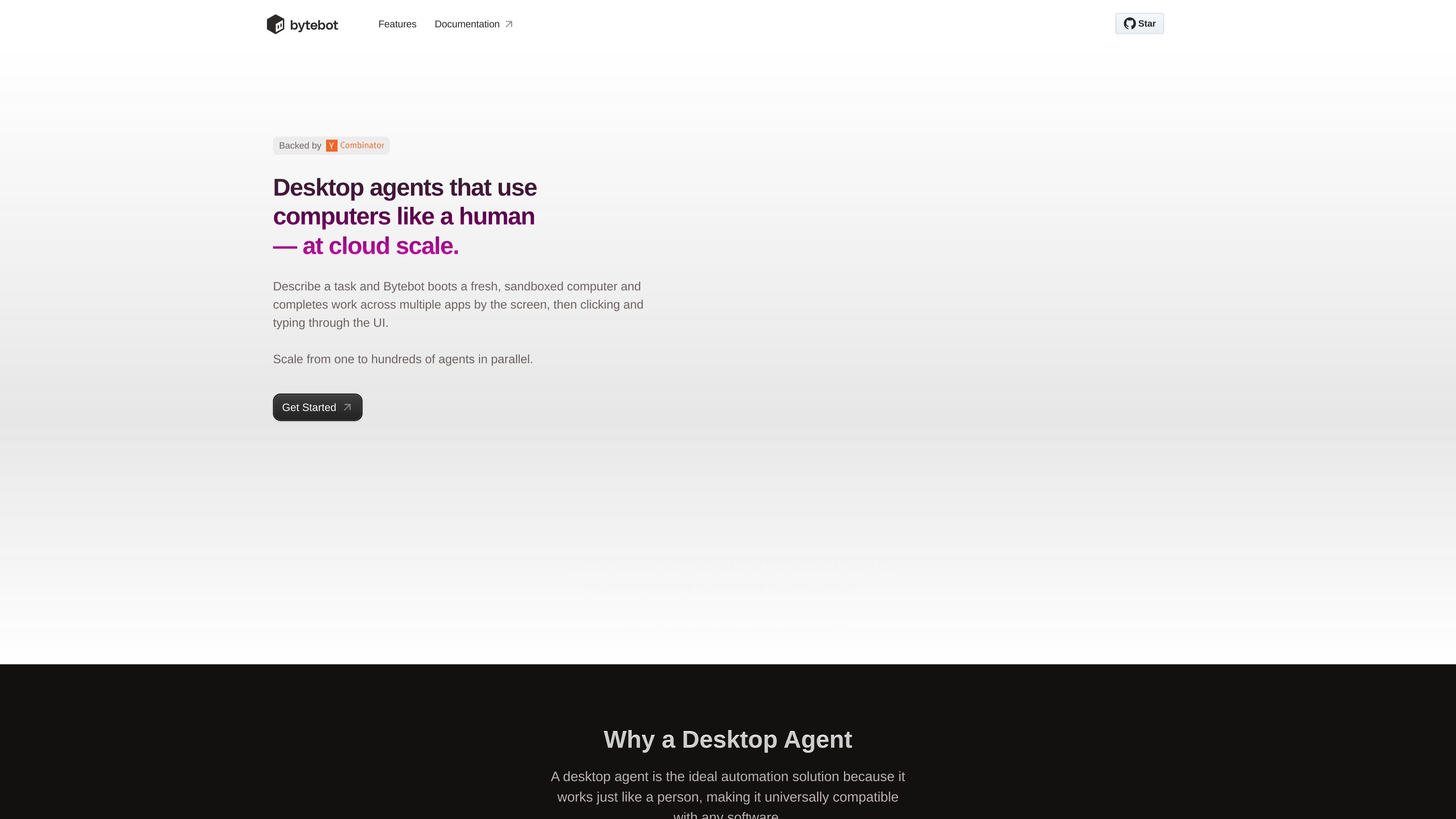
Bytebot is an open-source AI desktop agent that runs tasks on a computer the way a person would: by seeing the screen, clicking, typing, and moving through applications. The product is aimed at workflows that go beyond browser-only automation and need access to a full desktop environment.
According to the site, Bytebot boots a fresh, sandboxed computer for each task and can scale from one agent to many in parallel. It is built around a containerized Linux desktop environment, with support for apps like a browser, file system, password manager, terminal, and code editor, plus the option to install additional software.
Bytebot starts a fresh, sandboxed computer for each task, which lets it work in an isolated desktop environment rather than inside a single browser tab or API-only workflow.
The desktop environment includes a browser, file system, password manager, terminal, code editor, and support for additional installed applications.
Bytebot uses trackpad, keyboard, and screen interactions to execute clicks, scrolls, and keystrokes with fine-grained control.
Users can step in during execution, take over the desktop, and then return control back to the agent when needed.
Every action is logged with screenshots before and after, giving users a visual record for review and debugging.
The site says Bytebot can run locally with Docker Compose or be deployed on Railway, AWS, GCP, or Azure.
Use Bytebot to sign into services that require passwords, 2FA codes, or a password manager. The site specifically shows a login flow using Bitwarden and a two-factor authentication step.
Use it to scaffold an application in the terminal, install dependencies, start a local server, edit code in VS Code, and verify the result in a browser. The site presents this as a desktop development workflow.
Use Bytebot to research online, download PDFs, read dense documents, and turn the material into a structured summary. The site positions this as useful for technical research and reporting.
Use it for tasks that require switching between apps, files, and browser windows, especially when the workflow includes downloads, local editing, or uploads that do not fit a browser-only agent.
Bytebot is an open-source AI desktop agent that gives a model access to a keyboard, mouse, and screen inside a containerized Linux desktop environment. It is designed to complete multi-step tasks across applications using natural language instructions.
Bytebot runs tasks in a fresh, sandboxed computer and can operate across apps by clicking, typing, scrolling, and using the screen as the source of truth. The site also describes it as able to run locally with Docker Compose or be deployed on Railway, AWS, GCP, or Azure.
The home page says Bytebot comes with a browser, file system, password manager, terminal, code editor, and more. It also says you can customize the environment and install additional applications.
The product site describes human-in-the-loop control: users can step in, take control of the desktop, and then resume the agent. The logs include screenshots before and after each action for inspection.
The public pricing page was not available in the collected sources. No pricing, free trial, or plan details were visible from the pages provided.