
Plan, act, and verify in the browser
Aye can work through browser tasks on real websites instead of only drafting text. The homepage describes it as planning, acting, and verifying results inside the browser.

Aye is an AI browser for Mac and Windows that handles repetitive tasks on real websites, from media downloads to support replies and social work.
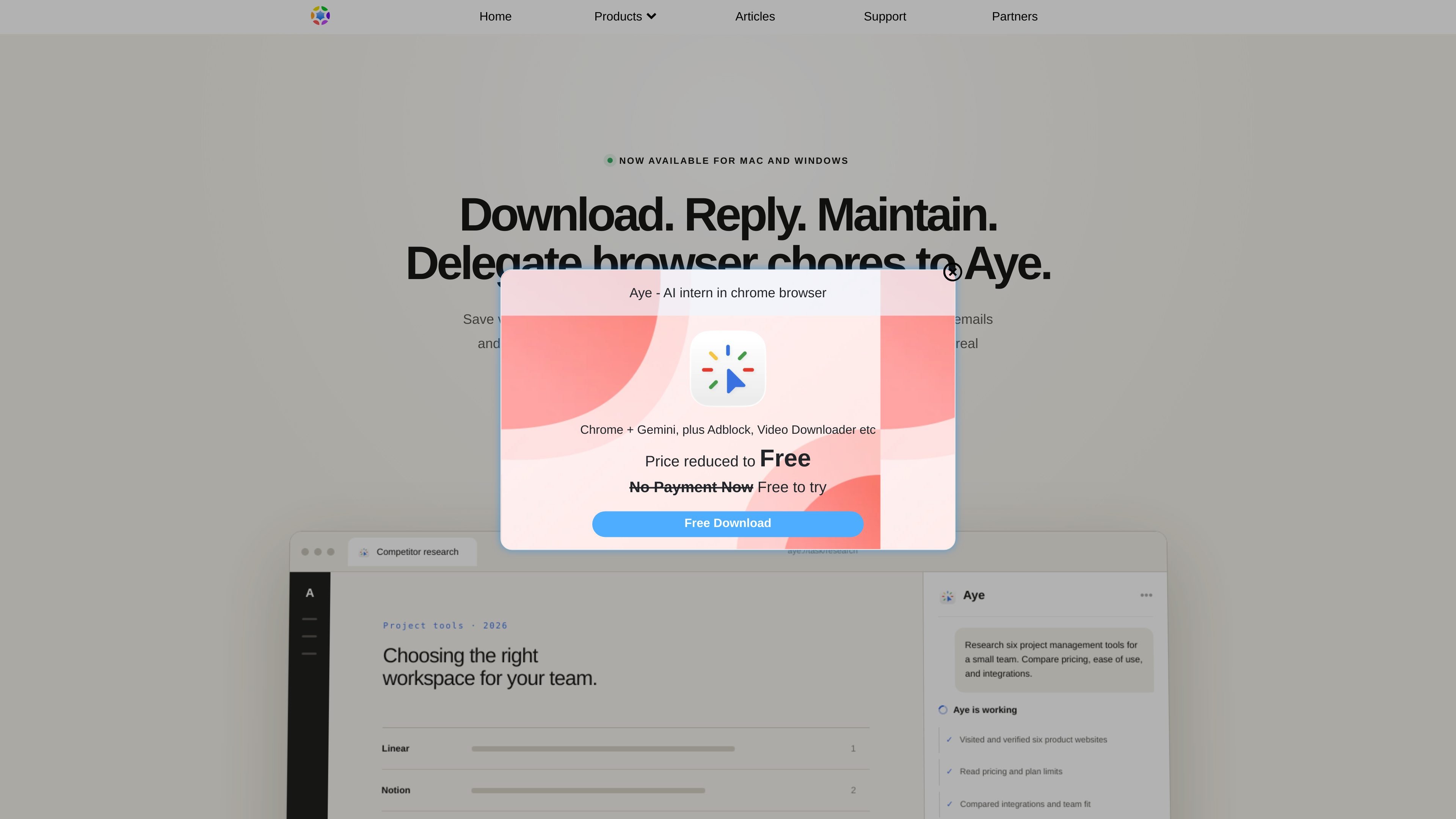
Aye is a general-purpose AI browser for delegating repetitive work inside real websites. The homepage describes it as a tool that plans, acts, and verifies results rather than only generating responses, and it is available for Mac and Windows.
Its published workflows focus on browser tasks such as downloading media, handling routine support email, and keeping social channels moving. The product also supports reusable Skills and scheduled runs, so a task can be performed once and then repeated later with the same workflow.
Aye can work through browser tasks on real websites instead of only drafting text. The homepage describes it as planning, acting, and verifying results inside the browser.
The product highlights media workflows such as saving videos from X, Telegram, and Reddit, with download progress shown in one place.
Aye can review visible support messages, understand context and language, and draft replies for routine inbox work.
It can help with community management by replying to questions, filtering notifications, and preparing content drafts for social channels.
Users can save a proven workflow as a Skill and run it again later, including scheduled runs on daily or weekly intervals.
The product shows what it is doing and pauses for user approval at sign-in, CAPTCHA, submission, payment, and other sensitive steps.
Use Aye when you need to collect videos or media you can access from X, Telegram, or Reddit and want the browser to handle the download workflow visibly.
Use Aye to process routine support emails by reviewing the visible inbox context and drafting replies that fit the message language and situation.
Use Aye to keep social channels active by replying to community questions, filtering notifications, and preparing drafts for platforms like Reddit, Xiaohongshu, Zhihu, WeChat, and X.
Use Aye to turn a successful browser task into a saved Skill, then run it again later on a daily, weekly, or fixed schedule.
Use Aye for browser research tasks where the tool needs to compare real websites, read plan limits, and assemble a verified summary before producing an output.
Aye is a browser-based AI tool that acts on real websites, verifies results, and completes multi-step tasks. The page positions it as more than a chat interface because it can work through visible browser workflows.
Yes. The page says workflows can be saved as a Skill and run once, at intervals, daily, or weekly.
Aye is listed as available for Mac and Windows through the Mac App Store and Microsoft Store.
The page says Aye keeps critical actions under user control. It pauses for approval at sign-in, CAPTCHA, submission, payment, and other sensitive steps.