
AI music generation
Generate original, royalty-free music by selecting genre, style, mood, theme, length, and tempo, then preview the result in the browser.

Audio Muse is a browser-based suite for AI music generation and audio processing, with enhancement, noise reduction, stem splitting, trimming, conversion, mastering, and key/BPM analysis.
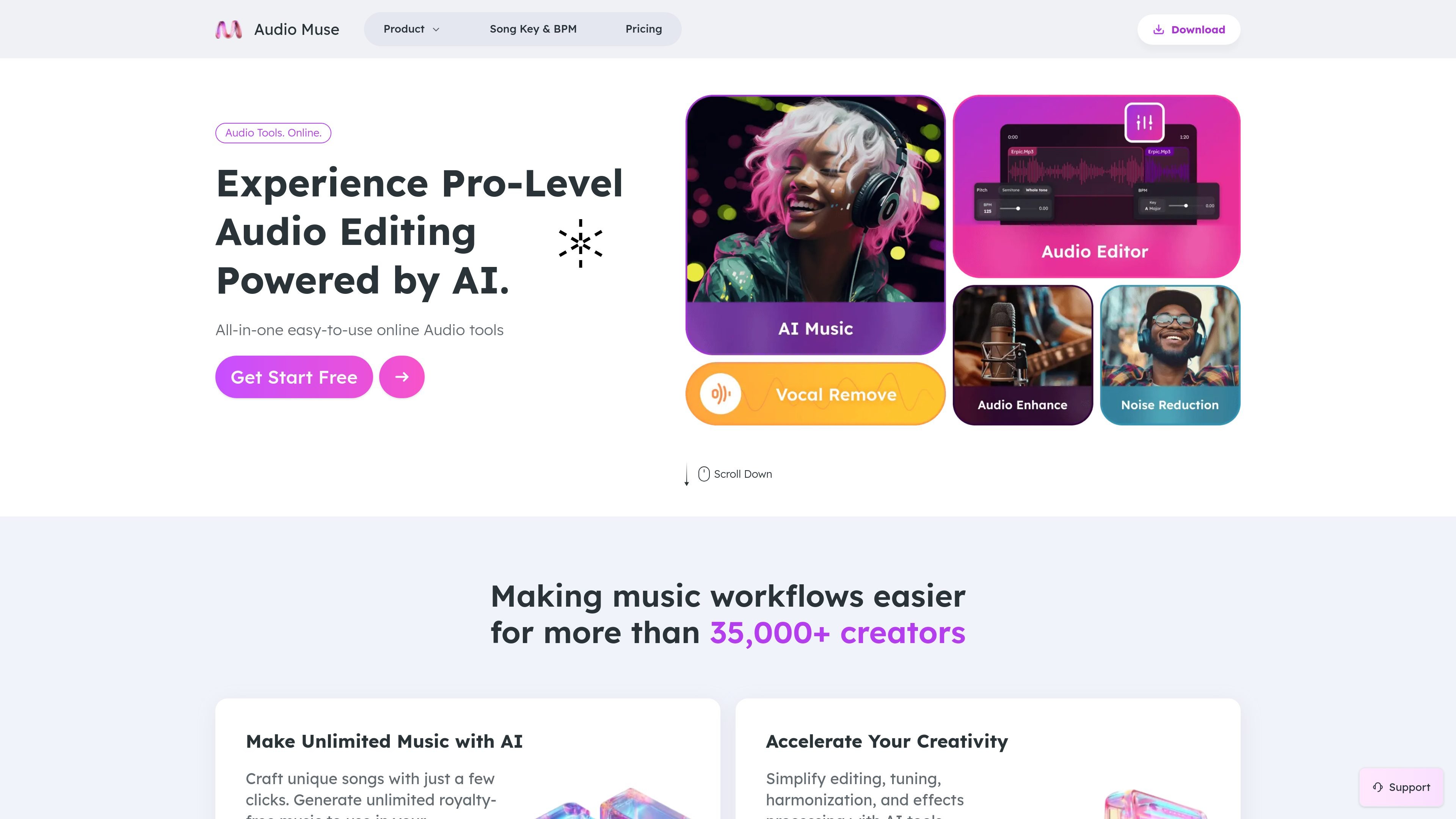
Audio Muse is an online audio tools platform that combines AI generation, enhancement, cleanup, editing, and analysis in one browser-based workspace. The site presents it as an easy way to create music, improve recordings, split tracks, and handle common audio tasks without installing desktop software.
The product covers both creative and utility workflows. Users can generate royalty-free music with AI, enhance voice or music recordings, remove noise, split songs into stems, trim and join files, convert formats, master tracks, and find song key and BPM from the browser.
Generate original, royalty-free music by selecting genre, style, mood, theme, length, and tempo, then preview the result in the browser.
Improve recordings that sound quiet, muffled, uneven, compressed, thin, or noisy by uploading audio or video and choosing a content preset.
Split songs into stems and extract vocals, instrumental parts, drums, bass, and guitar for remixing or study.
Remove background noise from audio or video files to make speech and other content easier to hear.
Edit common audio tasks in the browser, including joining songs, trimming clips, converting formats, finding song key and BPM, and mastering tracks.
Create royalty-free background music for YouTube videos, TikTok clips, Instagram posts, podcasts, livestreams, or other content by choosing mood, genre, and length.
Upload speech, music, or mixed recordings that sound quiet or uneven and use presets to make them clearer before publishing or sharing.
Split a song into stems when you need vocals, drums, bass, guitar, or instrumental parts for remixing, practice, or analysis.
Trim, join, convert, master, or analyze tracks when you need a practical browser-based workflow for simple audio editing and preparation.
Check a song’s key and BPM when you need quick musical reference data for production, arrangement, or set planning.
Audio Muse offers browser-based audio tools for creating, cleaning, and editing audio files. The source pages show AI music generation, audio enhancement, noise reduction, vocal removal, stem splitting, audio joining, trimming, conversion, and key/BPM finding.
The pricing page shows a free plan and paid options, including pay-as-you-go and subscription-style membership plans. It also notes that AI Music uses credits and that some tools, such as Audio Editor, are free.
The AI Music page says you can choose genre, style, mood, theme, length, and tempo, then generate a track and preview it in the browser. The AI Audio Enhancer page follows a simple upload, preset selection, preview, and download flow.
Supported file types are explicitly listed on the AI Audio Enhancer page as MP3, MP4, WAV, FLAC, OGG, AAC, AIFF, and M4A, with other common audio or video formats also mentioned.
The pricing page states that AI Music is licensed for commercial and personal use, but reselling is not allowed and distribution to streaming platforms such as Spotify and SoundCloud is not allowed.