
ATS score and keyword analysis
Compare a resume to a pasted job description and get an ATS-Friendly score with keyword analysis and match checks.

ATSFriendly.com is a resume checker and AI resume editor that helps job seekers compare a resume against a job description, review ATS compatibility, and tailor content before applying.
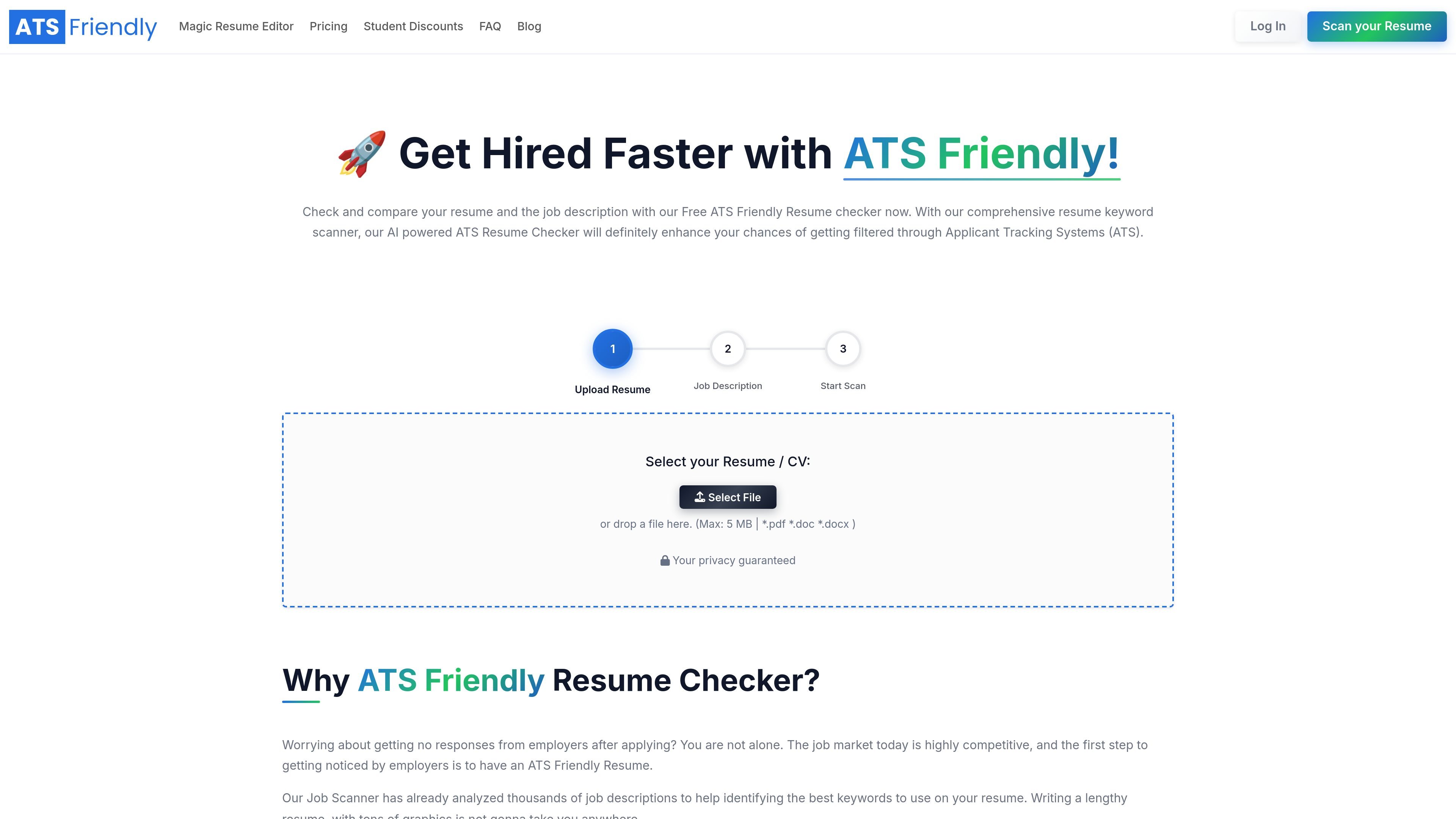
ATSFriendly.com is an ATS resume checking and resume editing product for job seekers who want to compare a resume with a specific job description before applying. The site positions the checker as a way to review keyword match, formatting, and content alignment so candidates can adjust their resume for the role.
The product combines a free ATS resume checker with the Magic Resume Editor. The checker scans for keywords, hard skills, soft skills, education, work experience, and contact details, while the editor adds AI suggestions, rephrasing, cover letter generation, realtime ATS validation, formatting, and export tools.
Compare a resume to a pasted job description and get an ATS-Friendly score with keyword analysis and match checks.
Review the resume line by line to identify relevant and irrelevant content, including missing skills and keywords.
Receive targeted guidance after the scan, including suggestions for content and format improvements.
Use the Magic Resume Editor to tailor a resume with AI suggestions, rephrasing, and realtime ATS validation.
Generate a cover letter, format the resume, and export it to PDF; paid plans also list DOCX export.
Start with a drag-and-drop flow and paste the job description into a simple interface designed for quick scans.
A candidate can paste a job description, scan an existing resume, and see which keywords, skills, or experience details are missing before submitting an application.
A job seeker can use the line-by-line analysis to remove low-value lines, tighten wording, and improve the match score before applying.
Someone updating a resume for a new role can use the Magic Resume Editor to rephrase bullets, add AI suggestions, and generate a matching cover letter.
Applicants who want to understand ATS compatibility can review formatting guidance around graphical elements, tables, and columns, then adjust the document accordingly.
Users who prefer a guided workflow can start from the scan result, open the editor, and iterate on content until the realtime validation reflects a stronger match.
It checks a resume against a job description and returns an ATS-Friendly score, keyword analysis, work experience match, education match, contact details check, and related guidance. The site says the checker can also identify missing skills, keywords, and formatting issues that may affect ATS parsing.
The homepage says the checker is free to use and requires no credit card. The pricing page adds a Free plan with limited usage and paid plans for heavier use.
The Magic Resume Editor is presented as a workflow that starts after scanning a resume against a job description from the ATS score page. It supports AI suggestions, rephrasing, realtime ATS validation, cover letter generation, resume formatting, and export to PDF; the pricing page also lists DOCX export for paid plans.
The FAQ on the homepage says ATSFriendly.com can show how a resume matches popular ATS software such as Workable, BreezyHR, iCIMS, Recruiterbox Lever, Greenhouse, and Taleo. It also notes that graphical elements, tables, and columns can be difficult for ATS software to understand.
The pricing page says there is no trial period. It also says you can cancel anytime before the next billing cycle and keep Premium access until the end of the current billing period.