
Unified API signature
Use OpenAI-style API signatures to connect multiple AI models without changing existing application code.

APIPark is an open-source enterprise API developer portal and AI gateway for managing APIs and production LLM use with multi-model access, traffic control and observability.
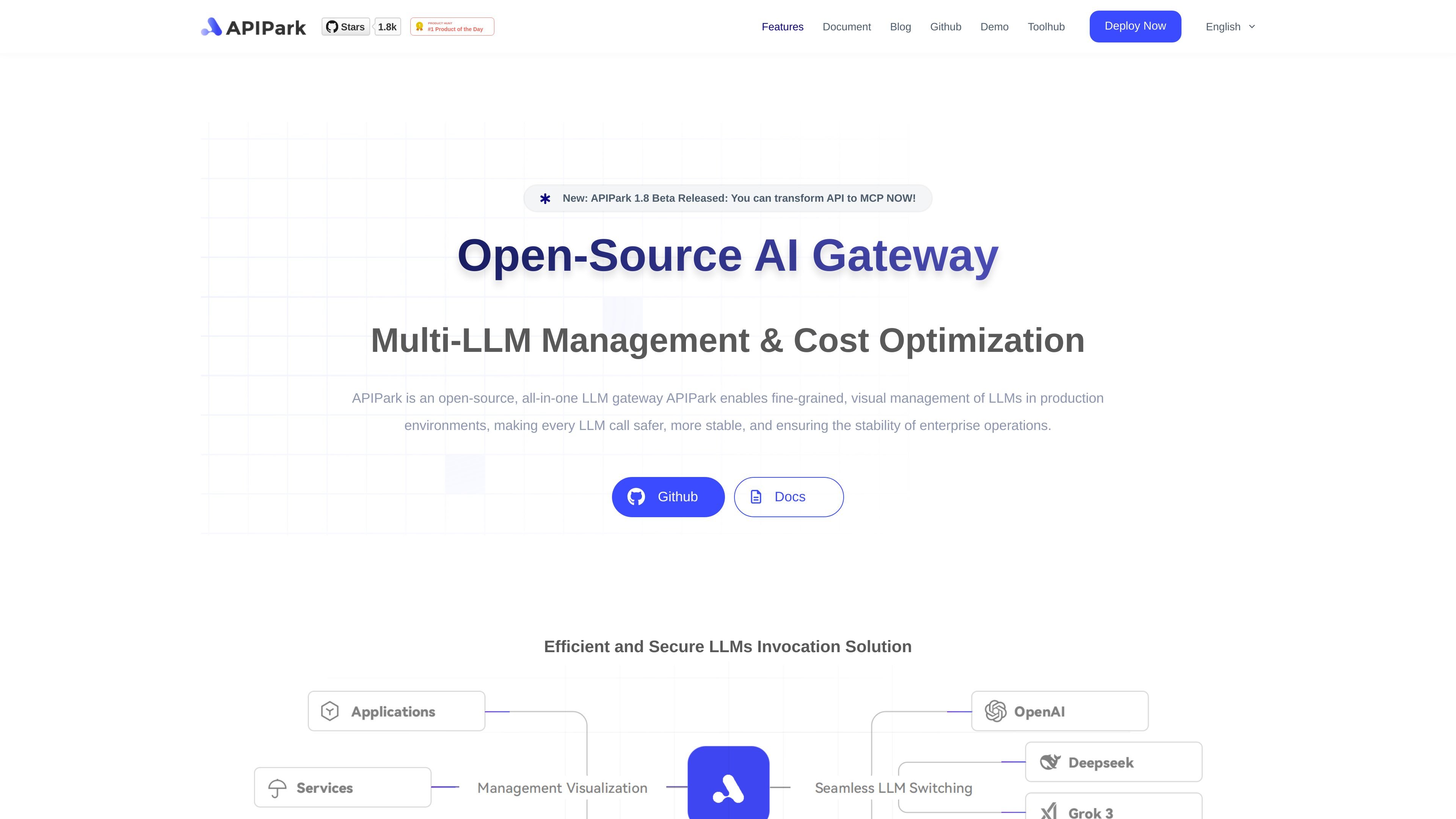
APIPark is an open-source enterprise API developer portal and LLM gateway for teams that need to manage internal APIs and production AI usage in one platform. The product combines API portal capabilities with LLM governance features such as multi-model invocation, traffic control, observability, and security controls.
The site presents APIPark as suitable for organizations that want to deploy an AI Gateway and developer portal quickly, manage API usage across business units, and support controlled access to internal or external APIs. It also includes a separate AI tools page that shows the platform can generate utility-style AI tools from simple descriptions.
Use OpenAI-style API signatures to connect multiple AI models without changing existing application code.
Distribute requests across multiple LLM instances to improve responsiveness and continuity.
Set tenant-level LLM quotas, prioritize calls, and review real-time traffic dashboards.
Apply semantic caching, prompt templates, and prompt-to-API workflows to reduce latency and manage prompts in production.
Use data masking and built-in safeguards to reduce exposure of sensitive data in LLM interactions.
Build API portals with service publishing, subscription and approval flows, access control, billing, and plugin extensions.
Centralize multiple LLM integrations behind a common API signature so teams can connect to different models without rewriting client code.
Publish internal APIs through a developer portal with subscription, approval, and access control workflows for business-unit or partner sharing.
Manage quotas, prioritization, load balancing, and traffic dashboards for production AI traffic that needs predictable behavior and oversight.
Use monitoring, logging, alerts, and observability features to trace API behavior, troubleshoot failures, and understand how data flows through the platform.
Generate smaller AI or utility tools from plain-language prompts when you need a quick starting point for an internal workflow or helper app.
APIPark describes an LLM gateway, also called an AI gateway, as middleware for managing large language models and connecting multiple AI models with centralized management.
The site states that APIPark can be deployed from the install page with a one-command flow and that it is designed to get an AI Gateway and developer portal running in about 5 minutes.
The install page presents Community Edition and Enterprise Edition. Community Edition is described as suitable for SMEs with internal open APIs, while Enterprise Edition adds API data processing, security, comprehensive statistics, and additional features.
APIPark’s homepage and install page emphasize traffic control, access management, monitoring, logging, data masking, and API observability for LLM and API usage.
The AI tools page says APIPark can generate AI tools from a simple natural-language description, without coding, and lists examples such as image editing and development utilities.