
Multi-format document translation
Translate PDF, Word, Excel, PowerPoint, CSV, SRT, VTT, and TXT files from a single online workflow.

AI TranslateDocs is a web-based document translation tool for PDFs, Office files, text files, and subtitles. It supports 130+ languages and emphasizes OCR, layout preservation, and secure online translation.
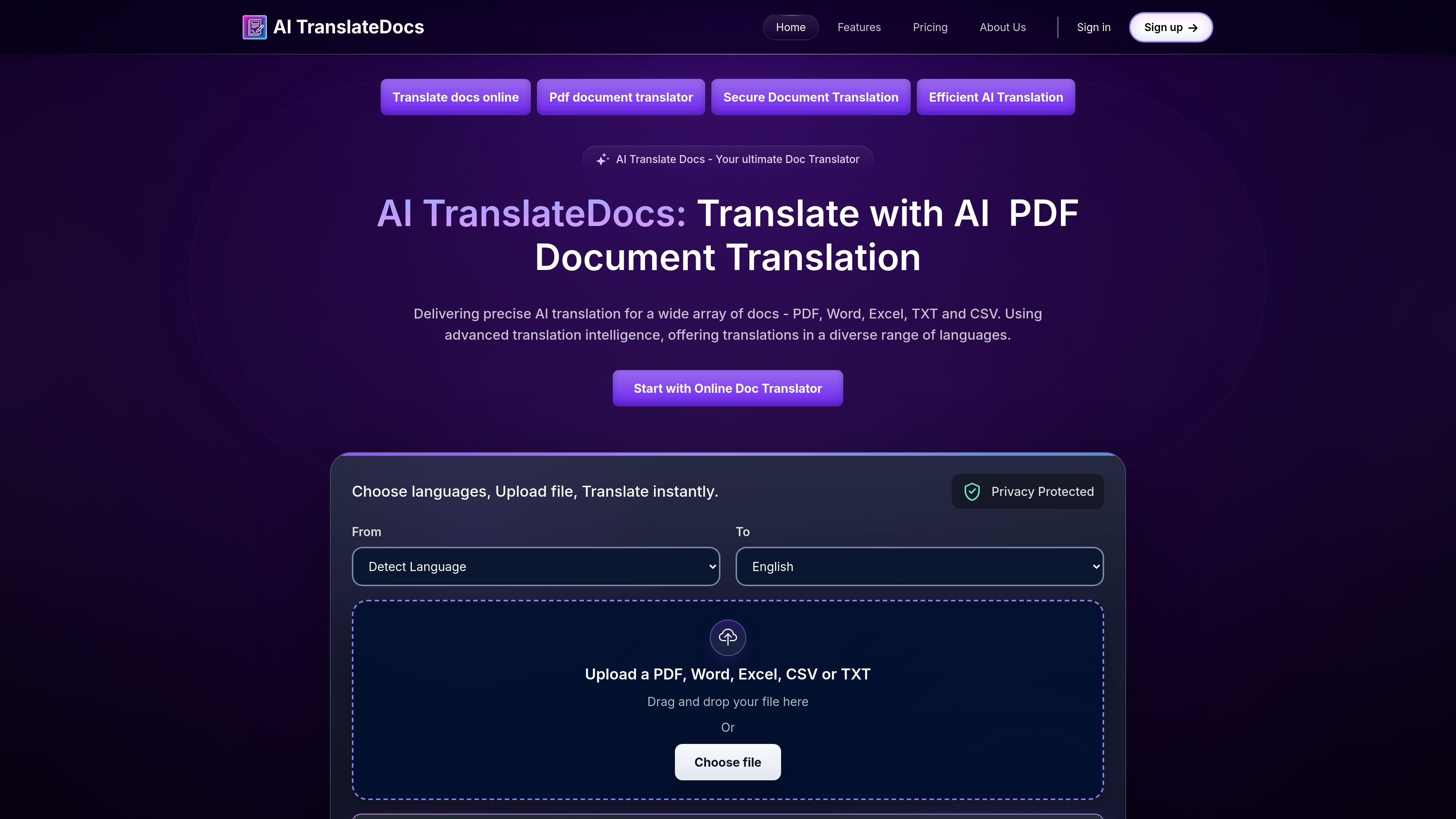
AI TranslateDocs is an online document translation tool for PDFs, Word files, Excel sheets, CSVs, text files, and several subtitle formats. It is designed to translate documents in the browser by letting users choose source and target languages, upload a file, and download a translated version.
The product positions itself around fast, accurate translation with OCR, layout preservation, and support for 130+ languages. The site also emphasizes secure handling, transparent pricing, and a workflow that avoids reformatting after translation.
Translate PDF, Word, Excel, PowerPoint, CSV, SRT, VTT, and TXT files from a single online workflow.
The site says the tool supports 130+ languages and includes regional languages and dialects in its language lists.
The about page says translations use OCR and preserve layout, so the output is meant to stay close to the original document structure.
The site says files can be translated online by choosing languages, uploading a file, and downloading the translated document.
The pricing page lists secure translation handling, and the home page mentions privacy protection and encryption for document uploads.
The pricing page offers one-time plans and a custom Business option with unlimited characters and no file size limit.
Translate contracts, reports, and presentations while keeping the original structure intact for review or sharing.
Convert academic papers, theses, and transcripts into another language without rebuilding the layout manually.
Translate medical, legal, or technical documents where the source site emphasizes accuracy, OCR, and confidentiality.
Handle office file batches such as Word, Excel, CSV, or PowerPoint files in a browser-based workflow.
Translate subtitle or caption files like SRT and VTT for multilingual media workflows.
Yes. The site says you can choose source and target languages, upload a document, and translate it online. Supported file types shown on the site include PDF, Word, Excel, CSV, TXT, PowerPoint, SRT, and VTT.
The site says it supports 130+ languages, including regional languages. The language lists shown on the homepage and about page are broad and include many scripts and dialects.
The site states that translated documents keep the original layout, and the about page also mentions OCR and layout preservation as part of the workflow.
Pricing is shown for one-time plans on the pricing page, and a Business option is listed as custom with unlimited characters and no file size limit. The register page also offers 10,000 characters free for sign-up.
The support page provides a contact form with fields for name, email, and a detailed message, which is the clearest help path shown on the site.