
Execute CAD scripts with feedback
Runs build123d or CadQuery Python scripts and returns versioned STEP geometry plus metrics so an agent can iterate on the actual model it produced.

agentcad is an open-source CAD tool for coding agents. It helps agents design, validate, render, and export real CAD output while running locally.
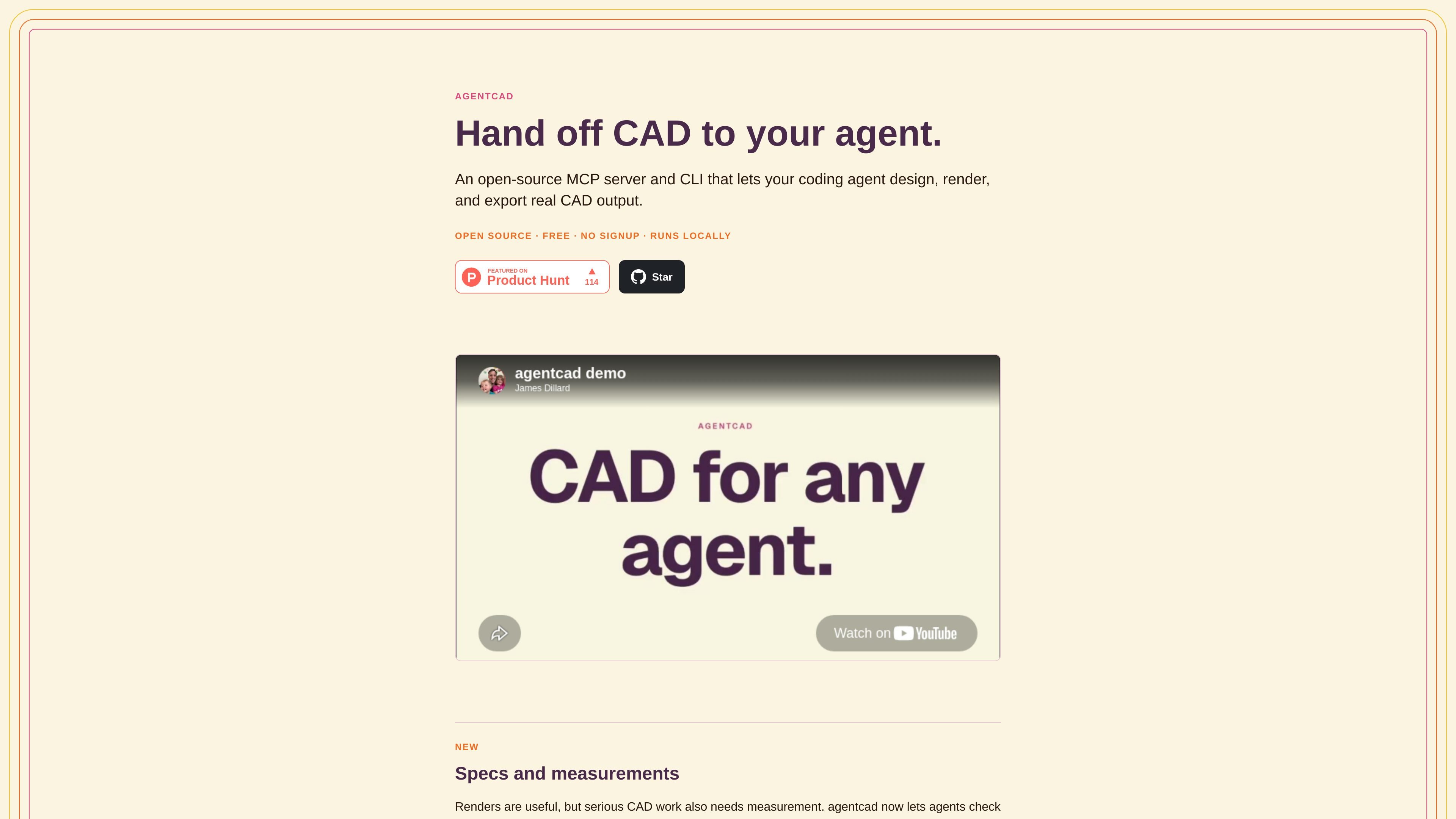
agentcad is an open-source CAD tool for AI agents. It gives coding agents a way to design real CAD output, run scripts, render previews, validate geometry, and export files for downstream use.
The product centers on a feedback loop: an agent writes or edits a Python CAD script, agentcad runs it, returns metrics and renders, and the agent uses those results to fix mistakes before handing the model back. The site shows this working with phone stand prompts, a Wright Flyer reconstruction, and spec checking against measured dimensions.
Runs build123d or CadQuery Python scripts and returns versioned STEP geometry plus metrics so an agent can iterate on the actual model it produced.
Produces PNG renders from multiple views and browser previews so geometry can be checked visually instead of relying on code alone.
Exports STL, GLB, and OBJ in addition to STEP, covering both printing workflows and browser-friendly 3D viewing.
Checks geometry before and after runs, including validation, topology reporting, and dimensional measurement from STEP geometry.
Compares measured features against a JSON spec checklist and shows pass/fail rows in a browser spec-check mode.
Keeps versioned outputs and diffs so design changes can be compared across iterations.
A developer can prompt an agent to build a part such as a phone stand, then inspect the preview and measured results before accepting the model.
A coding agent can iterate on a larger assembly, compare versions, and use the returned metrics to correct geometry errors without manual babysitting.
A team can validate a model against a checklist of dimensions or feature counts before treating it as complete.
A user can export the same design into STEP for CAD workflows and STL or GLB for printing and web viewing.
A browser-based review flow can be used to inspect pass/fail rows, renders, and topology details when diagnosing why a model is not correct.
Agentcad is designed to work with coding agents such as Claude Code, Cursor, and similar tools. The site shows both a direct Python install path and an MCP setup that can be added to a project for agent access.
The source shows agentcad producing STEP files and browser renders, and also exporting STL, GLB, and OBJ files for downstream use such as 3D printing and web viewers.
Yes. The site describes agentcad as open source, free, with no signup, and running locally.
The pricing page is a 404 in the provided evidence, so there is no confirmed pricing detail beyond the site’s free/open-source positioning.
The product includes a validation step before execution, measurement and spec checking against a JSON checklist, rendered previews, topology reporting, and version diffs so agents can verify geometry before handing it off.