
AI landing page generation
Describe the page you want, then generate a landing page using production-grade React and Tailwind components.

Acebuilder is an AI landing page builder for Aceternity UI. Generate React and Tailwind landing pages from templates and blocks, and download the source code.
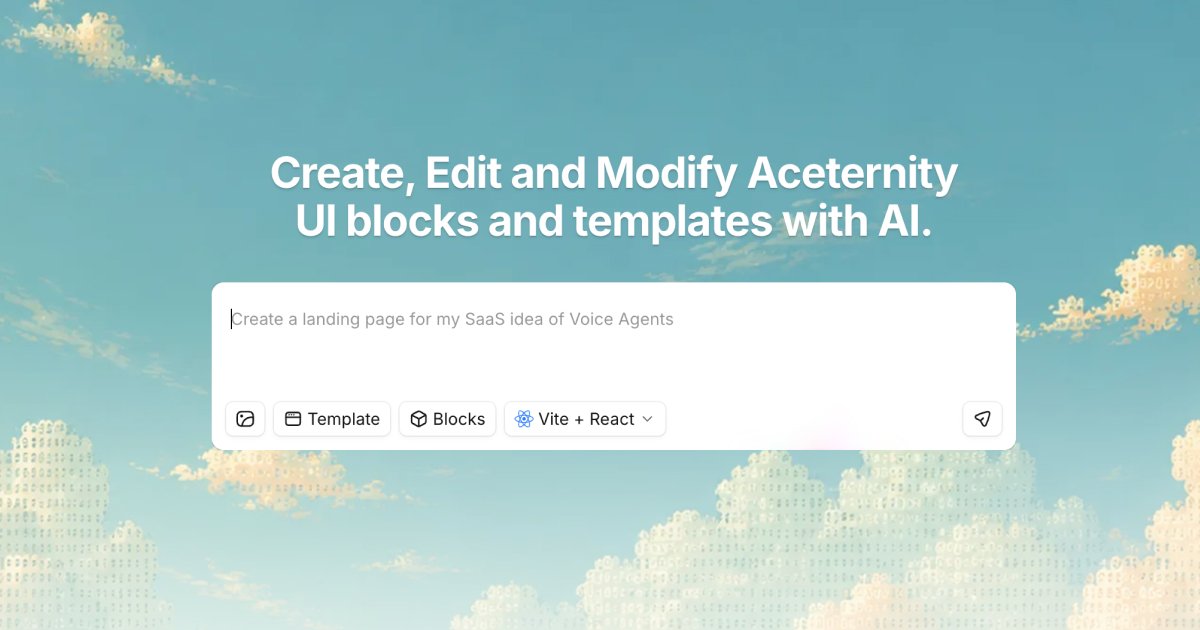
Acebuilder is an AI-powered landing page builder built on Aceternity UI. It is designed for people who want to describe a page, generate a working site in React and Tailwind, and keep the underlying source code.
The product centers on a template-and-block workflow: users can import Aceternity UI Pro templates, edit blocks and components in place, and use AI skills to refine sections instead of starting from a blank page. The site also highlights code export and a no-lock-in approach, so the generated project can be downloaded and kept.
Describe the page you want, then generate a landing page using production-grade React and Tailwind components.
Start from Aceternity UI Pro templates, then reshape layout, copy, and structure rather than building from an empty canvas.
Add sections, cards, and other blocks, then adjust them in the editor without switching tools.
Use skills on a specific section to guide layout and copy decisions instead of accepting generic output.
Create or apply images as backgrounds while building, which reduces dependence on stock-photo searches for some pages.
Download the full source code and keep it, with the site stating there is no lock-in if you cancel.
Import a starting template, adjust the hero, sections, and copy, and move toward a finished landing page without designing every element from scratch.
Pick a section block such as a hero, features grid, testimonials, or pricing band, then customize its content and structure for a specific offer.
Use chat and section-level skills to tighten layout and wording when a section feels too generic or too close to default output.
Open a showcased demo to understand how chat and preview work together, then adapt the same pattern to your own project.
Generate a page, export the full source, and keep the code for further development outside the product.
Acebuilder spends credits when the AI performs work on your behalf. According to the pricing and FAQ text, that can include model responses, tools such as reading and editing files or search and imports, image generation, screenshots, and related work.
Yes. The site says you can download your code anytime, and the pricing page notes there is no lock-in if you cancel.
The pricing page says you can invite members on the organization plan, with custom user roles and team support. The standard paid plans also list project limits and monthly credits.
The site says Acebuilder is built around Aceternity UI Pro templates and blocks. The templates and blocks pages show that you can import templates, drop in blocks, and reshape them with AI.
The source emphasizes building with templates, blocks, skills, and AI, but it does not clearly document a fully from-scratch workflow without blocks. Based on the available copy, the product is optimized for starting from templates or blocks.