
Named agents for different workflows
The interface shows multiple agents, including Scout, Support, Reach, Billing, Reports, and Triage, each appearing to handle a different work stream.

xpander.ai es una aplicación web para gestionar agentes de IA en flujos de trabajo empresariales, como el seguimiento del pipeline, la clasificación de solicitudes de soporte, la facturación y los informes. Permite consultar datos de trabajo, redactar acciones de seguimiento y supervisar tareas y conversaciones automatizadas.
xpander.ai is a web application for coordinating AI agents around operational work such as pipeline review, support triage, billing tasks, reporting, and follow-up planning. The interface presents agents, conversations, and task summaries in one workspace so users can ask for analysis, receive drafted next steps, and track what has been automated.
The product examples on the site show an agent pulling sales pipeline data, flagging deals that have been idle for more than 30 days, grouping them by blocker, and drafting follow-up emails and scheduled check-ins. That makes the product most relevant for teams that want AI-assisted execution rather than a simple chat interface.
The interface shows multiple agents, including Scout, Support, Reach, Billing, Reports, and Triage, each appearing to handle a different work stream.
Users can start a conversation with an agent, ask for a specific task, and review the result in the same thread.
One example asks Scout to review Q3 pipeline data, identify deals slipping past 30 days, and produce a follow-up plan with emails and check-ins.
The workspace includes items such as refund digest, pipeline sync, and KPI rollup, indicating support for recurring status updates and summaries.
The page shows metrics such as tasks automated and recent activity, which suggests a way to monitor ongoing agent work.
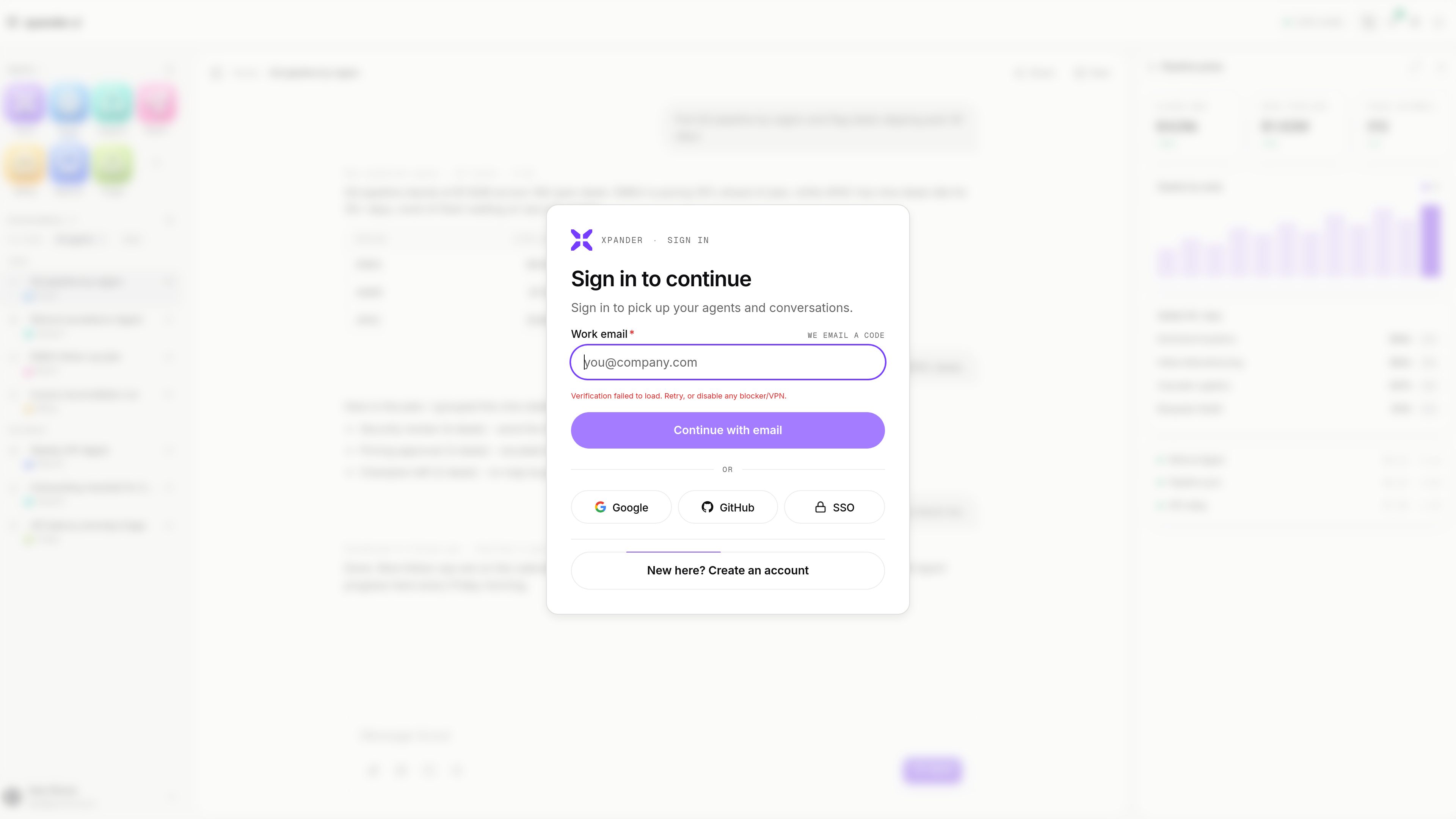
The sign-in flow supports email login and mentions Google, GitHub, and SSO options for returning users.
Ask an agent to pull open deals, group stalled opportunities by blocker, and surface regions or segments that are behind pace.
Use the agent to turn pipeline findings into concrete next steps such as email drafts, scheduled follow-ups, and escalation notes.
Route operational questions or incident-style work into a support or triage agent so summaries and next actions stay in the same workspace.
Use the billing-oriented views and digests to review recurring finance tasks such as reconciliation or refund-related updates.
Generate periodic summaries and rollups for ongoing performance tracking instead of assembling each report manually.
It provides a workspace for running AI agents on business operations such as pipeline analysis, support triage, billing, reporting, and follow-up tasks.
Yes. The example on the site shows an agent analyzing pipeline data and then drafting follow-up emails and scheduling check-ins.
Yes. The page lists agents such as Scout, Support, Reach, Billing, Reports, and Triage.
A pricing page exists, but the rendered text provided here does not show plan names, prices, or limits.
The sign-in flow shown on the site includes email login and mentions Google, GitHub, and SSO options.
Los datos de tráfico son solo como referencia.

www.gumloop.com
Gumloop es una plataforma de automatización de IA sin código para crear y alojar flujos de trabajo y agentes empresariales, conectar datos y automatizar tareas en herramientas como Slack, Microsoft Teams y Gmail.

www.agentconnect.md
AgentConnect permite a los equipos incorporar agentes ACP como Claude Code, Codex y Gemini CLI a Slack, Telegram, Discord y GitHub, para que puedan asumir tareas en los mismos canales donde los equipos ya colaboran. Es de código abierto y autohospedable, con roles, herramientas, memoria y activadores configurables para los flujos de trabajo de los agentes.

e2b.dev
E2B es una plataforma para ejecutar agentes de IA en entornos aislados, con SDK para Python y JavaScript. Ayuda a los equipos a crear flujos de trabajo de investigación, programación, análisis de datos y otras tareas con agentes en entornos de ejecución controlados.

aisera.com
Plataforma empresarial de IA agéntica para crear y operar agentes y asistentes que automatizan el soporte, los flujos de trabajo y las solicitudes entre equipos de TI, RR. HH., Finanzas y atención al cliente.

adaptive.ai
Plataforma de agentes de IA para automatizar flujos de trabajo empresariales, desde el seguimiento de ventas y la investigación hasta la creación de aplicaciones y herramientas sencillas.

lutra.ai
Lutra AI es una herramienta web de automatización de flujos de trabajo con IA que convierte instrucciones en lenguaje natural en tareas basadas en código para aplicaciones conectadas, ayudando a automatizar procesos como el enriquecimiento de datos, la investigación, la gestión del correo electrónico y otras operaciones recurrentes.