
Paged SSD KV caching
Stores KV cache blocks in safetensors format, keeping hot blocks in RAM and moving colder blocks to SSD with an LRU policy. Cached prefixes can be restored across requests and server restarts.

oMLX es un servidor de inferencia LLM nativo de macOS, basado en MLX, para ejecutar localmente en Apple Silicon modelos compatibles de lenguaje, visión-lenguaje, embeddings y reranking. Diseñado para flujos de trabajo con agentes de programación, funciona con Claude Code, OpenClaw, Cursor y clientes compatibles con OpenAI.
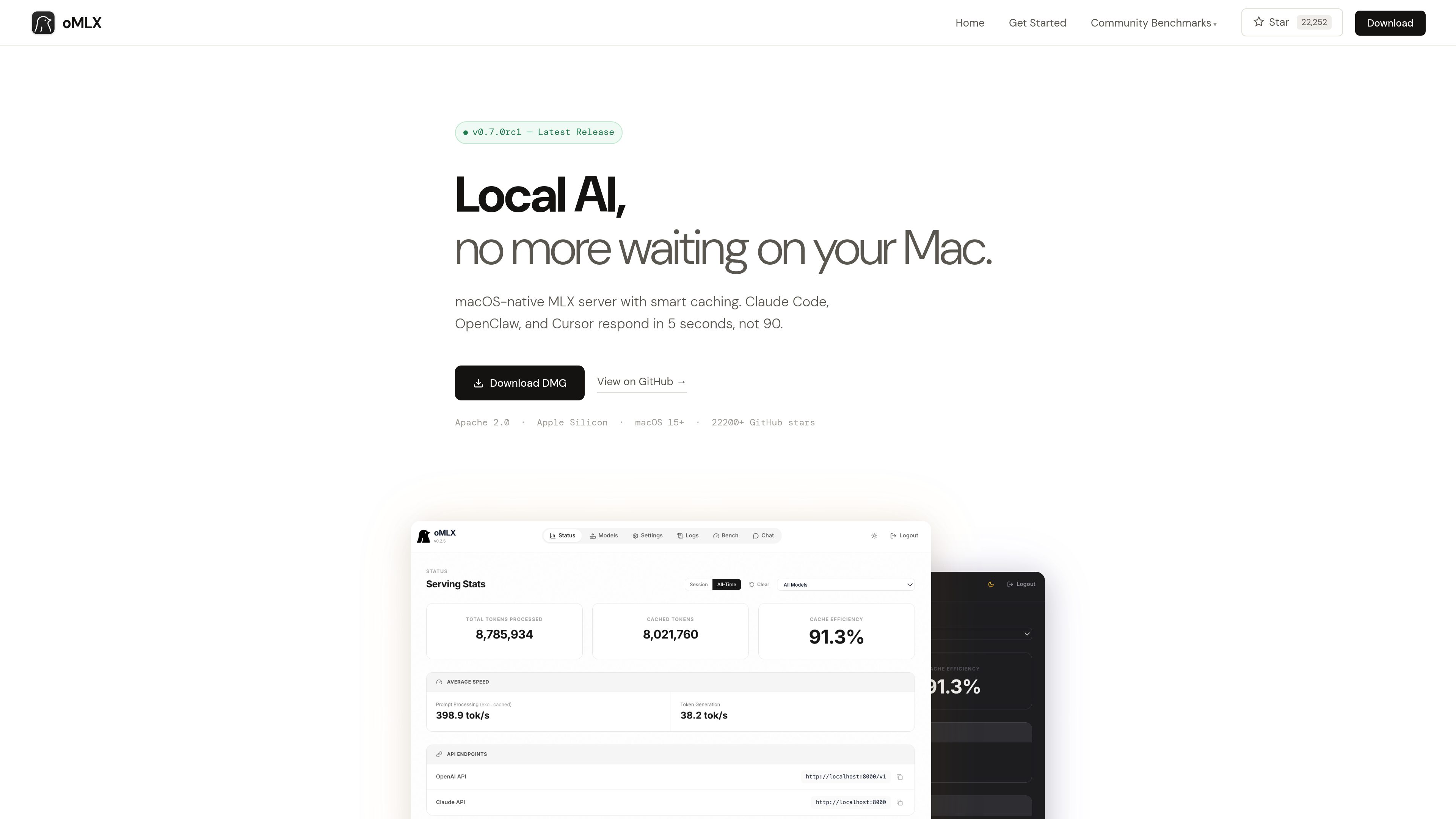
oMLX is a native macOS inference server built on MLX for running MLX-format AI models locally on Apple Silicon. It provides a dashboard for managing models, chatting with them, and monitoring server metrics, while supporting LLM, vision-language, embedding, and reranker models.
The product is designed especially for coding-agent sessions in which the conversation context changes repeatedly. Its paged SSD KV cache can preserve cache blocks across requests and server restarts, reducing the need to recompute previously seen prefixes.
Stores KV cache blocks in safetensors format, keeping hot blocks in RAM and moving colder blocks to SSD with an LRU policy. Cached prefixes can be restored across requests and server restarts.
Uses mlx-lm’s BatchGenerator to handle concurrent requests instead of processing every request strictly one at a time. The site reports up to a 4.14× generation speedup at eight-way concurrency in its published benchmark.
Loads LLM, vision-language, embedding, and reranker models simultaneously, with LRU eviction available when memory runs low. Models can be browsed and downloaded from the administration dashboard.
Provides `/v1/chat/completions` and `/v1/messages` endpoints for compatible clients, including Claude Code, OpenClaw, Cursor, and other OpenAI-compatible applications.
The native menu bar app can start, stop, and monitor the server. Its web dashboard includes model management, chat, and real-time metrics; the app is signed, notarized, and includes in-app auto-update.
Supports JSON, Qwen, Gemma, GLM, and MiniMax tool-calling formats, plus MCP tool integration and configurable trimming of oversized tool results on a per-model basis.
Use oMLX as a local backend for Claude Code, OpenClaw, or Cursor when an agent repeatedly revisits or changes context during a coding session.
Serve multiple requests through continuous batching when several local clients or workflows need model generation at the same time.
Manage and test MLX-format models from Hugging Face through the dashboard, including language, vision-language, embedding, and reranker models.
Connect models to applications that use tool calling or MCP, with support for several model-specific tool formats and optional tool-result trimming.
oMLX requires an Apple Silicon Mac, from M1 onward, running macOS 15 or later. The site lists 16GB of RAM as the minimum and recommends 64GB or more for comfortable use with larger models.
Yes. It provides OpenAI-compatible `/v1/chat/completions` and Anthropic-compatible `/v1/messages` endpoints. Its dashboard can generate configuration commands for the supported tools.
Not necessarily. oMLX can read the standard Hugging Face cache, an LM Studio folder, and custom directories. The dashboard also includes a Hugging Face downloader for new models.
The site states that oMLX supports MLX-format models from Hugging Face, including Qwen, LLaMA, Mistral, Gemma, DeepSeek, MiniMax, and GLM. Vision-language models are supported, and reasoning-model handling includes automatic `<think>` tag support.
Users can download the macOS DMG or install from source. The source workflow requires Python 3.10 or later and Apple Silicon; the documented server example connects to compatible clients on localhost:8000.
Los datos de tráfico son solo como referencia.

cmux.com
Terminal nativo para macOS diseñado para agentes de programación con IA y flujos de trabajo CLI, con pestañas verticales, paneles divididos, notificaciones, restauración de sesiones y una API programable CLI/socket.

air.dev
JetBrains Air es un entorno de escritorio para ejecutar agentes de programación en paralelo, mantener las tareas aisladas y revisar los cambios desde un solo espacio de trabajo. Compatible con Codex, Claude Agent, Gemini CLI y Junie en macOS y Linux; Windows llegará próximamente.

ddshub.cc
Plataforma de API de IA para flujos de trabajo con modelos de Claude y de la familia OpenAI, con precios por tokens, selección de modelos y orientación para configurar Claude Code.

lunary.ai
Plataforma de observabilidad y gestión de prompts para aplicaciones basadas en modelos de lenguaje (LLM). Ayuda a los equipos a supervisar, mejorar y proteger chatbots, agentes y otros flujos de trabajo con LLM.

prompt-genie.com
Gestiona y optimiza prompts para flujos de trabajo de IA, compara resultados entre modelos y reutiliza el contexto de sesión en Claude Code para evitar lecturas repetidas.

promptmetheus.com
IDE web de ingeniería de prompts para crear, probar y optimizar prompts para aplicaciones, agentes y flujos de trabajo basados en modelos de lenguaje.