
Twitter Spaces transcription
Convert Twitter Spaces recordings into text for archiving, search, and review. The site describes transcription as capturing spoken content accurately, including multi-language recognition.

XspaceGPT turns Twitter Spaces into transcripts, summaries, and MP3 downloads for easy archiving, search, and review.
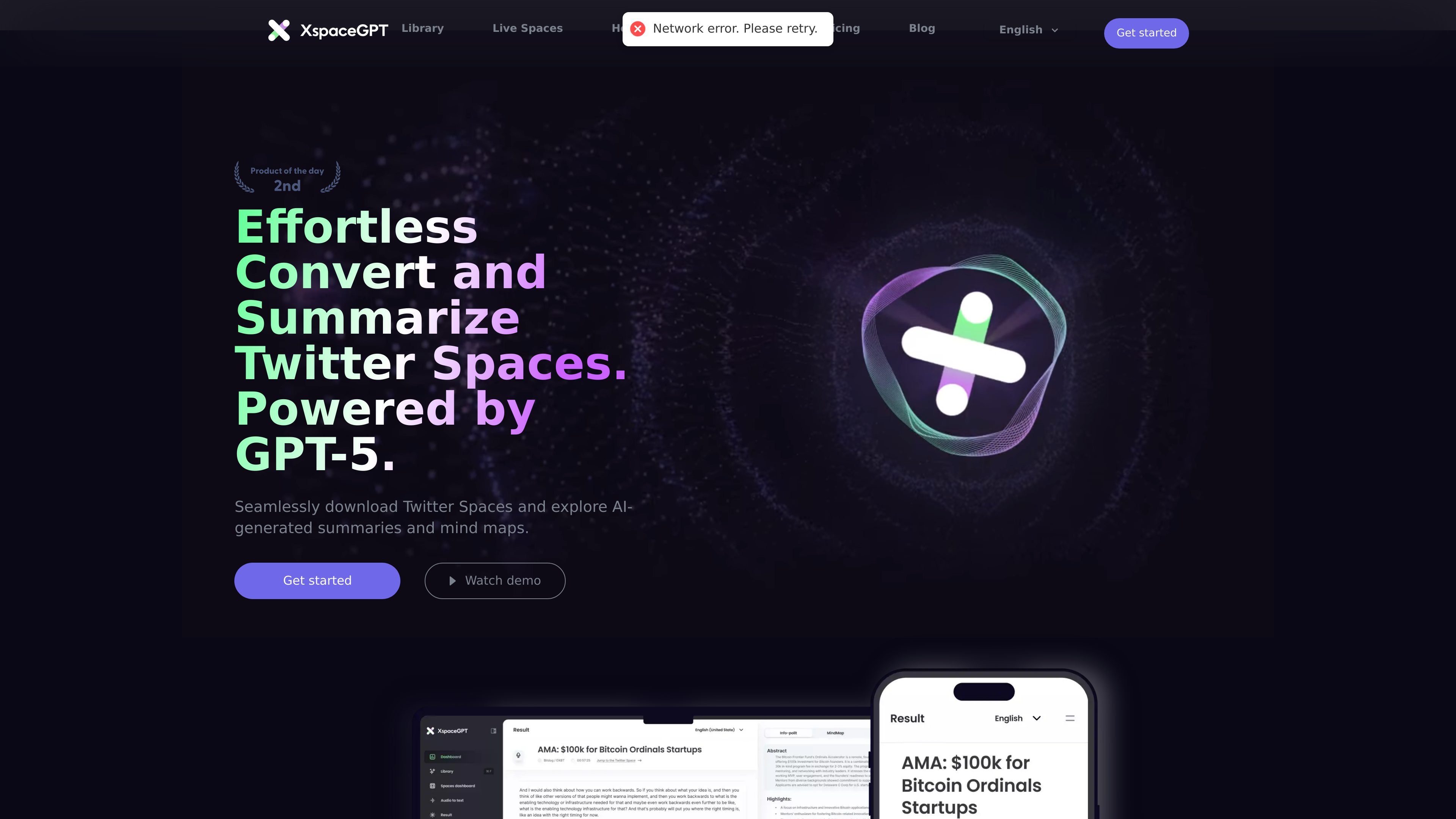
XspaceGPT is a web product for converting Twitter Spaces into transcripts, summaries, and downloadable audio. It combines a downloader, transcription workflow, and AI-generated reading aids so users can capture a live conversation and revisit it later in text form.
The site presents the product around three main jobs: downloading Space audio as MP3, turning that audio into searchable text, and generating summaries, highlights, timelines, and mind maps. It also includes a content library for organizing saved Spaces and a host-focused plan for people who run Spaces regularly.
Convert Twitter Spaces recordings into text for archiving, search, and review. The site describes transcription as capturing spoken content accurately, including multi-language recognition.
Generate concise AI summaries that surface the main points of a Space without reading the full transcript.
Extract highlights and organize them into timelines so listeners can jump to specific moments and review key sections faster.
Produce speaker-focused summaries and content overviews to help separate who said what from the overall discussion.
Download Twitter Spaces to MP3 and receive the recording by email after processing. The downloader page says the workflow takes about 10–20 minutes.
Build a Space library with tagging and full-text search, and use the site’s library view to browse saved or trending Spaces.
Save a Space as an MP3 and receive it by email after processing, then keep the recording for later reference or internal review.
Turn a Space into text and use AI summaries, highlights, and timelines to extract the main ideas without replaying the full recording.
Organize multiple Spaces in a searchable library with tags, making it easier to retrieve a past discussion by topic or keyword.
Use the host plan to automatically transcribe each Space after it ends and send transcripts to subscribers along with reminder workflows.
Pull out key points from a Space in multiple languages or from multilingual content where multi-language recognition is useful.
The site says the downloader supports both Twitter Spaces and X post links. It also notes a Chrome extension in alpha, but the page does not specify every supported URL pattern or any hard restrictions.
The pricing page shows paid plans with a Plus tier for up to 10 Spaces per month, a Pro tier for up to 60 Spaces per month, and a Custom plan for Spaces hosts with unlimited transcription after each Space ends.
The product can generate AI summaries, highlights, timelines, speaker summaries, and transcripts. The download page also says recordings are delivered by email after processing.
The pricing page lists a Custom plan for Spaces hosts that can aggregate Space content in one page, email transcripts to subscribers, send subscriber reminders before Spaces, and provide dedicated 1-on-1 support.
The source mentions global language support and multi-language recognition, but it does not provide a complete list of supported languages or limits.