
Text story videos
Create text-based story videos from written prompts using Wava AI’s story-focused generation flow.

Wava AI is a web-based AI video creation tool for short-form, viral-style videos from text, scripts, and source assets, with voiceovers and auto captions.
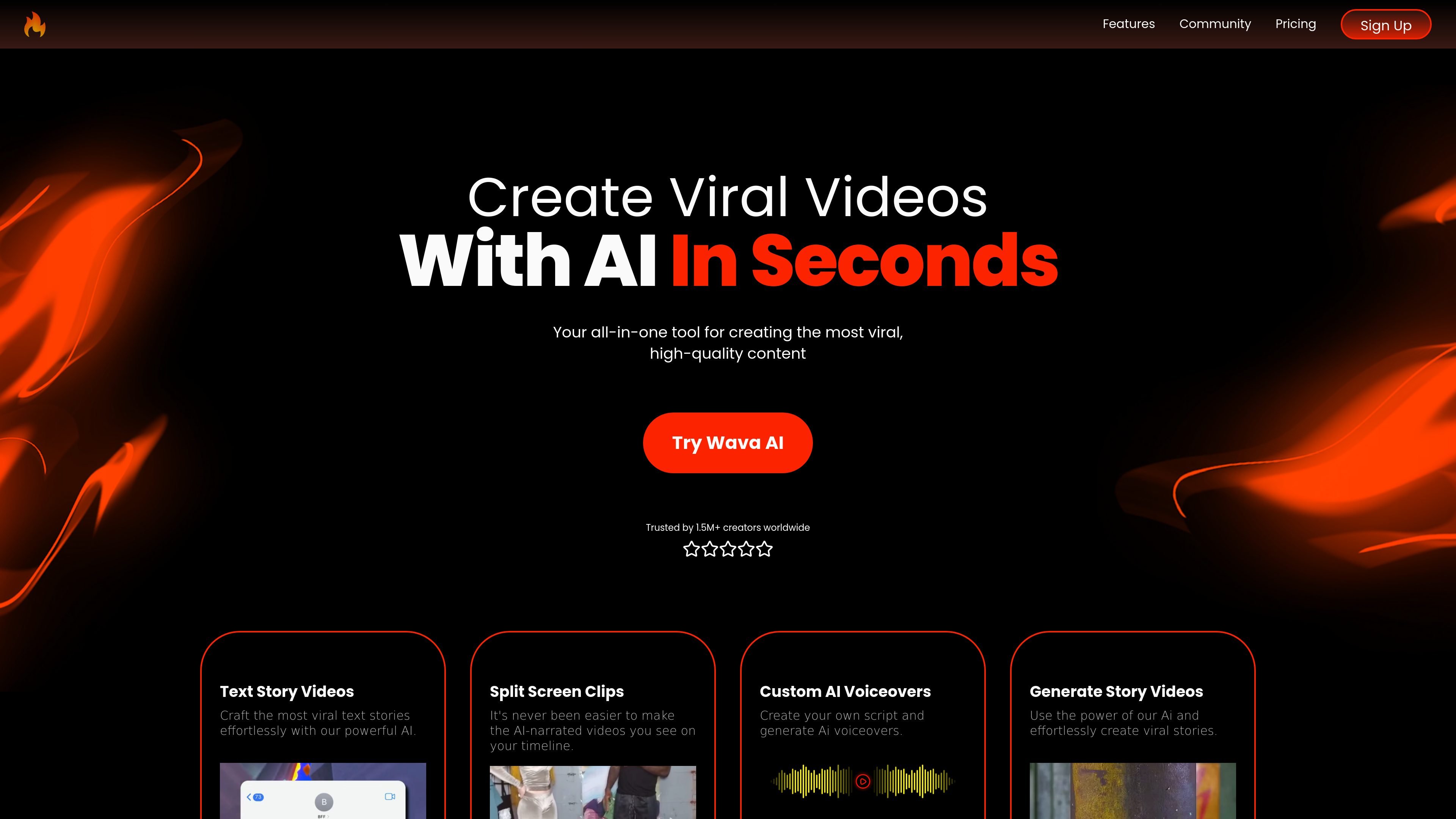
Wava AI is an AI video creation tool for making short-form, viral-style videos from text, scripts, and simple source assets. The home page describes it as an all-in-one tool for creating high-quality content in seconds, while the pricing page frames access as a subscription product with multiple plans.
The product’s core workflow centers on generating text story videos, split-screen clips, voiceover videos, and captions without requiring traditional video editing. Its register page reinforces that it is designed as a self-serve web app with email/password sign-up and Google login.
Create text-based story videos from written prompts using Wava AI’s story-focused generation flow.
Generate split-screen clips designed to match the short-form, AI-narrated style shown on social platforms.
Produce custom AI voiceovers from your own script, with support for text to speech and ElevenLabs voice over listed on the pricing page.
Add custom auto captions to generated videos for easier viewing and publishing.
Import images into the generation workflow so source visuals can be part of the output.
Use background video clips and faster generation settings that are called out in the pricing plans.
Creators can turn written ideas or scripts into short story-style videos without building each scene in a traditional editor.
Users making short-form social clips can assemble split-screen or narrated content that fits fast-scrolling feeds.
People who want spoken narration can generate AI voiceovers from their own scripts instead of recording audio manually.
Creators who want cleaner publishing output can add auto captions to videos as part of the generation workflow.
New users can register and start from the browser with email/password or Google sign-in, which suits self-serve setup.
Wava AI is presented as an all-in-one tool for creating viral videos. The pricing page and home page suggest it supports account-based access to video generation features, including text stories, split-screen clips, voiceovers, and auto captions.
The pricing page lists three plans: Wava Basic, Wava Pro, and Wava Elite. That indicates the product is available through paid subscription tiers rather than a fully free product.
The source does not describe a refund policy in detail, so readers should check the billing or support terms on the site before subscribing.
The home page positions Wava AI as a tool for creating videos without traditional editing workflows, and the FAQ explicitly asks whether video editing skills are required. Based on that positioning, it is aimed at users who want to produce clips without manual editing experience.
The home page and pricing page point to several formats, including text stories, split screen clips, story videos, voiceover-driven videos, and auto-captioned clips.