
Image-to-video generation
Generate talking videos from a single image and a text script, then render the photo as a speaking character with lip sync and facial movement.

VisionStory is an AI video platform for creating talking avatar videos, video podcasts, and presentation videos from photos, scripts, and audio. It supports emotion control, voice cloning, multilingual voices, and green-screen output.
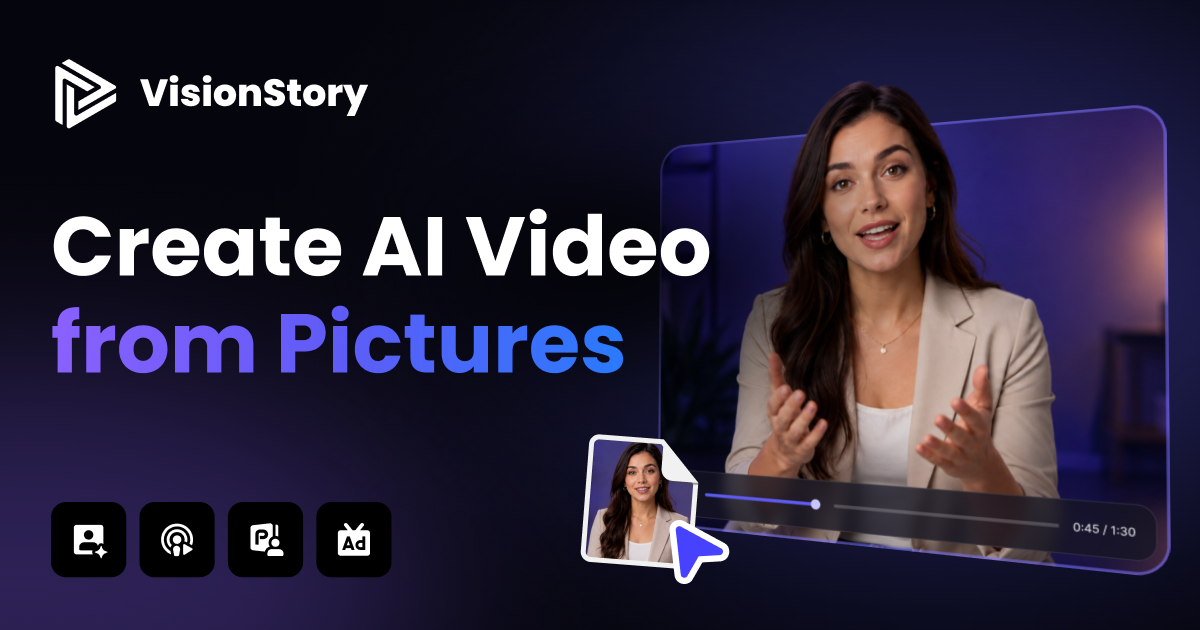
VisionStory is an AI video platform for turning photos, scripts, and audio into talking avatar videos, video podcasts, presentations, and related campaign content. The site positions it as a fast way to create lifelike speaking videos from a single image and text, with controls for emotion, voice, and background.
The product is aimed at creators, marketers, educators, and teams that need structured video content without traditional filming. Its pages show workflows for image-to-video generation, podcast repurposing, PowerPoint-to-video output, and green-screen rendering, along with subscription plans that scale from a free tier to paid usage and an enterprise option.
Generate talking videos from a single image and a text script, then render the photo as a speaking character with lip sync and facial movement.
Choose emotion presets such as cheerful, angry, singing, marketing, and news to shape the tone of the generated video.
Localize scripts in 30+ languages and use AI voices, with the homepage also highlighting voice cloning and 200+ voices.
Create video podcasts from uploaded audio, add speaker roles and backgrounds, and generate storyboard-based podcast videos.
Enable a green screen background for later editing in tools such as CapCut by generating video with a solid green backdrop.
Work with longer renders and higher-resolution exports depending on plan, including up to 10-minute videos and 1080p or 2K output on higher tiers.
Turn a portrait, selfie, or character image into a talking video for a short explainer, social post, or branded message. The workflow centers on uploading one image and a script, then choosing an emotion that fits the message.
Repurpose podcast audio into a visual format by uploading a recording, assigning speaker roles, selecting backgrounds, and generating a storyboard-based episode video.
Convert slide decks into avatar-led video content by uploading PowerPoint material and adding voiceover-style narration and motion for presentations or training.
Produce localized versions of the same message by translating or generating speech in multiple languages and using cloned or platform voices for consistent delivery.
Create green-screen video assets that can be inserted into editing software for ads, product showcases, storytelling, or other campaign use.
Users upload an image or photo, add a script, and VisionStory generates a talking video with lifelike facial expressions and speech. The AI video page describes this as turning a single image and text into a talking video.
The feature page says users can choose emotion presets such as cheerful, angry, singing, marketing, and news to match the tone of the video.
The video podcast page supports uploaded audio files in MP3 and WAV formats, and also mentions podcasts generated from Google NotebookLM output. Users can add photos, choose a background, assign roles, and then generate a storyboard and final video.
Green Screen is available on Pro Plan or higher. The page says it adds a solid green background for post-production editing, and using it costs 1 additional credit per minute of video with a minimum charge of 1 credit.
The pricing page shows a Free plan, paid subscription tiers, and an Enterprise option. It also lists commercial use on Pro and higher plans, while the video podcast page says final video podcast generation requires a Pro Plan or higher.