
AI humanizer workflow
Paste AI-generated text into the humanizer and generate rewritten output designed to be less detectable while keeping the original meaning.

Uncheck AI is a web-based AI checker and humanizer that rewrites AI-generated text and compares it with multiple detectors. Free and paid plans available.
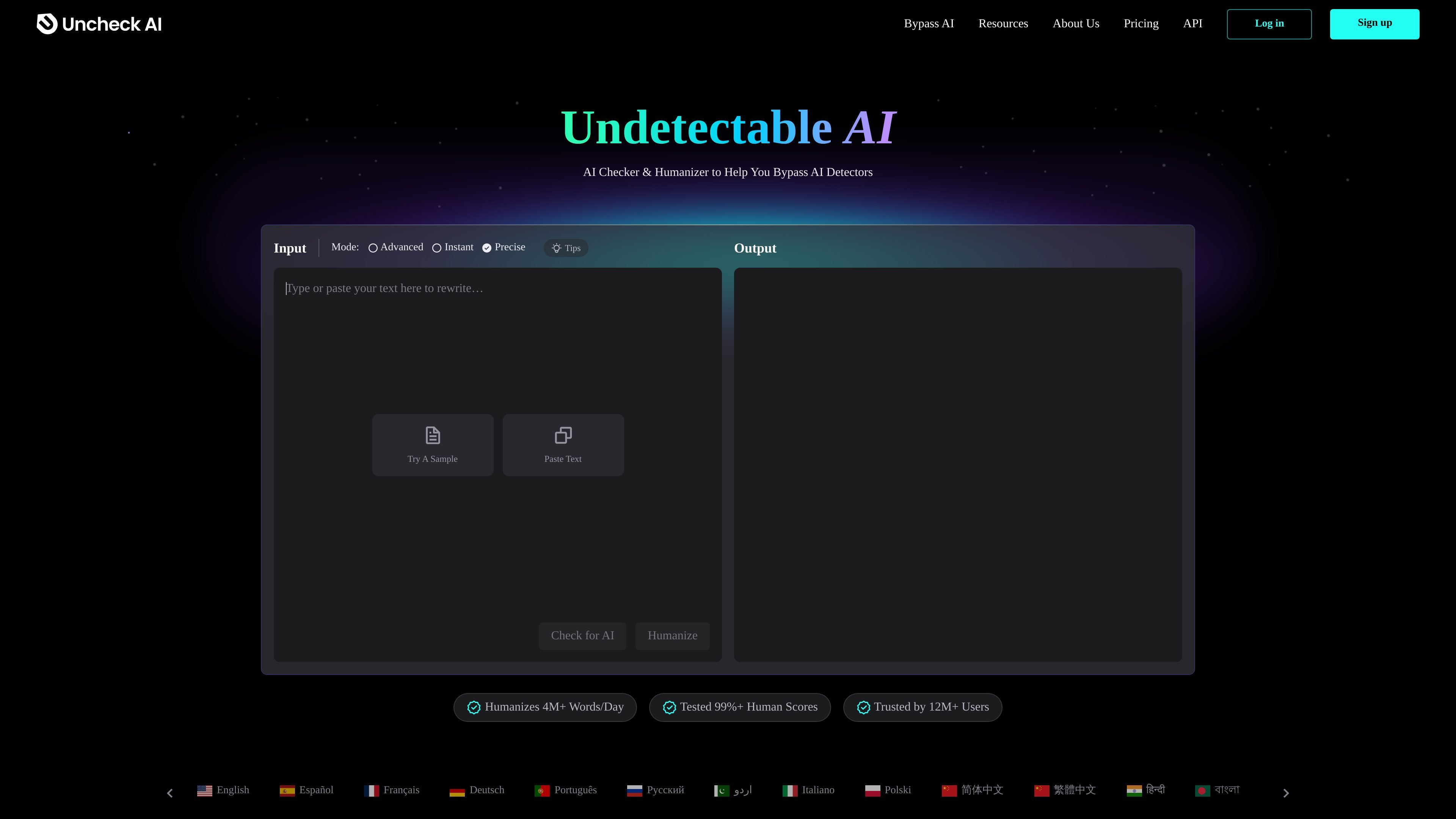
Uncheck AI is a web-based AI checker and humanizer built to help users rewrite AI-generated text so it is harder for detection tools to flag. The home page presents it as an undetectable AI writer that can scan AI content, rewrite it in one click, and return humanized text while keeping the original meaning.
The product is positioned around two main workflows: checking text against multiple detectors and humanizing text with selectable modes such as Advanced, Instant, and Precise. The pricing page confirms a free tier and paid plans with word-based limits, while the site also shows examples, language options, and a guided three-step process for entering text, starting rewriting, and retrieving the output.
Paste AI-generated text into the humanizer and generate rewritten output designed to be less detectable while keeping the original meaning.
Review text against several detectors from one place, including GPTZero, Copyleaks, ZeroGPT, and more.
Use the visible modes on the site—Advanced, Instant, and Precise—to control how the humanization workflow runs.
Choose from a displayed set of languages for input or output support, including English, Spanish, French, German, Portuguese, Russian, Arabic, and many more.
Review pricing plans with monthly word limits and per-process caps on paid tiers, plus a free plan for limited use.
The site states that outputs are intended to be readable, error-free, plagiarism-free, and close to the original meaning.
Writers can paste in AI-generated drafts and use the humanizer to produce text that reads more naturally while preserving the original message.
Users who want a quick AI check can compare results from several detectors in one session instead of testing text manually across separate sites.
Students, bloggers, and marketers who need a simpler workflow can use the three-step interface shown on the site to move from text input to rewritten output.
People evaluating how resistant their copy is to detector flags can use the GPTZero-focused guide and the on-page examples to understand the product’s intended use.
Users who work in multiple languages can use the multilingual interface shown on the home page to access the product in a wide range of languages.
Uncheck AI is presented as an AI checker and humanizer. The workflow shown on the site is to paste AI-generated text, choose a mode such as Advanced, Instant, or Precise, and then generate humanized output that is intended to be harder for detectors to flag.
Yes. The pricing page lists a free plan with 150 words per month and 100 words per process, alongside paid tiers.
The home page shows input modes labeled Advanced, Instant, and Precise, and the GPTZero guide highlights a Precise mode in the embedded tool. The source material does not fully explain how each mode differs.
The site says Uncheck AI includes a built-in AI checker that can return results from multiple detectors at once, including GPTZero, Copyleaks, and ZeroGPT.
The source does not provide a documentation page for API access or integrations, so only the web product and browser-based workflow are confirmed.