
Online video and audio downloading
Download online video and audio from a broad set of sites, including YouTube, TikTok, Facebook, and Twitter, to a PC or Mac for offline use.

SurFast Video Downloader by Nabla Mind downloads online video and audio on Windows and Mac, converts videos to MP3, and extracts audio from local videos.
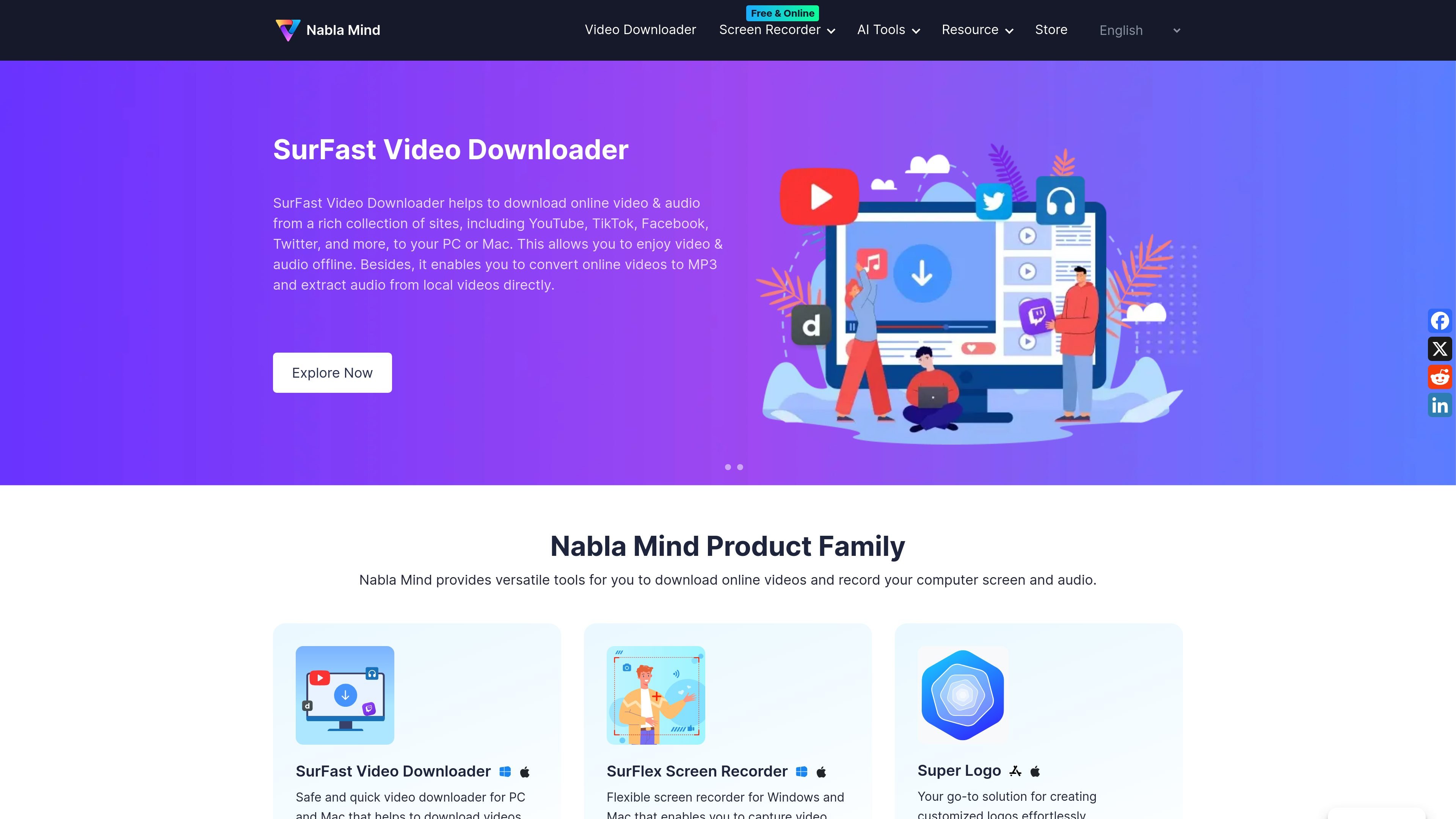
SurFast Video Downloader is Nabla Mind’s desktop tool for downloading online video and audio on Windows and Mac. The product page says it can pull media from a wide range of sites, including YouTube, TikTok, Facebook, and Twitter, so users can save content for offline access.
The software also supports converting online video to MP3 and extracting audio from local videos. For protected or account-based content, the support center describes a Private feature that uses the in-app browser for signing in before downloading, and notes that some outputs depend on the source website’s available formats and quality.
Download online video and audio from a broad set of sites, including YouTube, TikTok, Facebook, and Twitter, to a PC or Mac for offline use.
Convert online videos to MP3 and extract audio from local videos, giving the app a separate audio-focused workflow.
Use the Private feature and in-app browser sign-in for downloads that require account access, including some membership-only or private videos.
Choose quality and save path in the download window after the app analyzes a video link, so the output can be set before downloading.
Supports over 1,000 websites according to the support center, with a separate supported-sites list available on the company website.
Works on both Windows and Mac, matching the product pages that describe desktop versions for each platform.
Save streaming or social videos from supported websites to a computer so they can be watched without an internet connection.
Convert a downloaded clip into MP3 when the goal is to keep only the audio track.
Download protected or account-based videos by signing into the right account in the Private panel before pasting the link or selecting the content.
Choose output quality and storage location before starting a download to keep files organized for later review.
Record or reference workflow guidance from the support center when a site, activation step, or download attempt does not behave as expected.
SurFast Video Downloader is designed to download online video and audio from a wide range of supported websites, including YouTube, TikTok, Facebook, and Twitter. It also supports converting online video to MP3 and extracting audio from local videos.
The support center says SurFast Video Downloader supports over 1,000 websites. It also notes that you can check the list of supported sites on the Nabla Mind website.
For protected content, the support center says to use the Private feature and sign in to the correct account from the in-app browser. For Udemy specifically, you need SurFast Video Downloader v2.8.0 or later, and only DRM-free videos can be downloaded.
The support center says you can choose the video quality in the download window after the program analyzes the video address. Available output formats depend on what the source website provides.
The support center says payment methods include Credit Card and PayPal, with Apple Pay and Google Play also supported for some lifetime plans. It also states that licenses are delivered by email after purchase.