
Text-to-video creation
Turn written content into a storyboard and then into a finished video, or build scenes frame by frame when you want more manual control.

Storykit is a video automation platform that turns text and existing content into branded videos for marketing, social media, HR, sales and internal communications.
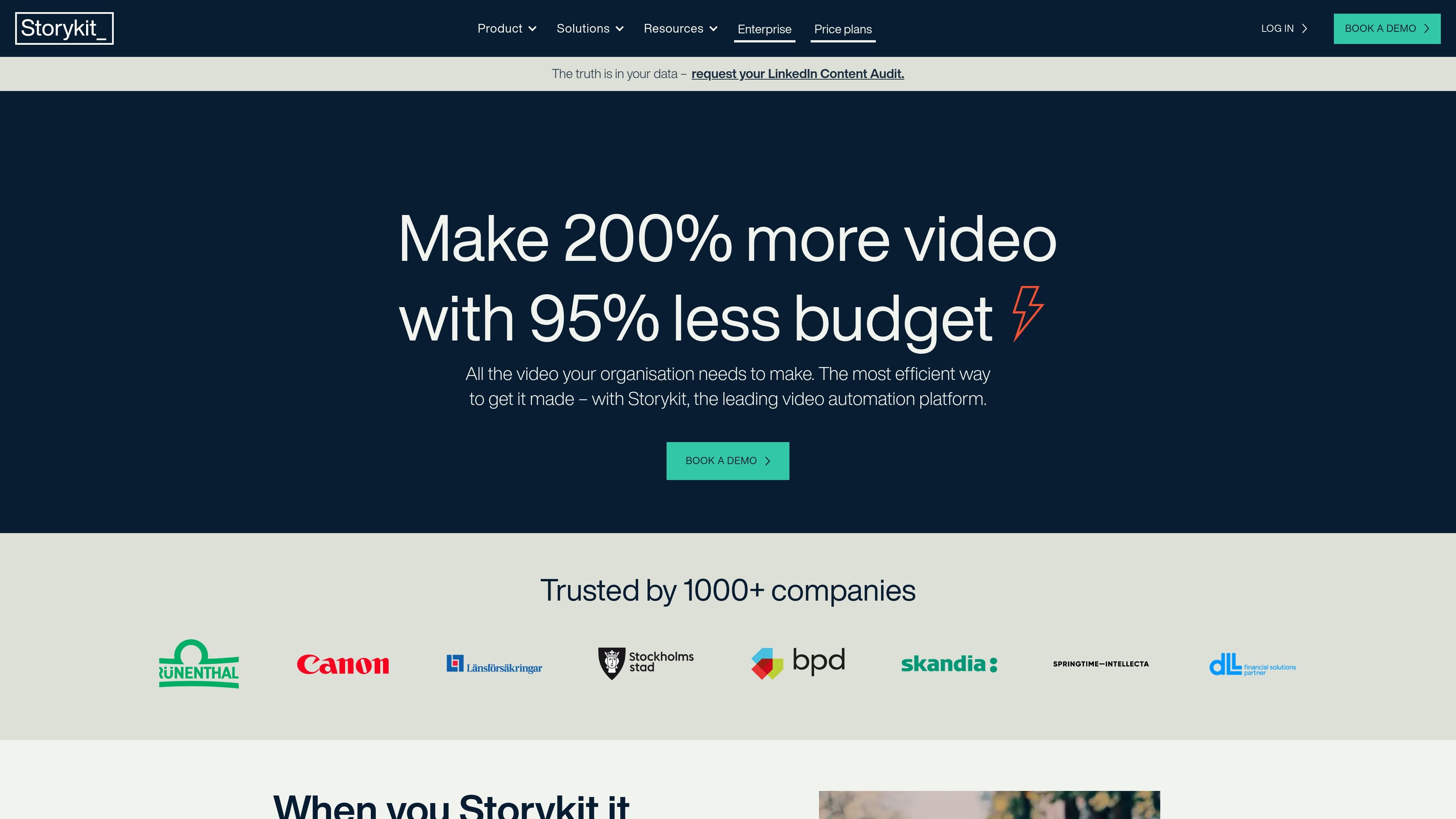
Storykit is a video automation platform for teams that need to create a lot of video without relying on traditional editing workflows. Its site positions the product as a way to make videos from text and existing content, with AI support, brand controls, and automation options that help turn one source into many channel-ready outputs.
The platform is aimed at marketing, social media, sales, HR, and internal communications teams, as well as organisations that want to embed video creation into existing tools through the Storykit API. The source also describes features for templates, localisation, automated subtitles, transcription, and collaborative workflows, suggesting a focus on repeatable production at scale.
Turn written content into a storyboard and then into a finished video, or build scenes frame by frame when you want more manual control.
Use AI-assisted guidance to shape scripts, suggest pacing, layout, media, and animations, or apply templates and directives to steer the output.
Reformat a master video for different channels, update branding or messages in a click, and localize text into other languages from the same source video.
Apply brand colours, fonts, logo placement, and brand-approved themes so videos stay consistent across teams, markets, and products.
Pull from a royalty-free image, film, and music library, or add your own media assets and keep them organized for reuse.
Use the Storykit API or Feeds to automate video creation inside other workflows, so video can be generated from systems like a CMS, ATS, or Slack.
Marketing teams can turn articles, newsletters, and other approved content into a steady flow of social videos, then reformat them for different channels without rebuilding each version from scratch.
HR and internal communications teams can create branded videos for recruitment, employer branding, announcements, and employee updates without needing a dedicated editor.
Sales and corporate communication teams can reuse scripts, existing assets, and brand themes to produce polished videos for presentations, campaigns, and stakeholder communication.
Organisations with product or content systems can add video creation to their CMS, ATS, or Slack workflow through the API so employees generate videos where they already work.
Teams working across countries or business units can update text, branding, and language from a master video to adapt one message for multiple markets.
Storykit is designed to let teams create videos from text, scripts, and existing content with minimal editing work. The source describes workflows such as pasting text into a storyboard, using AI-assisted text-to-video, and creating videos through API or Feeds automation.
The product pages describe use across digital marketing, sales, social media, HR, internal communications, and corporate communication, with output that can be adapted for different platforms, formats, languages, and brand themes.
The site says Storykit includes automatic AI text-to-video, animations, styling and transitions, a royalty-free image, video, and music library, easy-apply branding themes, creative and brand controls, and no watermarks. It also says videos can be reformatted for channels and localized from one master video.
The pricing page confirms Storykit has pricing plans, but the supplied source text does not include exact prices, tier names, seat counts, or usage limits.
The API page says Storykit can integrate automated video creation into other platforms and workflows, and mentions use with tools such as ATSs, CMSs, and Slack. The source does not provide a full integrations list.