
Instant voice transcription
Record spoken input and convert it into text in a single step. The home page describes instant voice-to-text for voice notes, brainstorming, and day-to-day note capture.

SpeakApp AI is a speech-to-text app for voice notes, meetings, lectures, summaries, rewriting, translation, and export in common formats.
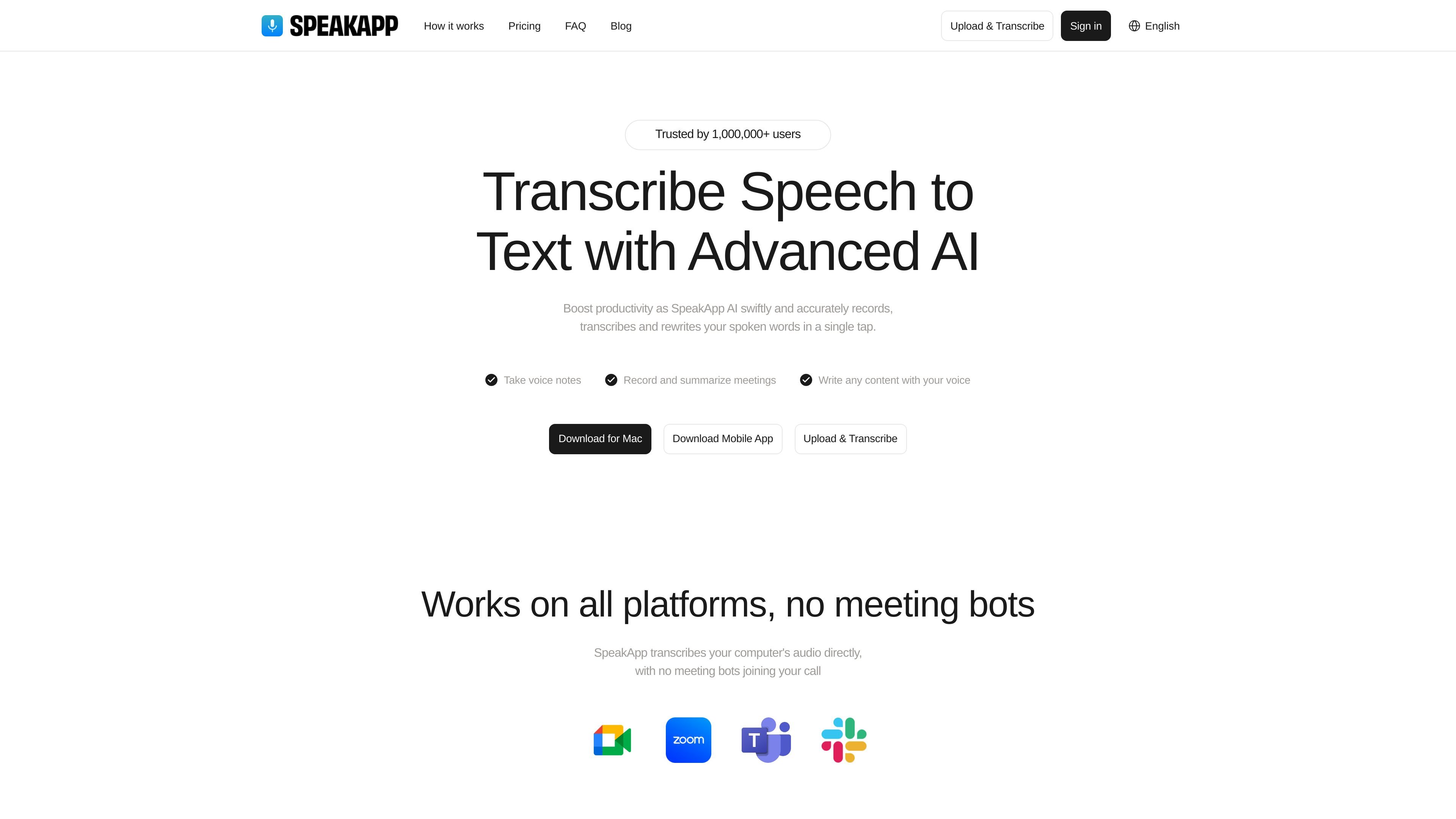
SpeakApp AI is a speech-to-text app that records spoken audio and turns it into transcripts, summaries, and rewritten text. The home page positions it as a tool for voice notes, meetings, lectures, and other spoken content.
The product also supports importing recordings, transcribing YouTube videos, and applying AI filters to refine the output. Its update log adds workflow features such as bot-free Mac meeting recording, folders, bulk selection, export options, and Siri support.
Record spoken input and convert it into text in a single step. The home page describes instant voice-to-text for voice notes, brainstorming, and day-to-day note capture.
Generate concise summaries and bullet points from recorded discussions. The product page highlights instant summarization and clear meeting recaps.
Rewrite spoken content and change tone using AI editing tools. The site describes AI editing in one tap and filters for writing emails and other content with your voice.
Import recordings from other apps or upload files for transcription. The homepage shows both upload/transcribe and import recording workflows.
Record meetings on Mac without inviting a bot to the call. The update log says the Mac extension works with Zoom, Google Meet, Teams, and browser-based webinars.
Organize transcripts with folders and export them as PDF, Word, or plain text. The update log also mentions Siri commands and bulk selection for managing recordings.
Capture ideas, reminders, or rough thoughts by speaking instead of typing, then convert them into a transcript you can refine later.
Record meetings and review the transcript, summary, and key points afterward. The site highlights direct computer-audio transcription and a Mac recorder for common meeting platforms.
Transcribe lectures or other long-form spoken content and use the output as study notes or reference text.
Import audio recordings from another app or upload files you already have, then generate a transcript without re-recording the material.
Paste a YouTube link to create a transcript and then summarize, search, or ask questions about the content.
SpeakApp AI is designed to record speech and turn it into text, then let you summarize, rewrite, or translate the transcript inside the app.
The source shows support for Mac and a mobile app, and it also describes importing recordings from other apps or transcribing uploaded files.
It can create transcripts and summaries from meetings, lectures, voice notes, and YouTube videos, depending on the workflow described on the site and in the update log.
The product page says SpeakApp can transcribe your computer's audio directly without meeting bots joining the call, and the update log adds a Mac recorder for Zoom, Google Meet, Teams, and browser-based webinars.
The site says transcriptions can be exported as PDF, Microsoft Word files, or plain text, and the update log also mentions sharing takeaways from meeting transcripts.