
Document workspace
Write, organize, and verify documentation in one workspace, with unlimited docs and file uploads included in the basic pricing tier.

Slite is an AI knowledge base for teams to keep docs current, search answers across connected tools, and verify content in one workspace.
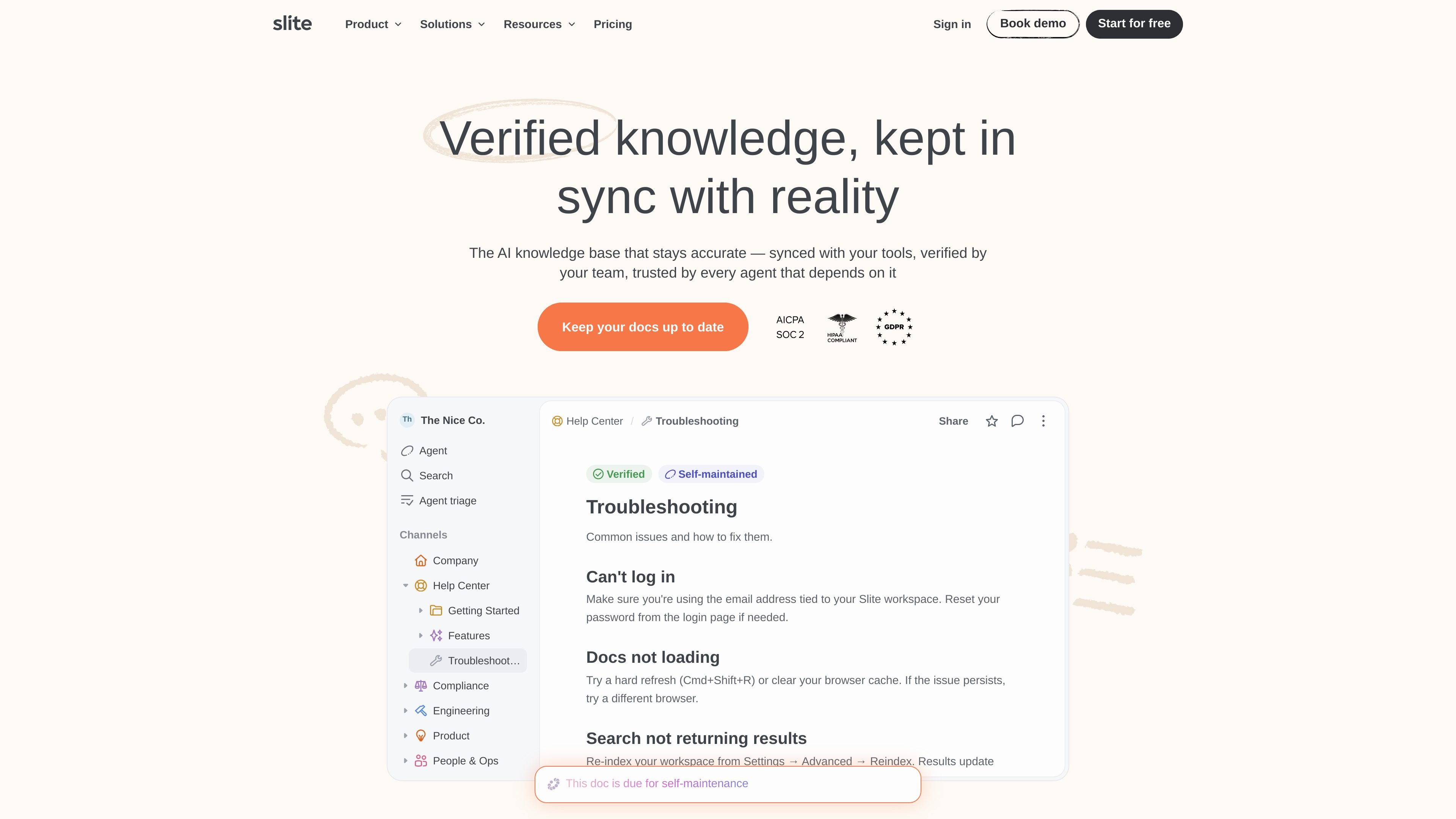
Slite is a self-maintaining AI knowledge base for teams that need internal documentation to stay current. It combines document writing, AI search, verification workflows, and connected-tool data so people can create docs and keep them accurate over time.
The product is positioned around reducing repetitive questions and stale documentation. Slite’s pages describe it as a place to write and organize docs, ask for answers across connected sources, and review outdated content from a central knowledge management panel.
Write, organize, and verify documentation in one workspace, with unlimited docs and file uploads included in the basic pricing tier.
Use Ask to get answers from Slite docs, and the knowledge-base pages say it can synthesize responses from connected tools with citations.
Track which docs need attention, review them in bulk, and use suggested fixes to keep content current as teams and tools change.
Create docs with AI-assisted writing, including support for turning rough notes into more complete documentation and filling in details from connected sources.
Connect Slite with external tools through integrations, public API access, MCP access, and authenticated embeds so information can flow between systems.
Control access with doc permissions, reader-only seats, OpenID SSO, SCIM provisioning, audit logs, and workspace-level sharing controls on higher tiers.
Operations, product, or support teams can keep internal procedures, policies, and runbooks in one place while using verification to flag stale pages before they cause confusion.
Team members can ask questions and get synthesized answers from docs and connected tools instead of digging through files or pasting the same links repeatedly.
Editors can draft from scratchpad notes, then refine the result with AI and source material pulled from connected tools like Slack, GitHub, Linear, and Google Docs.
Knowledge managers can review outdated pages in bulk, apply suggested fixes, and use analytics to see which documents people are reading or searching for.
Companies migrating from another system can import knowledge bases from Notion, Confluence, Google Docs, or Markdown while preserving structure and formatting.
Yes. Slite offers a 14-day free trial that starts when you sign up, and you can explore the features included in the Basic and Pro plans without entering a credit card. During the trial, you can also book a demo with a Slite expert.
Slite is designed for teams that need a knowledge base that stays current. The source pages highlight use for writing and organizing docs, verifying content, searching across connected tools, and keeping information accurate as people and tools change.
Yes. The source mentions importers for Notion, Confluence, Google Docs, and Markdown files, with content structure and formatting preserved. It also describes integrations with connected tools and API access.
The pricing page says enterprise customers get advanced security and controls, audit logs, an SLA, dedicated account manager, priority support, custom agent sources, migration and onboarding support, and SCIM. The knowledge-base page also mentions SSO and MFA, plus granular permissions.
Slite says its Ask feature answers from your actual knowledge base content and cites sources for each answer. The product pages also note that verified docs rank higher, and that the Knowledge Management panel helps teams review outdated content in bulk.