
Text-to-image generation
Generate images from text prompts with Shakker Generator, which is presented as a browser-based AI image generator for producing visual concepts quickly.

Shakker AI is a web-based AI image generator for turning text prompts into visuals, with online ComfyUI and A1111 workflows. Create, refine, and export images without local setup.
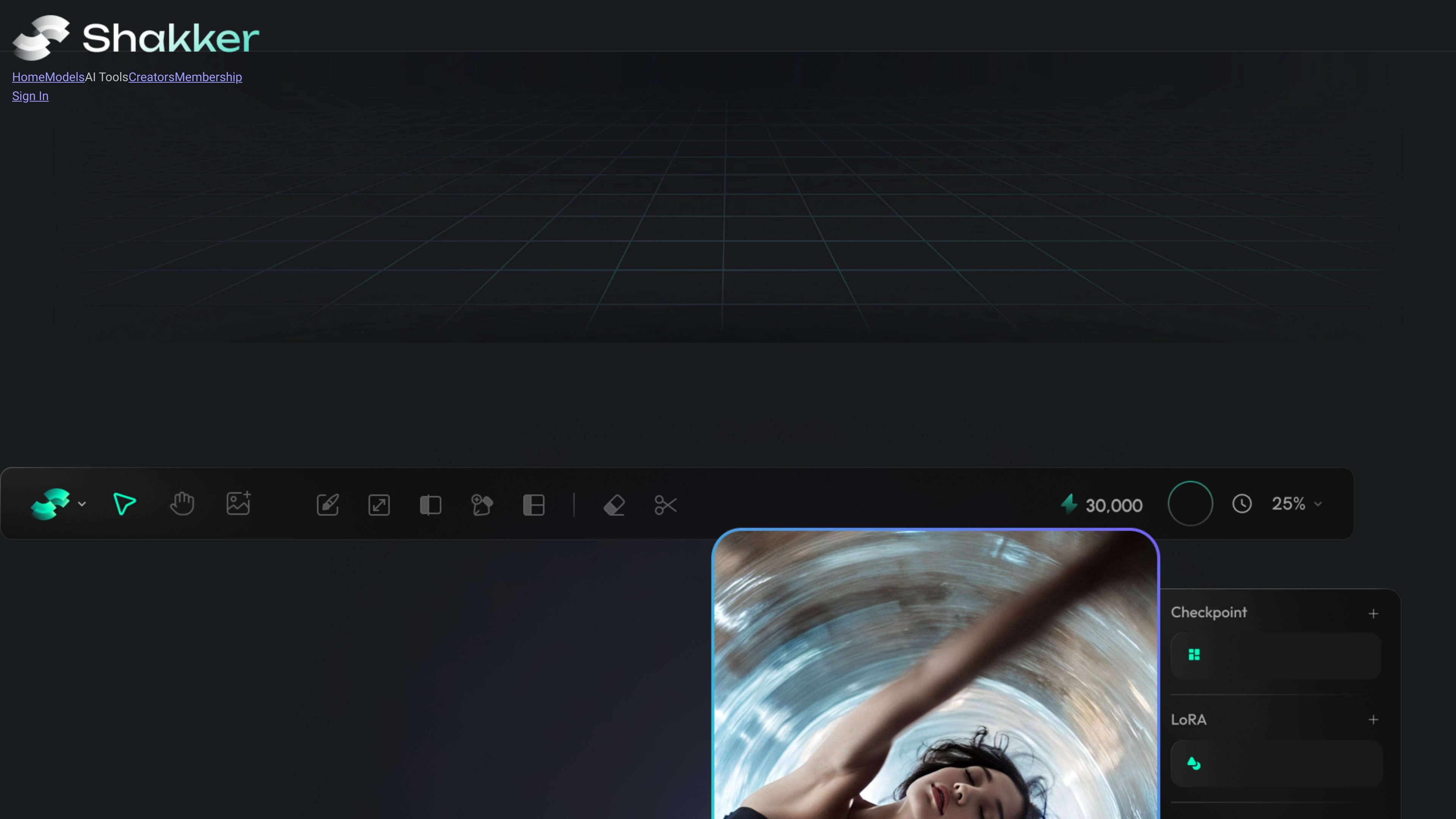
Shakker AI is an online AI image generation platform centered on Shakker Generator and related workflows such as Online A1111 WebUI and Online ComfyUI. It turns text prompts into images and presents itself as a browser-based tool for creating and refining visual content.
The site positions the product for a range of creative tasks, from illustrations and concept art to logos, product visuals, social content, and game assets. Its pages also describe workflow customization, model selection, and editing tools such as inpainting and upscaling for users who want more control over the output.
Generate images from text prompts with Shakker Generator, which is presented as a browser-based AI image generator for producing visual concepts quickly.
Work with several named workflows, including Shakker Generator, Online A1111 WebUI, Online ComfyUI, and Online Training, so different creator preferences can use the same platform.
Use Stable Diffusion-based ComfyUI online without local installation, with support for custom nodes and import of local workflows into the browser interface.
Refine generations with editing-oriented capabilities mentioned in the source, including inpainting, upscaling, negative prompts, batch processing, and real-time preview.
Create outputs in different visual styles and categories such as illustration, photography, logo and icon work, product design, architecture, concept art, game design, and space design.
Export results in common image formats and use the generator for both digital and print-oriented output, as described on the product page.
Designers, illustrators, and content creators can generate custom visuals from prompts and then refine them with editing tools and style controls.
Marketing teams can create social posts, campaign graphics, and ad visuals without starting from a blank canvas for each asset.
E-commerce teams can generate product images and lifestyle-style visuals for listings or promotional pages, based on the site’s product photography examples.
Game and entertainment teams can produce characters, environments, and concept art to support early-stage world building and asset exploration.
Users who already work with ComfyUI can move their local workflow into the browser-based interface and continue iterating online.
Yes. The source describes Shakker AI as a browser-based image generator, and the ComfyUI page says it runs online without local downloads or deployments.
The site describes multiple workflows, including Shakker Generator, Online A1111 WebUI, Online ComfyUI, Online Training, and tools such as free face swap and AI style transfer.
The generator pages describe text-to-image creation, image editing tools, inpainting, upscaling, negative prompts, and support for Stable Diffusion-based workflows.
The pricing page describes Shakker AI as free to use online, while also mentioning membership. The source does not provide detailed plan limits in the collected text.
The source says ComfyUI workflows can be adjusted with custom nodes and that local workflows can be imported into the online interface.