
AI flashcard generation
Generate flashcards from uploaded images, photos, PDFs, PowerPoints, textbooks, notes, or typed content so study sets can be created from existing material.

Revisely is an AI learning resource platform that turns notes, documents, images, and other study materials into flashcards, quizzes, and structured notes. It is aimed at students, teachers, and professionals who want to review, practice, share, or edit content more efficiently.
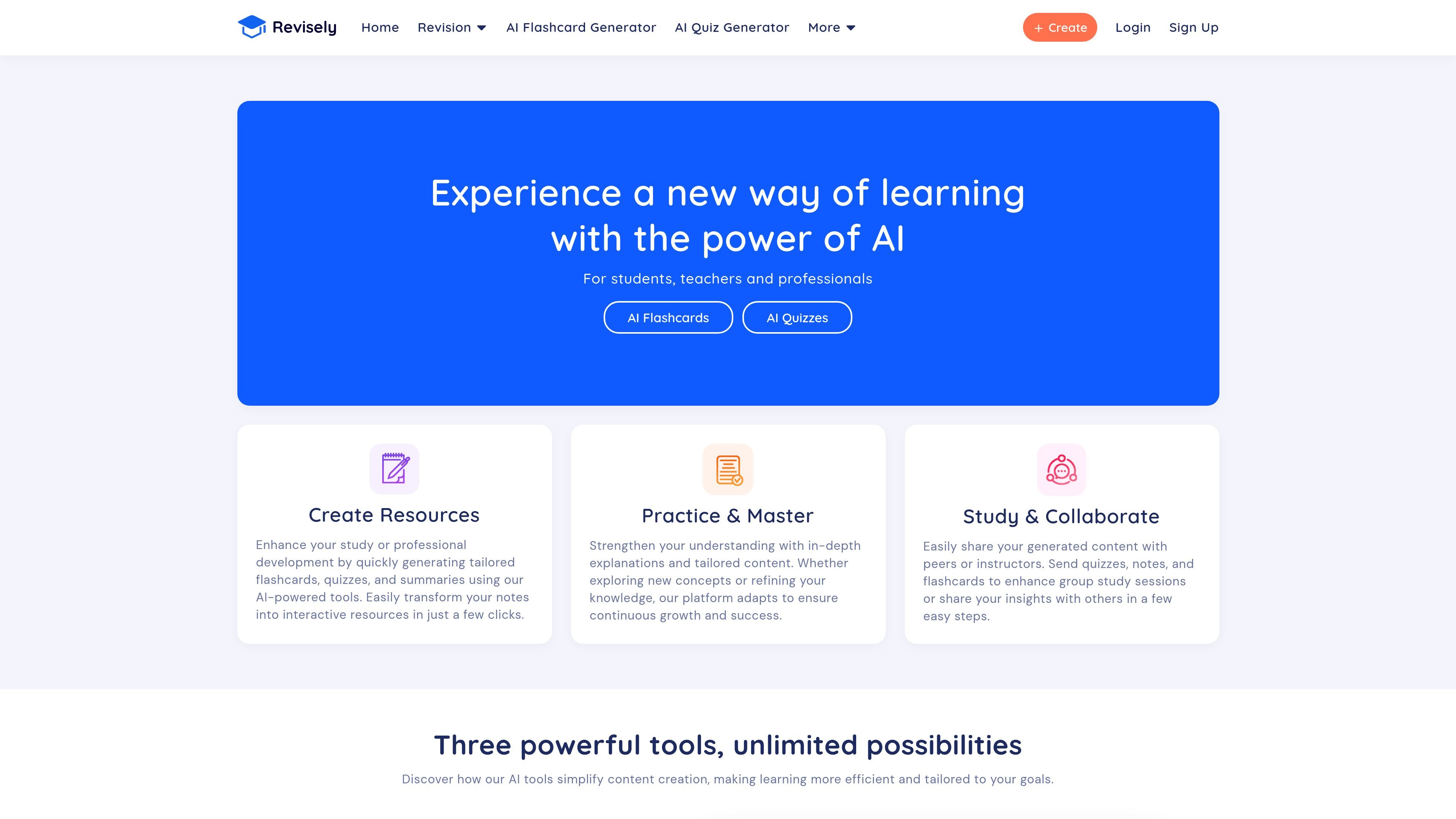
Revisely is an AI-powered learning resource platform with tools for students, teachers, and professionals. Its main products focus on turning source material into flashcards, quizzes, and notes that are easier to review, practice with, and share.
The site presents three core generators: an AI Flashcard Generator, an AI Quiz Generator, and an AI Notes Generator. Together, they support study workflows that start with uploaded documents, images, or text and end with formatted learning content, summaries, or edited writing.
Generate flashcards from uploaded images, photos, PDFs, PowerPoints, textbooks, notes, or typed content so study sets can be created from existing material.
Create quizzes from notes, textbooks, PDFs, PowerPoints, handwritten notes, or scratch-built content for practice and assessment.
Turn documents, notes, or videos into structured summaries and notes, with support for editing and rewriting text through the notes tool.
Use the notes generator to extend, shorten, rephrase, translate, change tone, adjust style, improve spelling and grammar, or combine edits in one workflow.
Review generated flashcards in exam mode and receive AI-generated feedback after testing yourself.
Share, print, or export flashcards, including support for Anki and other export targets mentioned on the flashcard page.
Turn lecture notes, screenshots, PDFs, or textbook pages into flashcards for quick recall practice before an exam.
Upload notes or course materials and generate quizzes for self-testing, classroom review, or assessment practice.
Summarize a document, image, or video into organized notes for faster review and cleaner study materials.
Use the notes tool to rewrite drafts, translate content, improve grammar, or adjust tone when preparing written work.
Share study sets with peers or instructors, or export flashcards for use in external tools such as Anki.
Revisely provides AI tools for generating flashcards, quizzes, and notes from uploaded materials such as images, PDFs, PowerPoints, textbooks, or written text.
The source pages describe free account creation and free tiers for the generators, with subscription plans available for higher limits and export features. The pricing page itself returns a 404, so a current plan page is not available from the provided sources.
The flashcard generator says you can upload an image, take a picture, provide a PDF, or use text content, and it supports document, text, image, and video options on the page.
The flashcard page mentions sharing, printing, export, and support for platforms like Anki. The notes generator says you can upload text, images, or documents and the tool will provide a customized summary or edit content with AI.
The homepage says generated quizzes, notes, and flashcards can be shared with peers or instructors, which suggests it is suitable for individual study and group review.