
Precision Eye Editor
Adjust eyebrow expression, eye movement, eyelid opening, and even subtle winks with fine-grained control over the eyes.

Reshot AI is a web-based AI photo editor for changing facial expressions, eye direction, and head pose in portrait images. It also offers a face expressions API and a free eye-direction tool.
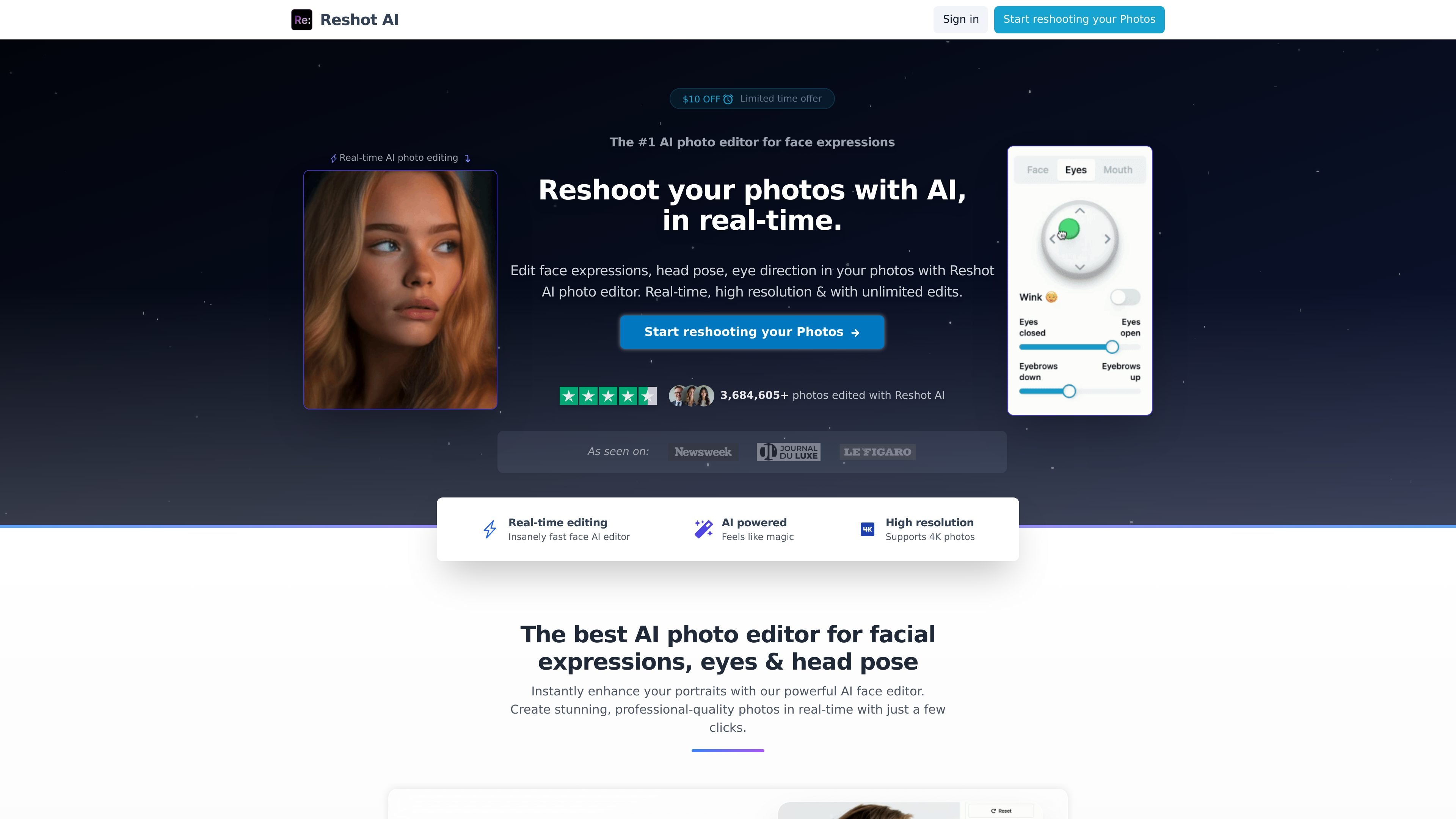
Reshot AI is an AI photo editor focused on facial expression changes, eye direction, and head pose. The product is positioned for people who want to reshoot or retouch portraits without rebuilding a photo from scratch.
The site presents the editor as a real-time workflow for creating multiple face variations from an uploaded image. It also offers an API for face-expression adjustments and lists a free eye-direction tool on its tools page.
Adjust eyebrow expression, eye movement, eyelid opening, and even subtle winks with fine-grained control over the eyes.
Shape the mouth and smile for more natural-looking expression changes in portraits.
Rotate and tilt the head with 3D controls to change pose and composition.
Generate edited versions in real time and review options quickly instead of waiting on a manual retouching workflow.
Work with high-resolution source images, including 4K photos according to the site.
Use the editing tools through the product site and the API page, which exposes a Face expressions API for integration.
Edit headshots or portrait photos when you need a different expression, eye direction, or head angle without shooting again.
Generate more expressive face crops for thumbnails, especially where a stronger gaze or smile may improve click-through rate.
Create face variations for avatars or AI-art workflows where pose and expression changes are part of the output.
Use the API to build expression-editing into a product workflow rather than handling each image manually in the browser.
Try a narrow free tool when you only need eye-direction edits and do not need the broader editor.
Reshot AI is an AI-powered photo editor focused on face expression editing. It lets you change eye direction, facial expressions, and head pose in uploaded photos.
The source describes a workflow where you upload a photo, choose the edits you want, and the AI generates multiple options. It also says results can be produced in under 30 seconds.
Yes. The site states that you have full commercial rights and ownership of the photos edited using the service.
The pricing page shows paid plans, including monthly and yearly options, and mentions unlimited photos and unlimited AI editing on the listed plans.
The API page lists a Face expressions API for adjusting expressions in images and a Normals Estimation API marked coming soon.