
Chat-driven rendering
Generate and improve architectural renders through a chat-based workflow that lets you describe changes in natural language.

Rendair AI is a web-based AI workspace for architects and designers to create, edit, upscale, and animate architectural visuals from text, sketches, plans, CAD, and 3D models.
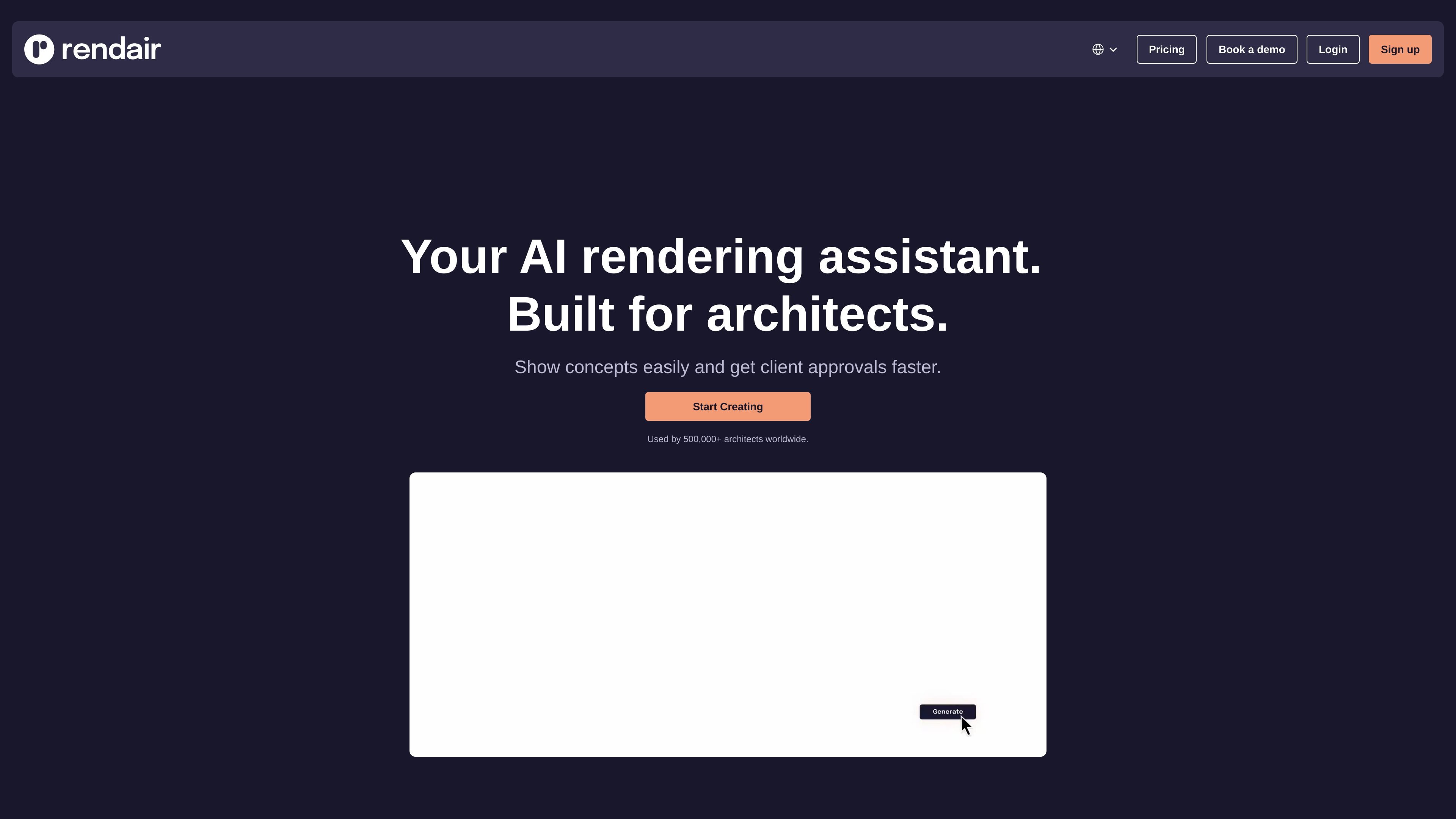
Rendair AI is an AI workspace for architects and designers focused on architectural visualization. It combines rendering, editing, upscaling, and animation tools in one platform so users can move from drawings or models to presentation-ready visuals without switching between separate apps.
The site positions the product around practical architectural workflows: text prompts, sketches, floor plans, sections, elevations, CAD, 3D models, and existing images can all feed into render generation or variation tools. The pricing page shows multiple subscription plans with credit-based usage for image creation, image editing, upscaling, and video generation.
Generate and improve architectural renders through a chat-based workflow that lets you describe changes in natural language.
Turn drawings, floor plans, sections, elevations, CAD files, 3D models, and images into rendered visuals with dedicated tools listed on the site.
Edit parts of an image or improve an existing render without starting over, based on the site’s create, edit, and adjust workflows.
Upscale renders to make them sharper and clearer for presentation, with a dedicated upscaling tool and plan quotas for upscale actions.
Convert static renders into video through the Animate/Video workflow, which is included on the pricing page as a separate credit-based action.
Generate photorealistic architectural visuals from drawings, sketches, floor plans, sections, elevations, CAD files, or 3D models when you need a faster path from concept to presentation.
Refine an existing render by changing specific parts of the image, improving the composition, or generating variations for a client review without redoing the full scene.
Sharpen and enlarge finished renders so they are easier to present in meetings, proposals, or portfolio materials.
Turn still architectural renders into videos or smooth animated visuals for walkthrough-style presentation content.
Use the platform’s team-oriented plans and commercial-license options when multiple people need to collaborate on architectural visualization work.
Rendair AI is an AI workspace for architects and designers that combines tools for creating, editing, upscaling, and animating architectural visuals in one platform.
The FAQ lists support for prompt language and architectural terms, but it does not provide a full language list or detailed setup instructions in the provided text.
The pricing page shows separate actions for text-to-image, image creation, image editing, upscaling, and video generation, and the FAQ also references credit costs for each tool action.
The FAQ includes a question about commercial use, which indicates that licensing and usage rights are addressed in the product help content, but the provided text does not include the full answer text.
The FAQ includes a question about confidentiality and data privacy, suggesting that Rendair documents how it handles private projects, but the provided text does not expose the full policy details.